74 • Operating Instructions SAM4S SPS-300 Series Electronic Cash Register AU
Quick EJ (Electronic Journal) Lookup
When the operator needs to find out the detail of the most recent transaction, a Quick EJ Lookup in
REG-Mode feature allows operator to print up to 99 lines EJ for a quick check. Please see Program
Mode Programming, Print Option Programming, pg 16(page 16) for detail.
1. In REG-Mode, when the last transaction
is finalised and the register is idle,
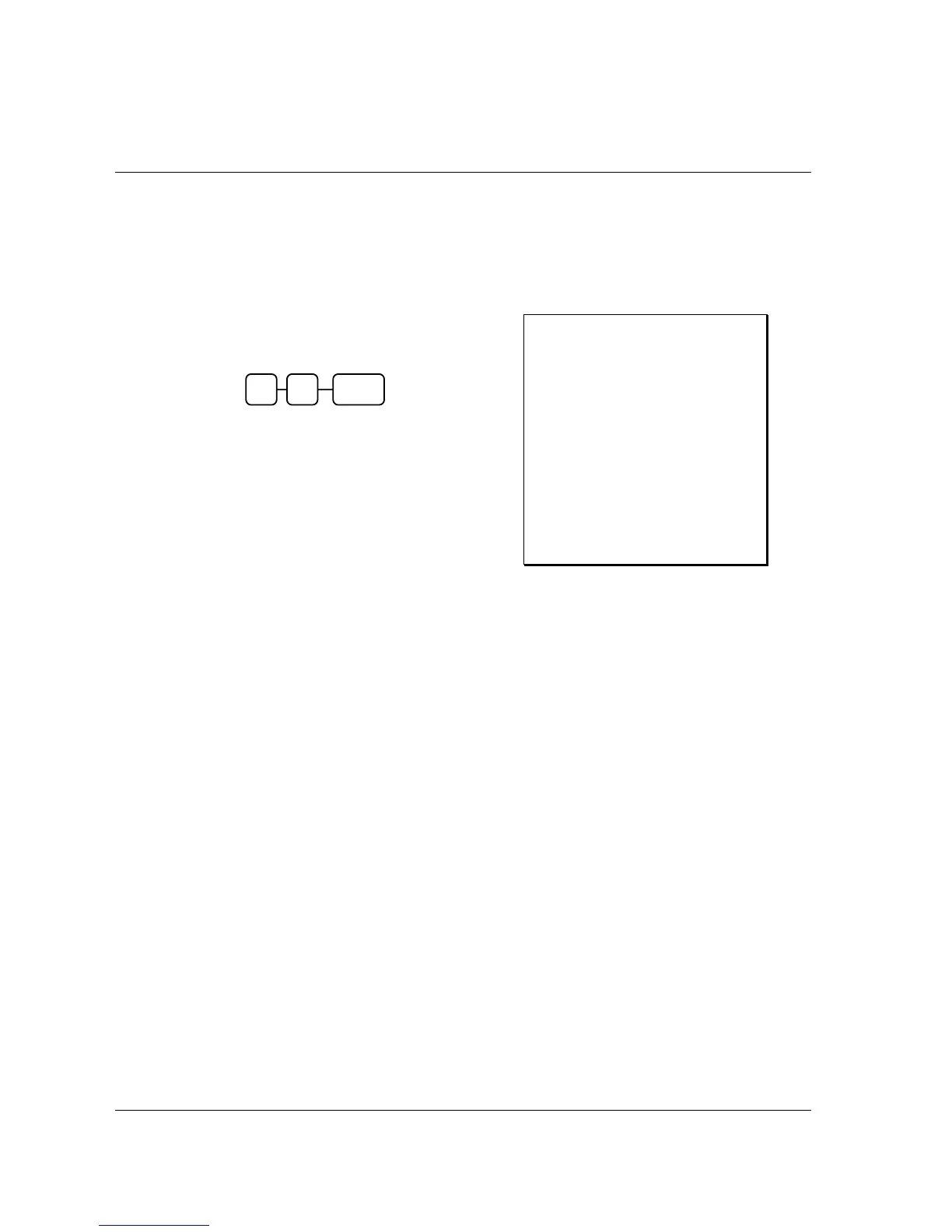
2. Press 1 0 then SUBTL,
3. A ticket of Electronic Journal with recent
transaction will print from the receipt
printer. (example shows recent 10 lines)
Receipt Example:
DATE 01/05/2012 TUE TIME 08:30
** PRINT EJ: LAST 10 LINES **
CHARGE1 $10.00
RA1 $30.00
CLERK 1 No.000047 00001
DATE 01/05/2012 TUE TIME 08:30
PO1
CASH -10.00
CHECK -10.00
CHARGE1 -10.00
PO1 -30.00
CLERK 1 No.000048 00001
CLERK 1 No.000049 00001
0 SUBTL 1



 To Next Page