SAM4S SPS-300 Series Electronic Cash Register AU Operating Instructions • 55
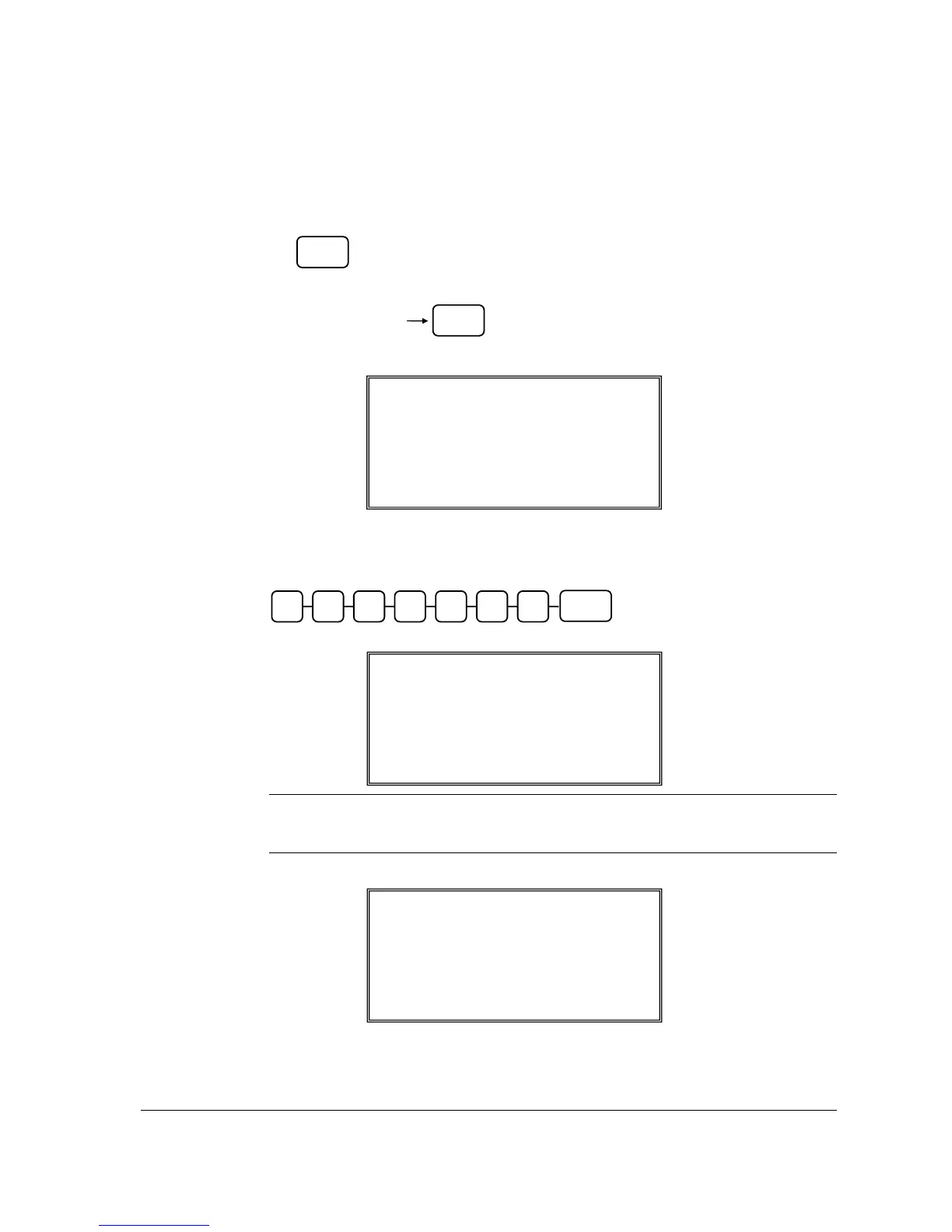
2. The screen below then appears. In SELECT COPY PLU, you can copy existing PLU
information and status by either:
• Press the PLU on the keyboard, or
• Enter up to 15 digit number of the PLU and press the PLU key, or
• For a barcode item, scan the barcode.
3. The left-pointed-arrow then jumps to PRICE for entering up to 7 digits of the item price.
Then press CASH key. Do not use the decimal key.
NOTE: Despite the Price Level setting in S-Mode, MEMORY ALLOCATION -> 7.
PRICE LEVEL, Not Found PLU procedure only requires price of Price Level 1
to be entered.
4. The new item is created and registered as the selected product.
REGISTER MODE
1 PLU32 T1 2.99
TAX 0.00 SUBT 2.99
NOT FOUND PLU PROGRAM ?
SELECT COPY PLU
32
PRICE: 2.99
Å
NOT FOUND PLU PROGRAM ?
SELECT COPY PLU
0
Å
PRICE: 0
PLU
Enter the PLU#,
up to 15 digits
PLU
CASH
Price/HALO



 To Next Page