158 • Program Mode Programming SAM4S SPS-300 Series Electronic Cash Register AU
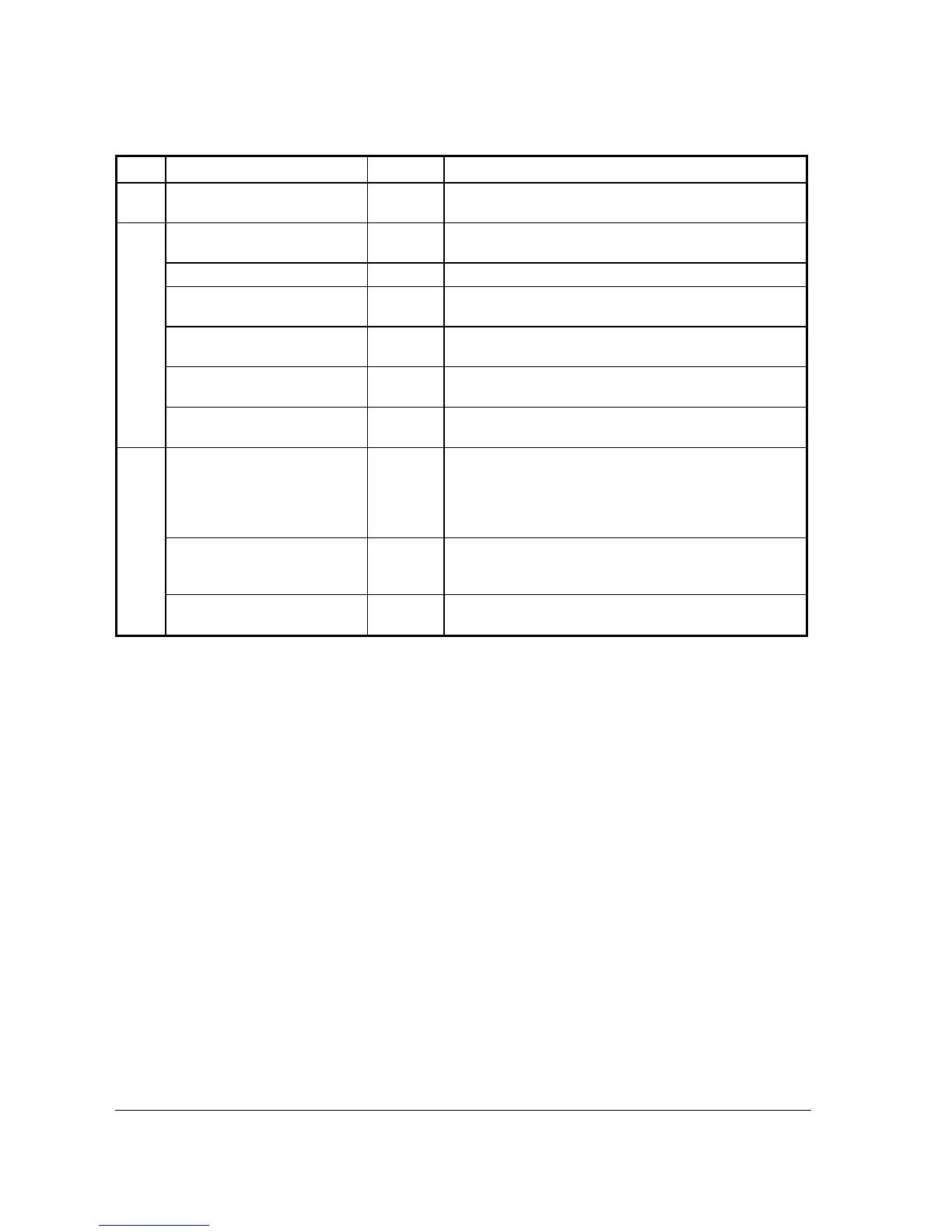
Page Field Value Description
PRINT ON DISPLAY
Y or N
Use this to determine if the PLU descriptor shows on the
display at the item registration.
5 PRINT ON CHECK
Y or N
Use this to determine if the PLU descriptor prints on the
Guest Check.
PRINT PRICE ON RECEIPT
Y or N
Use this to determine if the PLU price prints on the receipt.
PRINT PRICE ON CHECK
Y or N
Use this to determine if the PLU price prints on the Guest
Check.
DISABLE PROMO
Y or N
Use this to determine if block the PROMO function on this
PLU.
COUNTER NOT RESET
Y or N The sales counter can be reset after Z PLU Report. Set to Y
to “Not Reset” the counter.
PRESET OVERRIDE IN
MGR CONTROL
Y or N If PRESET OVERRIDE is Y, use this to limit the override
preset price operation only under manager’s authorisation.
6 LINK PLU
Up to 14
digit
numeric
When an additional PLU is always needed to be registered
following with this PLU, use this feature to register the
additional PLU automatically. Enter the PLU number of the
additional PLU here will activate this feature. Enter 0 to
unlink.
MIX&MATCH (1-99)
0
Enter a value (1-99) to link a PLU to a pre-programmed
MIX&MATC TABLE. Enter 0 to disable. See Z-Mode Æ
3.MIX & MATCH PROGRAM for detail.
DISABLE VOID & RETURN
Y or N Use to disable the VOID Mode return and RETURN
function in Register Mode on this PLU.



 To Next Page