3.8
SEL-787 Relay Instruction Manual Date Code 20081022
PC Software
Settings
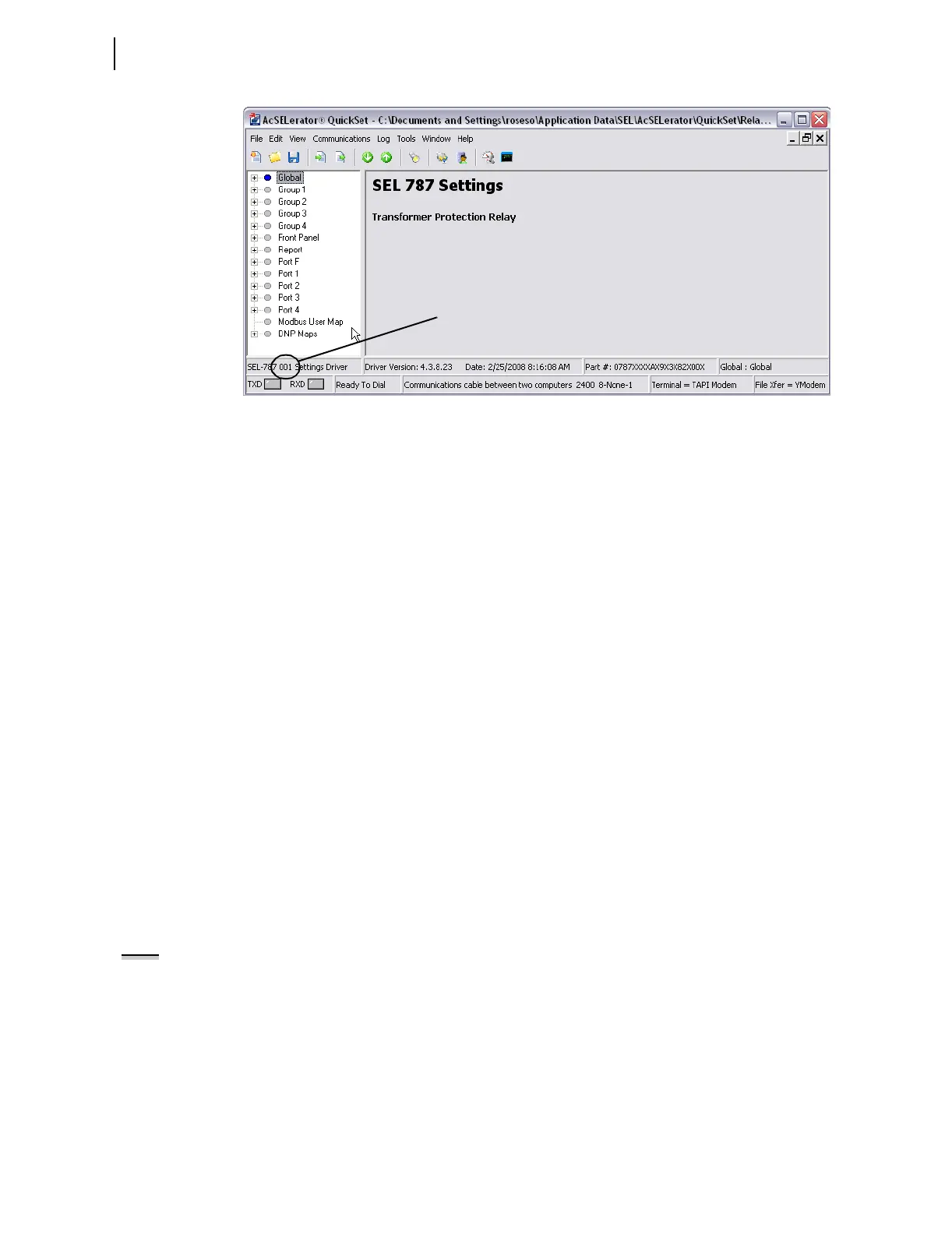
Figure 3.8 New Setting Screen
File > Open
The Open menu item opens an existing device from the active database folder.
ACSELERATOR QuickSet prompts for a device to load into the Settings
Editor.
File > Read
When the Read menu item is selected, ACSELERATOR QuickSet reads the
device settings from a connected device. As
ACSELERATOR QuickSet reads
the device, a Transfer Status window appears.
ACSELERATOR QuickSet uses
serial protocols to read settings from SEL devices.
Tools > Convert
Use the Convert menu item to convert from one settings version to another.
Typically, this utility is used to upgrade an existing settings file to a newer
version because devices are using a newer version number.
ACSELERATOR
QuickSet provides a Convert Settings report that shows missed, changed, and
invalid settings created as a result of the conversion. Review this report to
determine whether changes are required.
Settings Editor
(Editor Mode)
Use the Settings Editor (Editor Mode) to enter settings. These features
include the
ACSELERATOR QuickSet settings driver version number (the first
three digits of the Z number) in the lower left corner of the Settings Editor.
Entering Settings
NOTE: Setting changes made during
the edit session are not read by the
relay unless they are transferred to
the relay with a Send menu item.
Step 1. Click the + marks and the buttons in the Settings Tree View to
expand and select the settings you want to change.
Step 2. Use Tab to navigate through the settings, or click on a setting.
Step 3. To restore the previous value for a setting, right-click the mouse
over the setting and select Previous Value.
Step 4. To restore the factory default setting value, right-click in the
setting dialog box and select Default Value.
Z number



 To Next Page