Date Code 990430 Breaker/Recloser Monitor, Battery System Monitor, 8-3
Metering, and Load Profile Functions
SEL-351P Manual Técnico
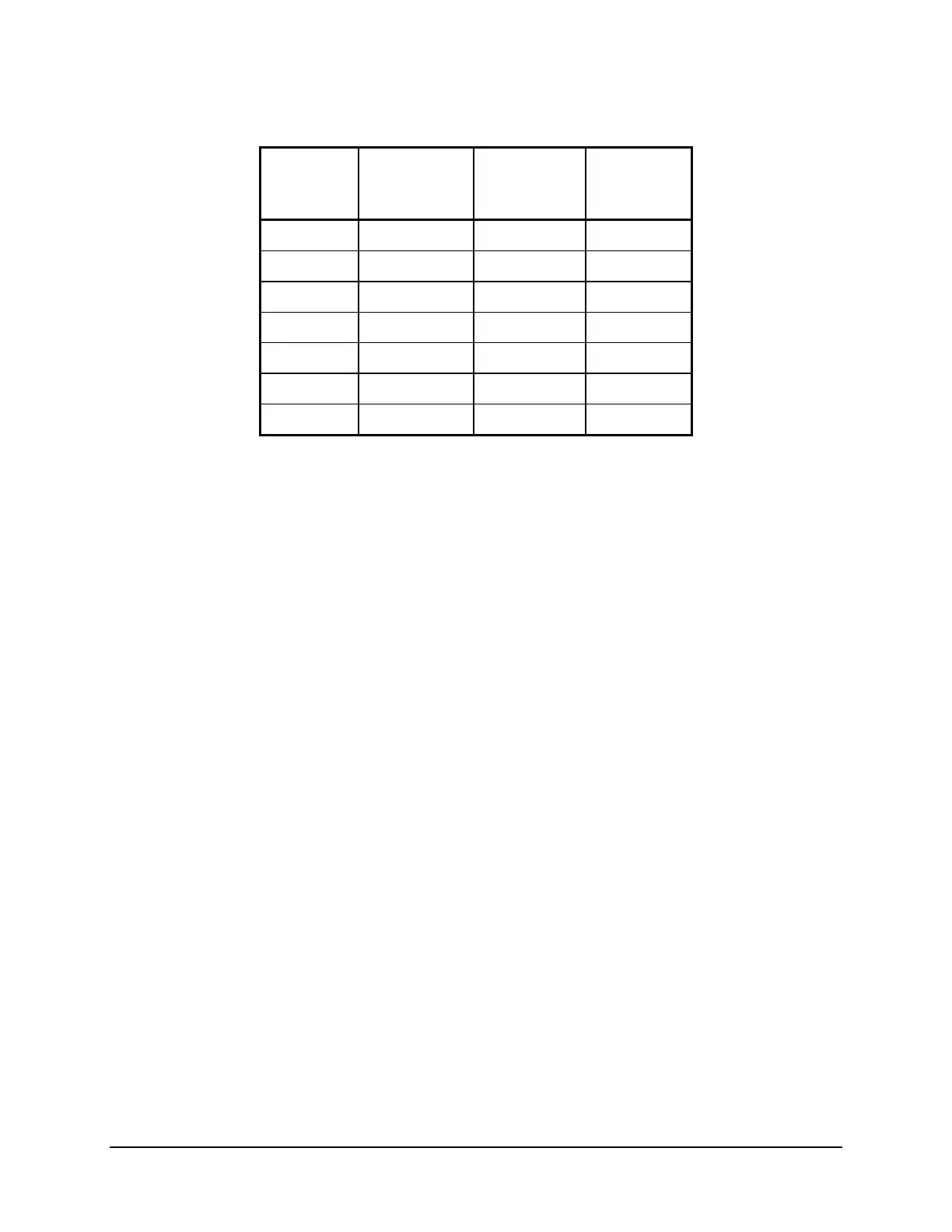
Table SECTION 8: .3: Parameters Used to Automatically Set Contact Wear Monitor
Table 8.1
Settings
Interrupt
Rating =
6000
Interrupt
Rating =
8000
Interrupt
Rating =
12000
EBMON = Y Y Y
COSP1 = 30000 30000 30000
COSP2 = 10000 5000 5000
COSP3 = 100 160 40
KASP1 = 0.27 0.17 0.17
KASP2 = 0.50 3.00 3.00
KASP3 = 6.00 8.00 12.00
The parameters in Table SECTION 8: .3 are derived from Whipp & Bourne Switchgear:
Installation, Operation and Maintenance Manual, GVR Auto-Recloser, Issue C, July 1996,
section 5.2.2 Vacuum Interrupters. These parameters are used in automatically making the
settings in
Table SECTION 8: .1, when global EZ setting Recloser Wear Monitor (AUTO, Y, N)
= AUTO is made, as described previously.
For example, if the SEL-351P is connected to a GVR (27kV, 12 kA) recloser, use the SET FZ
command to enter and save the following Access Level E (EZ) global settings for the contact
wear monitor:
• Recloser Wear Monitor (AUTO, Y, N) = AUTO
• Interrupt Rating (6000, 8000, 12000 A pri.) = 12000
When you enter and save the above global EZ settings, the SEL-351P automatically sets the
following set points in the Access Level 2 global settings:
• EBMON = Y
• COSP1 = 30000
• COSP2 = 5000
• COSP3 = 40
• KASP1 = 0.17
• KASP2 = 3.00
• KASP3 = 12.00
The SEL-351P integrates current and increments the trip counters for the contact wear monitor
each time the logical function BKMON asserts. Set the logic for this function using the Access
Level 2 SET L command. The default setting is BKMON = WBTR + WBTRT + \52A, which
causes the contact wear monitor to integrate and increment each time the SEL-351P trip output
asserts or the recloser is opened externally (see Figure 7.29).
For more information on the SET G and SET L commands, see Table 9.1 in Section 9: Setting
the SEL-351P Recloser. Also refer to BRE Command (Breaker Monitor Data) and BRE n
Command (Preload/Reset Breaker Wear) in Section 10: Serial Port Communications and
Commands.



 To Next Page