Art. no.: 2.511407 Rev.: a
Sinus rhythm
Normal electrical axes
Normal ECG
Accept
Discard
To edit patient data or enter patient data before recording an emergency ECG, press the key before accepting the recording,
and edit/enter the patient data. Press to return to the review screen.
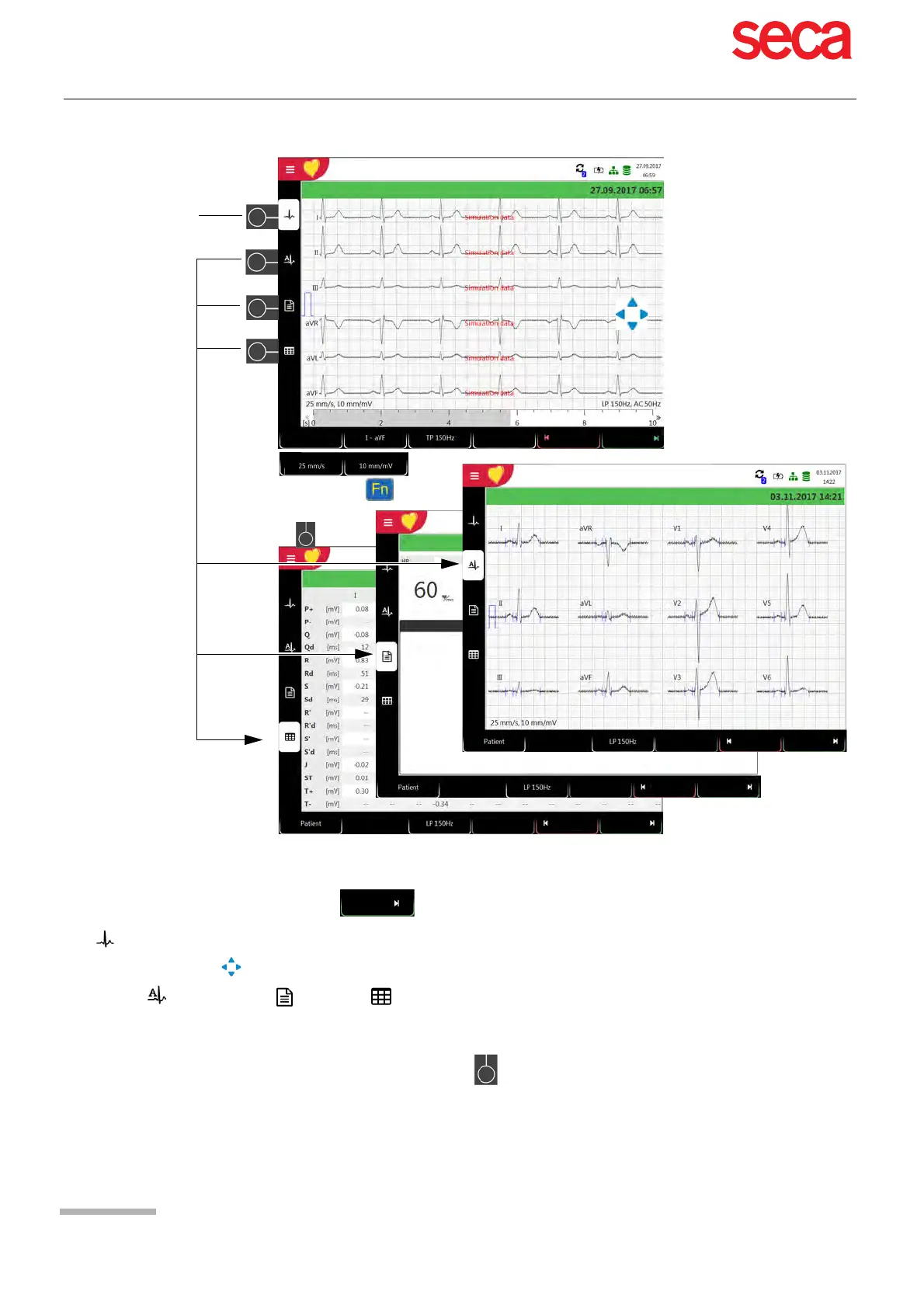
The recorded ECG is displayed and can be reviewed.
Use navigation keys to rotate leads I...V6: scroll up or down and along the time axis (left-right).
Display average values, results and measurements.
Set the filter for display to 25/40/150 Hz or Off using the Filter function key.
Accept the ECG (i.e. save), print, or discard.
Use the FN key and the corresponding function key to set the amplitude and speed.



 To Next Page