9 Worklist (Option)
9.2 Receiving a worklist
Page 68
CT8000P-2
Art. no.: 2.511407 Rev.: a
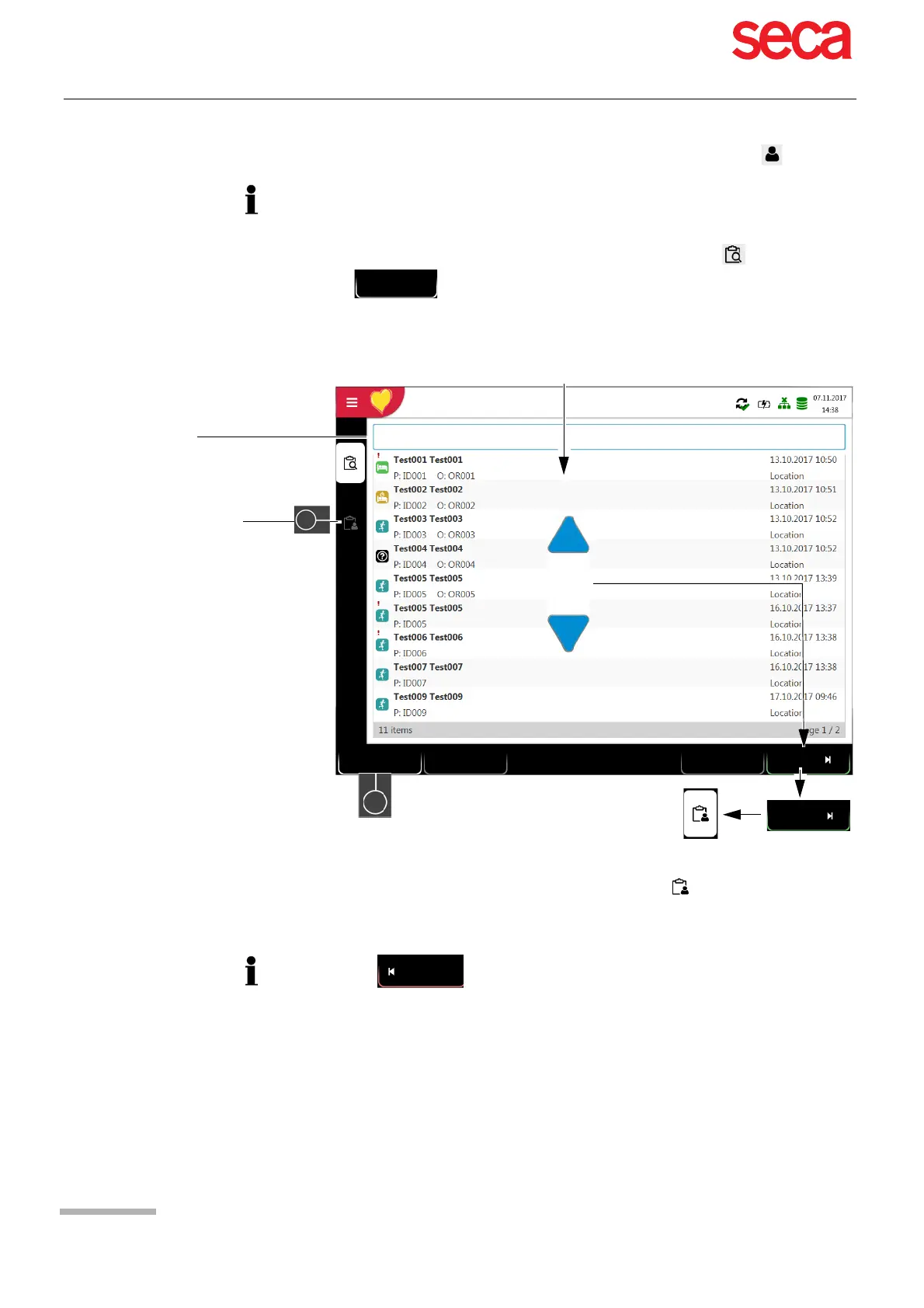
9.2.2 Performing a recording from work order details
1. Prepare the patient and select a work item.
2. Select Details (2) to check the work order or to complement patient data.
3. Press Resting (3) in the “Work item details" view .
4. The corresponding recording acquisition screen (resting ECG or resting rhythm)
is opened. If no recording type has been defined, both options are available.
5. Take the recording:
– Resting ECG (see Page 44)
– Resting rhythm (see Page 48)
• This procedure corresponds with the worklist mode “Record from work order
details”, see setting section 10.7 General, page 85, workflow.
• Patient data provided by the HIS cannot be edited (except for height and weight).
• If you have selected an incorrect work item, press the key , but not the key
. Select the new work item from the list, or use the Search field.
Search recordings
Select a recording
Search for PID, Visit ID, first name or last name
Workitem Details
1
3
Resting
Details
Cancel
Sync worklist
12:35:30
2
Press to return to the worklist without performing the recording (last
chance to do so).



 To Next Page