Page 39
Art. no.: 2.511407 Rev.: a
Electrode placement 4
User guide Skin/Electrode Resistance 4.11
CT8000P-2
4.11 Skin/Electrode Resistance
4.11.1 Electrode and patient cable check
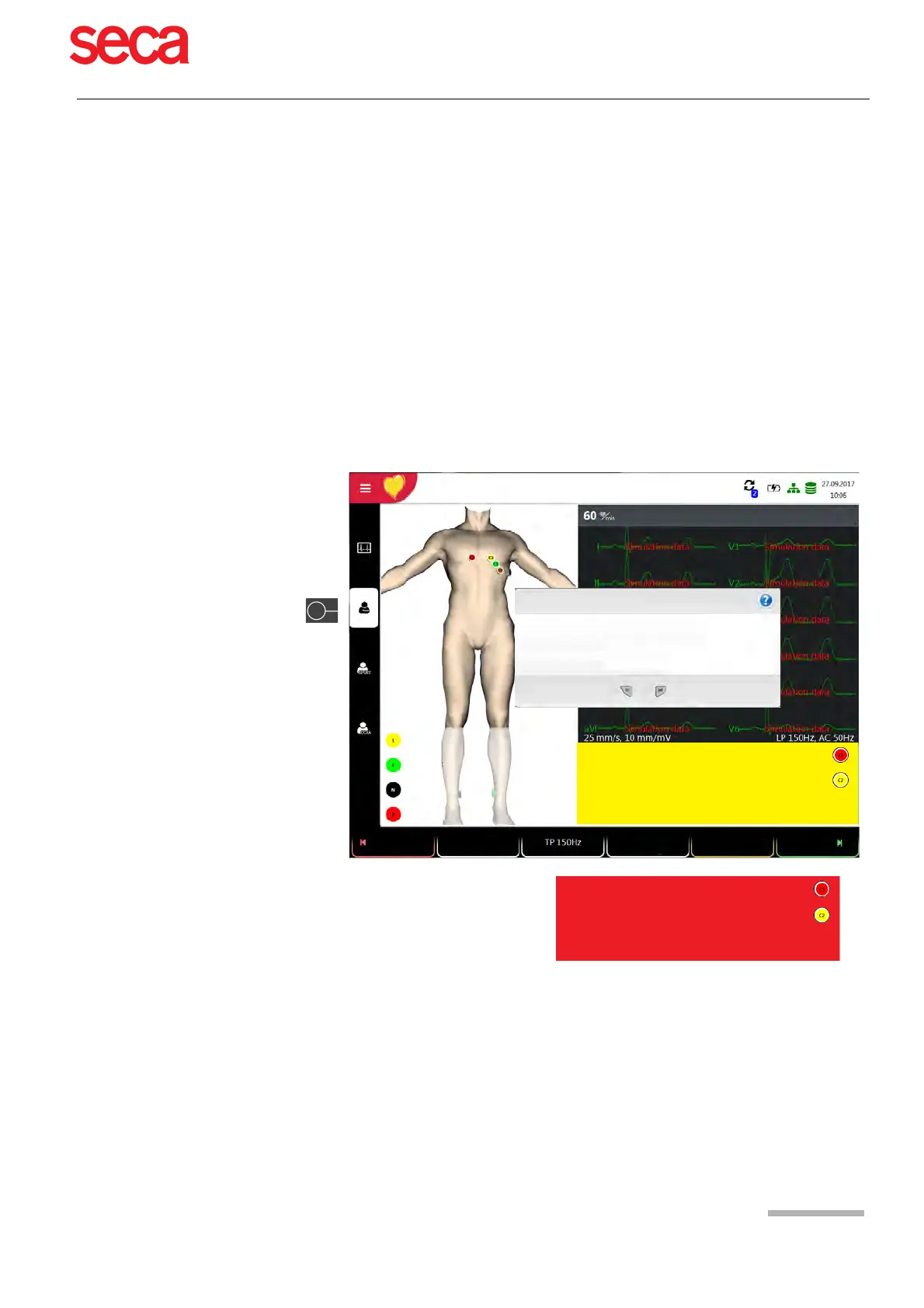
The electrode check is part of step 2 before the start of an ECG recording. The
following is checked and displayed:
• Excessive noise (signal noise too high)
– due to poor electrode contact
– due to mains interferences (mains filter not activated)
• Electrodes reversed
• Electrodes have come off
The electrode status is shown in the bottom right information field of the screen. If an
electrode is displayed red, the suspected cause is displayed. Reapply the electrode.
• If F (LL) or N is not connected or has come off, the electrode resistance cannot be
measured and all leads are marked red.
Check that the electrodes are properly attached, the
ECG cable is connected and the correct powerline
filter is configured.
Some of the electrodes seem to be interchanged. Please
check that all electrodes are placed in the correct
position.
Bad Signal Quality
Lead Reversal
Left arm
Right arm
Right foot
Enter Patient ID / Visit ID
Emergency ECG
Bad signal quality or Lead Off detected
Cancel
ECG signal quality
How do you want to proceed?
Record anyway
Standard
12-lead
Auto
Patient
Rhythm
PM off



 To Next Page