Page 65
Art. no.: 2.511407 Rev.: a
Worklist (Option) 9
User guide General information 9.1
CT8000P-2
9 Worklist (Option)
9.1 General information
The Worklist function enables a doctor / administrator to define a worklist of patients
that require recordings to be made. The doctor can define the patient, room /
department, and specify the type of recording to be made. The worklist is defined
directly from the Hospital information system (HIS); once the recording has been
made by the CT8000P-2, it is sent back to the HIS for analysis, examination and
storage.
Instead of the type of recording, "Undefined" can be set. When this is the case, only
the patient demographics are sent to the unit.
9.1.1 Worklist settings
• To be able to use the worklist function, the licence must be activated.
• To be able to use the worklist function, the unit must be set up to communicate with
the Schiller Server (see Page 81).
• The definition of the worklist on the Schiller Server is described in the Schiller
Server user guide.
From the Schiller Server, a worklist can be sent to a specific unit or to all units on the
system. To receive a worklist from the Schiller Server, the unit identification of the
CT8000P-2 (device ID in the system) must be the same as the one defined for the
Schiller Server. This is usually set when the unit is first commissioned. The Device ID
is shown in Menu > Settings > General > Station.
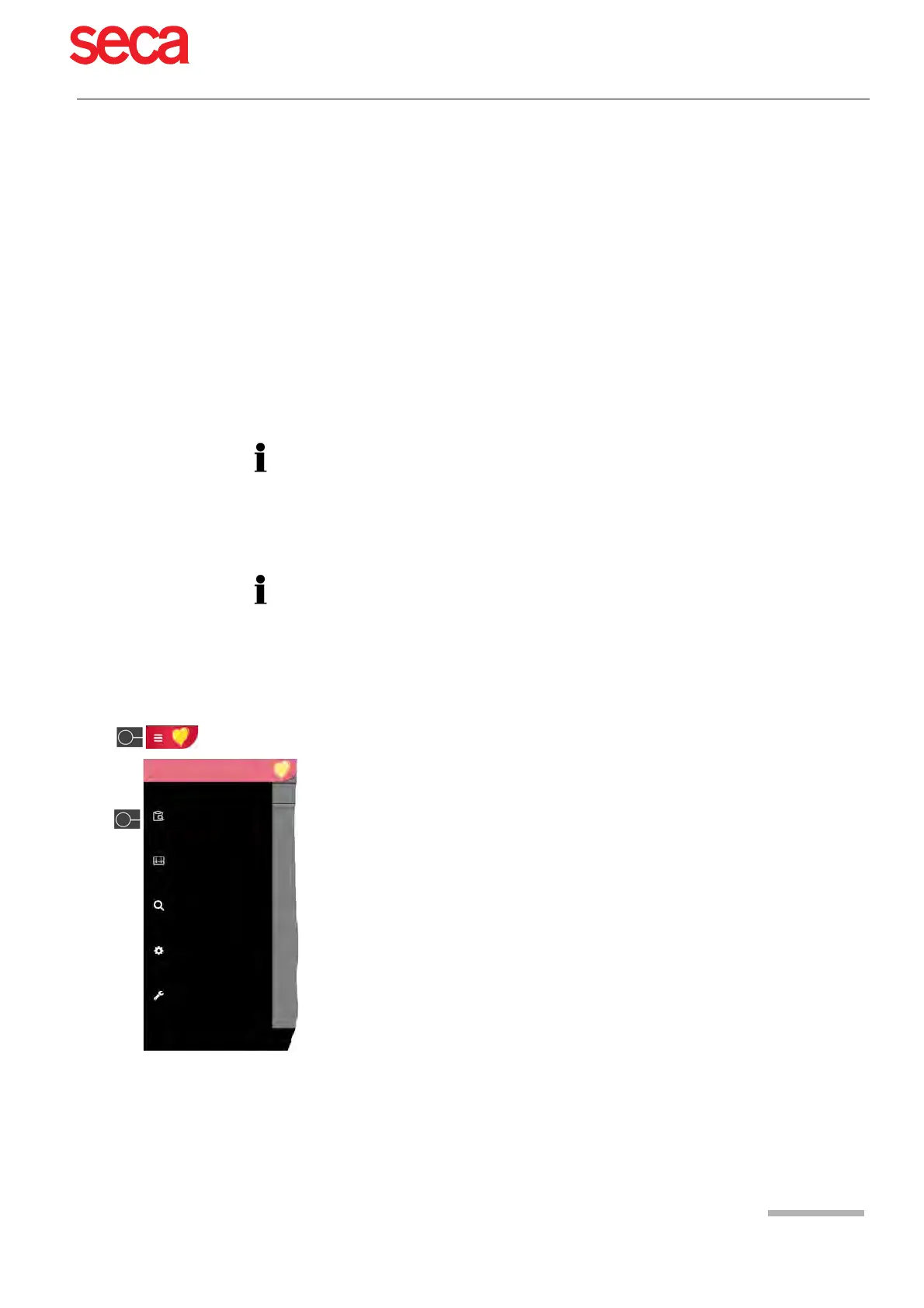
If worklists are to be used, the workflow can be adapted accordingly. To do so, set the
Default workflow in Menu > Settings > General > Workflow to Record from worklist.
In this way, the worklist is shown directly after power-up. However, worklist can also
be selected manually from the menu.
Recorder
Memory
Settings
Maintenance
Worklist
Main menu



 To Next Page