Art. no.: 2.511407 Rev.: a
Open/close the main
menu
Patient ID
DOB
First name
Last name
Gender Male
Visit ID
Height [cm]
Weight [kg]
Ethnicity
Pacemaker
White
Unknown
Record ECG
Recorder
Memory
Settings
Maintenance
Record ECG
Hugh Brian I 53 years I Male
Patient ID / Visit ID
Patient ID
Visit ID
Brian
Hugh
Referring physician
Attending physician
Notes
Room
Indication
ECG
Clear
Previous
Patient data
Worklist
Main menu
Hugh Brian I 53 years I Male
Patient ID / Visit ID
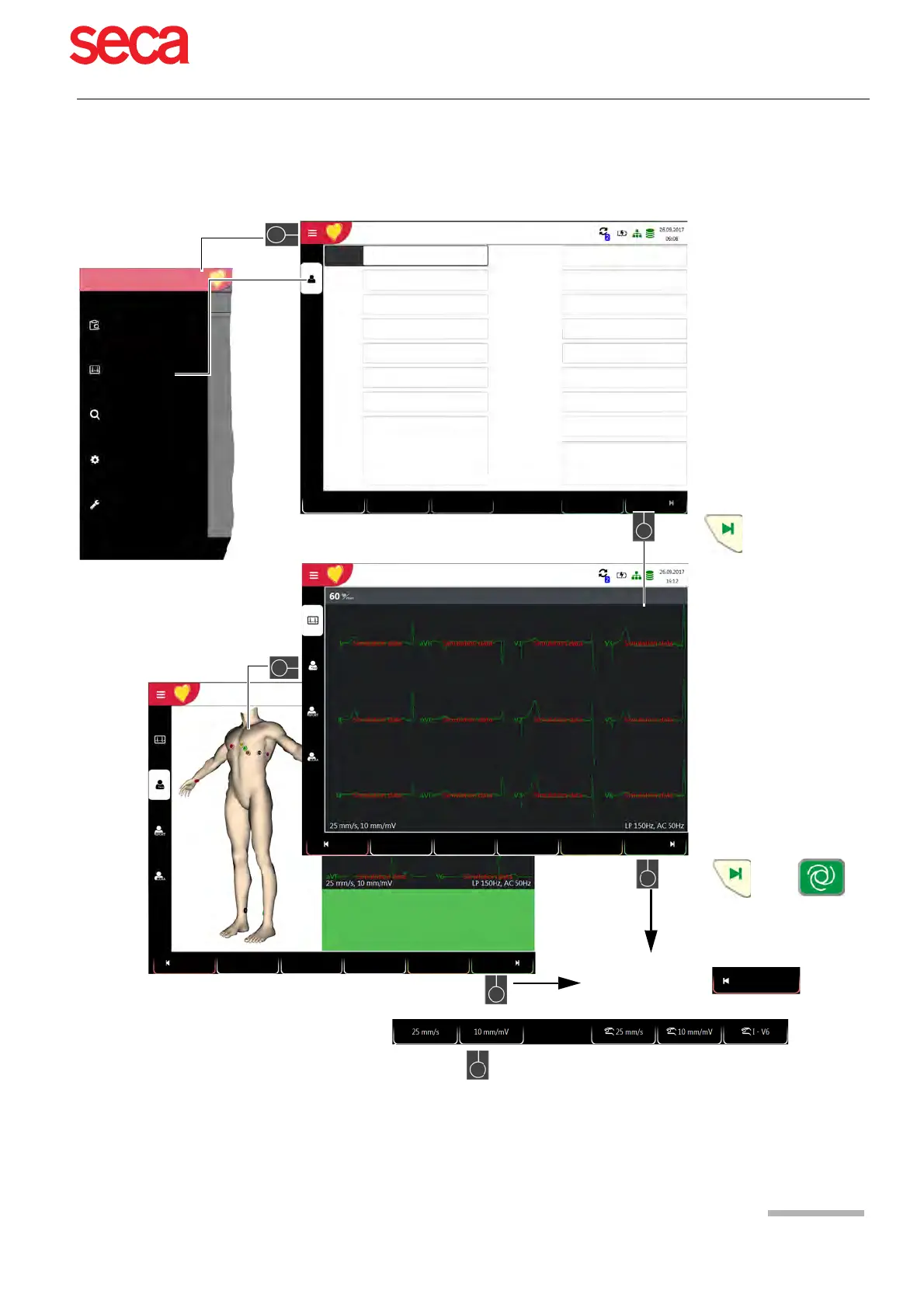
Prepare ECG recording
– Determine electrode positions and
apply electrodes
– Check the signal quality
– Pacemaker detection on/off
– Select Auto, ETM Sport or CCAA
ECG Quality Good
An ECG recording can now be taken
Cancel
By pressing FN + , additional function keys can be used, such as:
Settings for speed/amplitude for ECG display and settings speed/amplitude and
lead for ECG manual printout.
or
or
Standard
12 lead
Auto
Patient
Rhythm
Patient
Standard
12-lead
Rhythm
Auto
PDQ
Exercise
LP 150Hz
Preview
or
PM off
PM off
LP 150Hz
Acquiring technician
Digitalis
No



 To Next Page