10 General and System Settings
10.1 Navigation
Page 72
CT8000P-2
Art. no.: 2.511407 Rev.: a
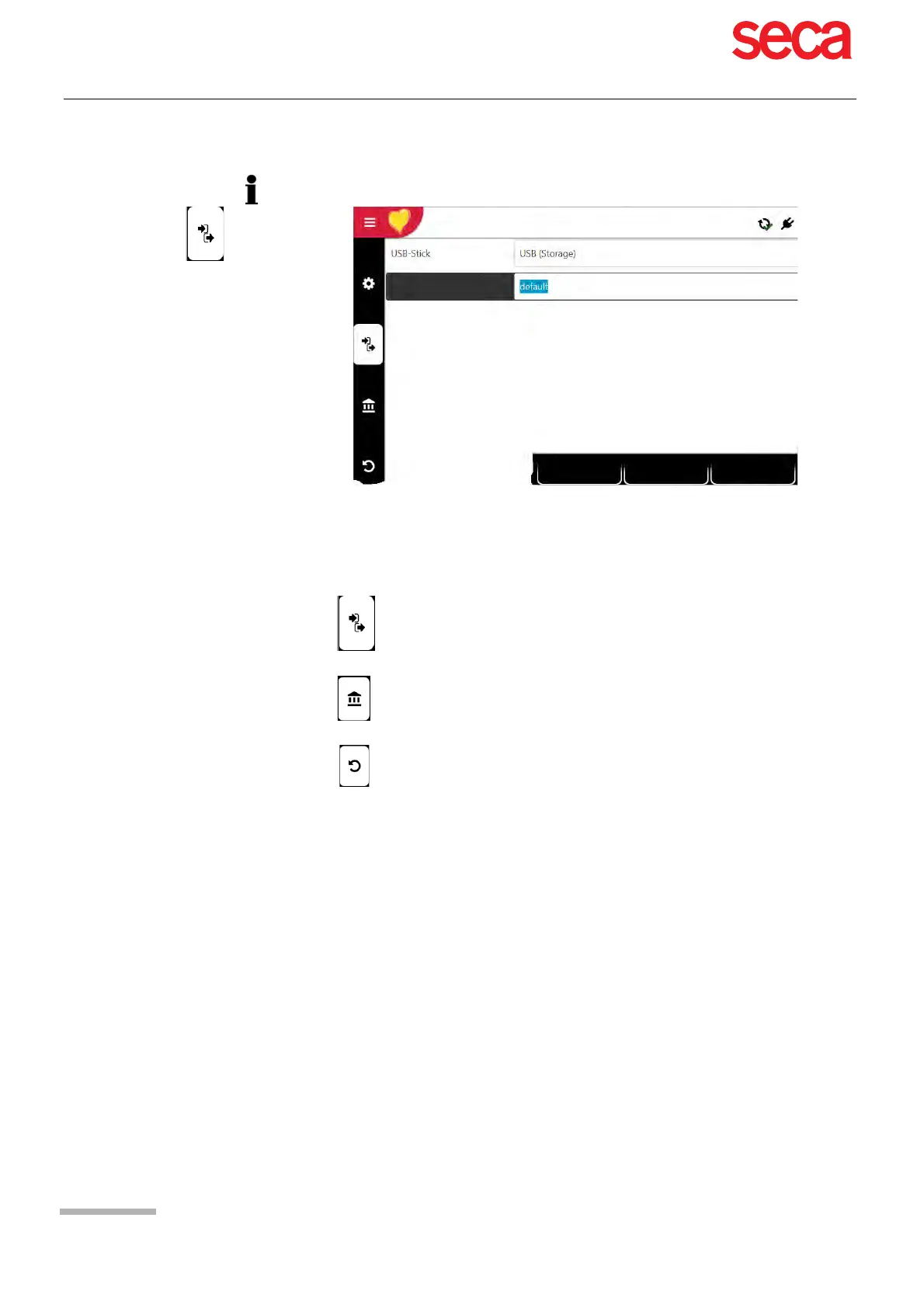
10.1.2 Saving and restoring settings
Import/export settings Select USB Storage and enter the file name to import or press the function
key "Select setting files" in order to import or export the files.
Export audit log Select Export target and enter the file name to export the Audit Log.
Reset to factory settings All settings are reset to the factory defaults. If the network settings are to be
reset as well, untick the check box.
Changed settings are saved automatically. In Menu > Settings, settings from another
device can be imported, or a backup of the settings can be restored (see Page 72).
Setting file name
Import
Export
Select settings file



 To Next Page