Page 61
Art. no.: 2.511407 Rev.: a
Memory 8
User guide Saving a Recording 8.1
CT8000P-2
8Memory
Recordings can be stored locally and/or transmitted automatically to Schiller Link or
SEMA. Recordings stored in the memory can be viewed, printed, transmitted or
deleted at any time.
8.1 Saving a Recording
Recordings are stored manually after completion of the acquisition.
8.2 Editing the memory
Approx. 350 resting ECGs, 100 resting rhythms and 10 exercise ECGs can be stored
on the CT8000P-2.
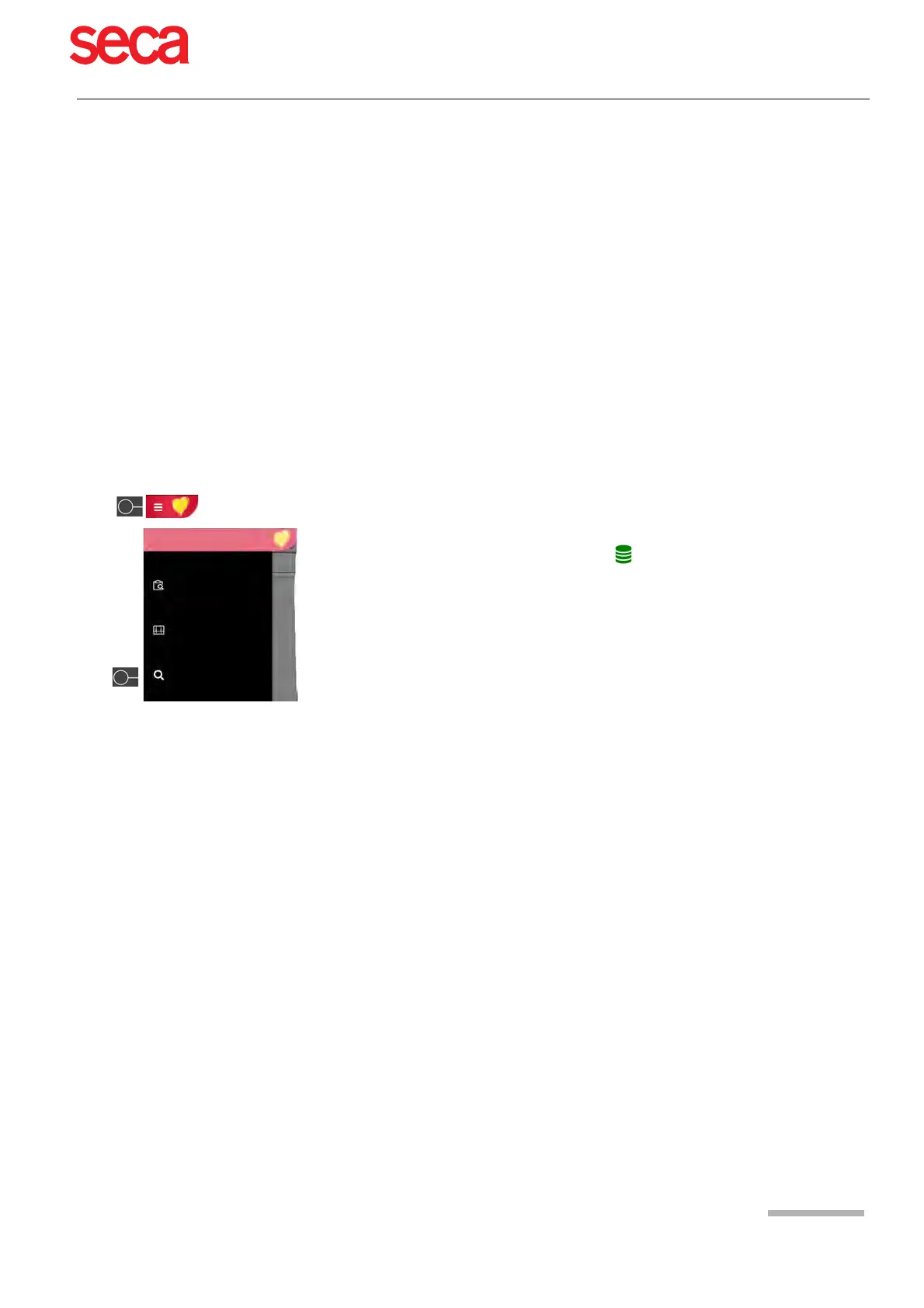
When Menu > Memory is selected, stored recordings are displayed
• The recordings are listed by date/time; however, different listing criteria can be se-
lected and recordings can also be searched via the search function.
• Memory capacity is indicated by the icon in the status bar:
– green = memory OK
– yellow = almost full
– red = memory full, no more recordings can be performed.
Recorder
Memory
Worklist
Main menu



 To Next Page