11 Transmission - Overview
11.1 Transmission Options
Page 94
CT8000P-2
Art. no.: 2.511407 Rev.: a
11.1.5 Retrieving data from the Schiller Server
Patient data can automatically be retrieved from the Schiller Server to the CT8000P-
2. This is called patient data query (PDQ). To do this, the Patient or Visit ID is entered
in the patient data screen manually or via a barcode reader (see Page 28).
11.1.6 Failed data transmission
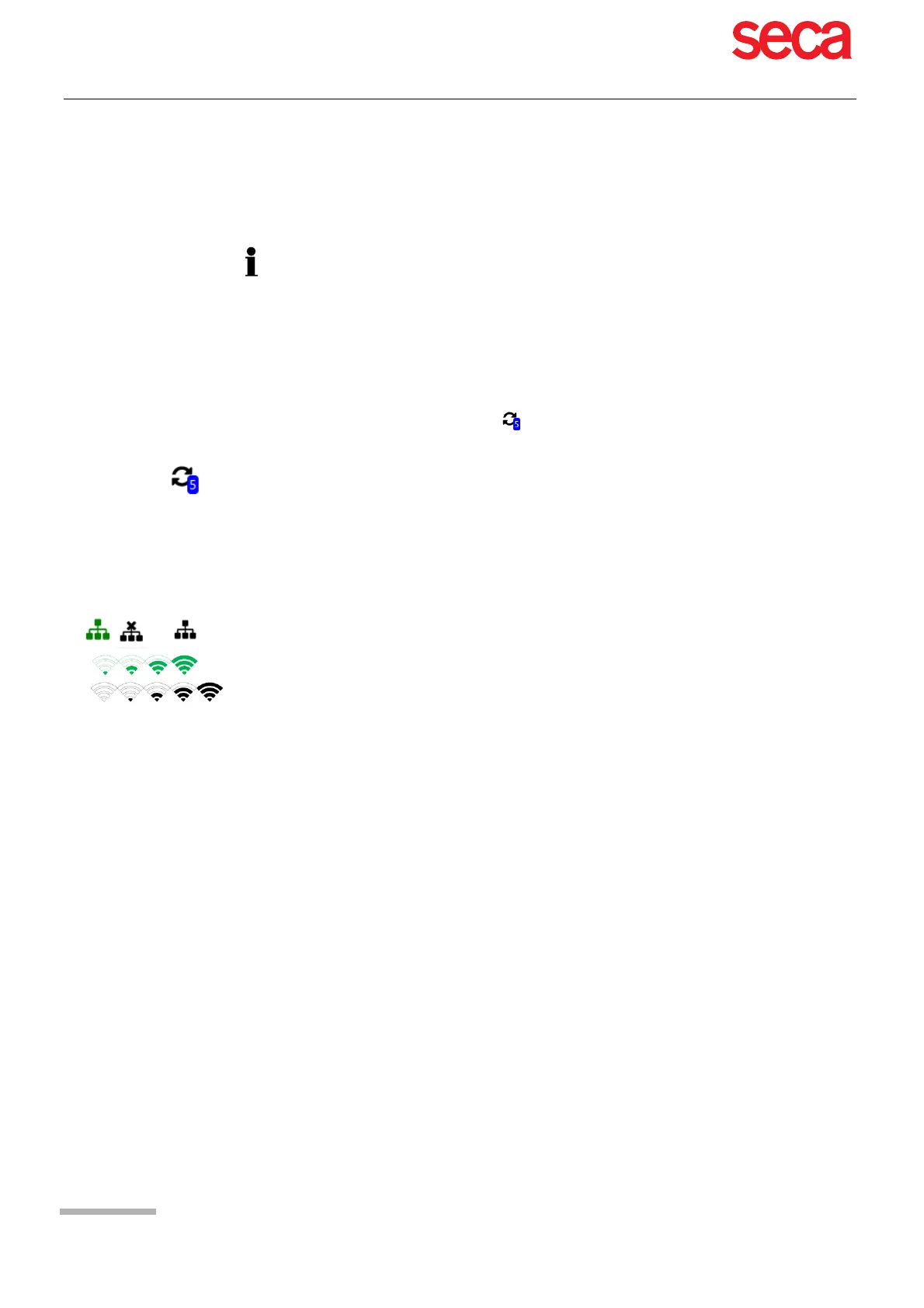
Should the network not be available, recordings that have not been transmitted are
displayed with the symbol .
If no data can be transmitted, check the following:
• For PDQ, the Schiller Server must be installed on the remote system.
• The server name, URL, TCP/IP address etc. as well as all other transmission set-
tings are defined in the system settings (see Page 81).
• A communication overview is given in the SCHILLER Communication Handbook
(Art. No. 2.520036).
1. In the EPA export dialogue, the number of failed transmissions is displayed.
2. Recordings can be sent manually from the memory. See section 8.2.2
Transmitting and deleting stored recordings, page 64.
Network settings (see Page 81)
Network connection WLAN or LAN
Encryption settings on the server
Settings in the Schiller Link App.



 To Next Page