4 Electrode placement
4.12 Lead sequence/lead view
Page 40
CT8000P-2
Art. no.: 2.511407 Rev.: a
4.12 Lead sequence/lead view
4.12.1 Setting Standard or Cabrera lead sequence
4.12.2 Select the lead view (Standard or other settings)
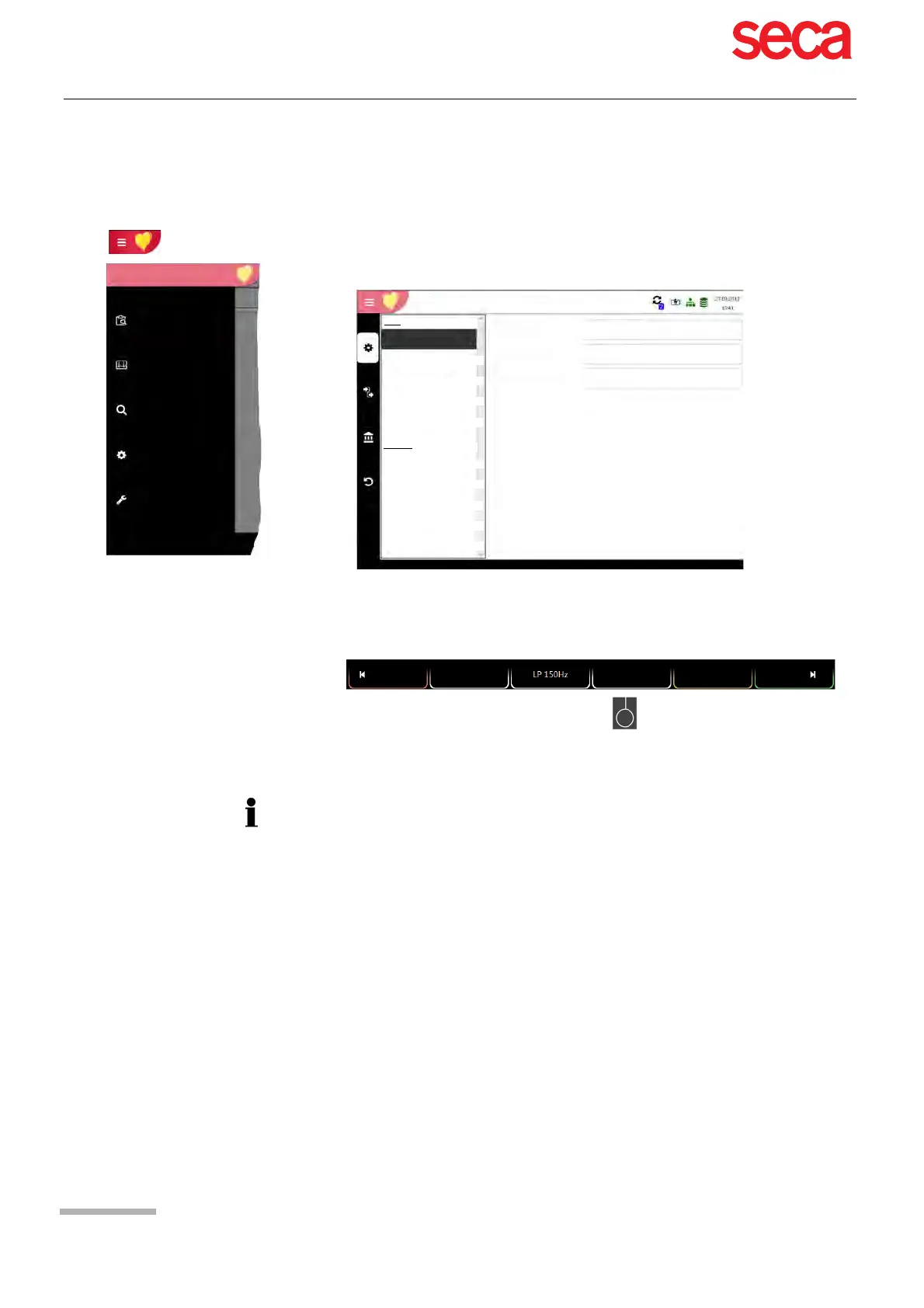
The lead display can be set directly in the electrode screen using the lead selection
key.
The lead labels on the display and on printouts change accordingly.
The lead sequence is defined in the settings.
(Menu > Settings > ECG > Leads & cable).
In the Lead menu, select between Standard and Cabrera.
Recorder
Memory
Settings
Maintenance
Worklist
Main menu
Lead & cable
Filter & Formulas
Colours
ECG
Patient cable
Lead sequence
Default Lead config.
Standard
Standard 12-lead
Additional leads
Rhythm ECG
IEC
Reports
General
Manual printout
Resting
Rhythm ECG
Exercise ECG
AutoRhythm
Standard
12-lead
PM off
Patient
Important
Automatic interpretation is only possible when Standard 12 lead is set.
For ETM Sport recordings, lead configuration Standard 12 lead is selected
automatically.
For CCAA recordings, lead configuration Standard with C4r is selected automatically.



 To Next Page