Page 47
Art. no.: 2.511407 Rev.: a
Resting ECG 5
User guide Manual Rhythm Printout 5.3
CT8000P-2
5.3 Manual Rhythm Printout
5.3.1 Starting manual printout
The factory printout settings are 25 mm/s and 10 mm/mV. These settings are to be
found in the menu section 10.3.2 Manual printout, page 75. The factory settings for
the leads are to be found in the menu, section 10.2.4 Additional Leads, page 74
.
Select lead sequence To change the lead sequence for the printout (Standard I, II, III, aVR, aVL, aVF),
press the right key Leads I-V6 to select additional lad sequences.
The Standard and Cabrera lead sequences are as follows:
Select speed To change the printout speed (12.5, 25 and 50 mm/s), press the key Speed.
Select sensitivity To change the printout sensitivity (5, 10 and 20 mm/mV), press the key
Amplitude .
Stopping the printout To stop the manual recording (printout), press the Stop key.
The printout provides the following information:
• Selected leads
• Patient name and ID
• Date and time
• Speed, sensitivity, filter, device ID, serial number device, software version
• Use this function to print a real-time ECG. The print parameters such as lead se-
quence, print speed and sensitivity can be changed by the user during the printout.
• The real-time ECG is not saved. The chosen settings only apply to the printout.
1. Manual printout can be started in the Recording view.
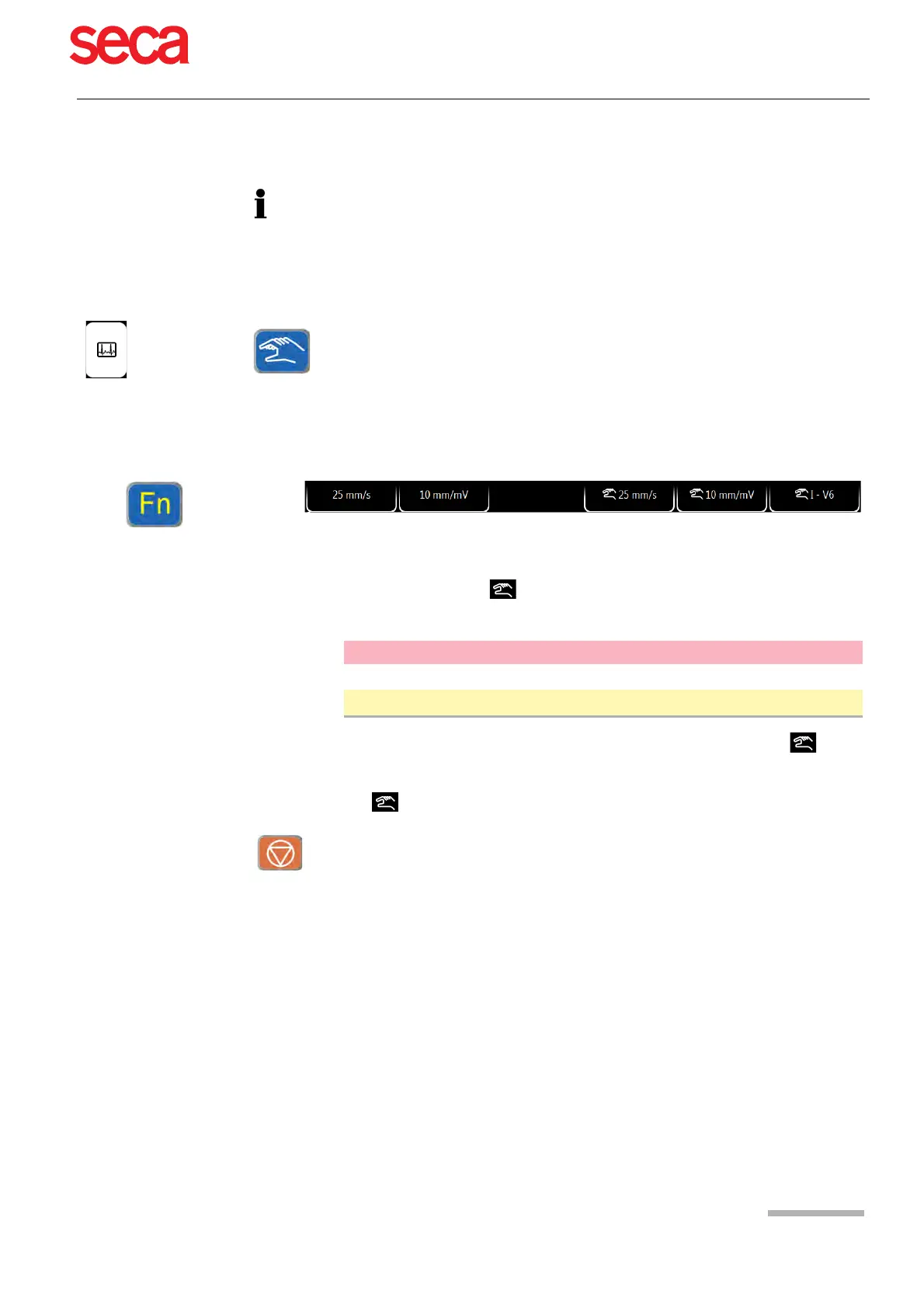
2. To set the speed, amplitude and lead for the printout, press the key FN to display
the additional function keys. The print setting for speed, amplitude and leads can
be done before or during the printout.
3. To start a manual real-time printout, press the Manual key.
Display speed and amplitude.
Printout speed, amplitude and lead.
Lead sequence Lead group 1 Lead group 2
Standard I, II, III, aVR, aVL, aVF V1, V2, V3, V4, V5, V6
Cabrera aVL, I, -aVR, II, aVF, III V1, V2, V3, V4, V5, V6



 To Next Page