3Operation
3.6 Patient / recording data
Page 24
CT8000P-2
Art. no.: 2.511407 Rev.: a
3.6 Patient / recording data
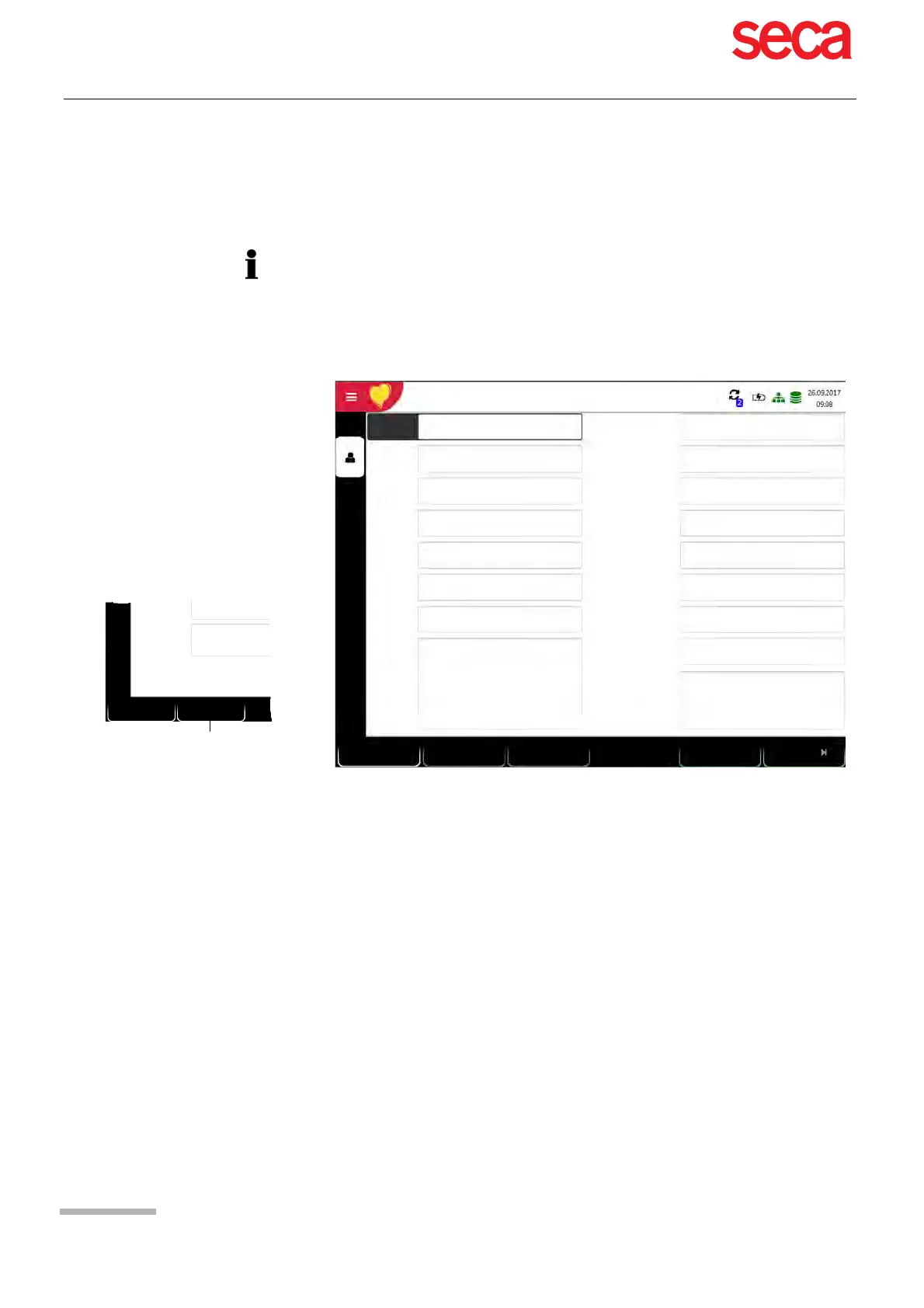
In the patient data screen, new patients can be entered and previously stored patient
data can be edited
With the data of the current patient, you can:
• edit it directly in the entry fields
• obtain the data from the server by entering the Patient or Visit ID (configuration:
see page 81)
• display the data by pressing the key "Use order data". This function key is only dis-
played when using the Schiller Link and when changing application and going to
the screen "Patient data". (see section 11.1.4 Schiller Link, page 93)
• press Delete to reset the data and enter a new patient
• press "Previous patient" to use the previous patient's data
• read the Patient ID with a barcode scanner.
• Use the alphanumeric keyboard to enter the patient data.
–Use the Shift key to switch the keyboard to capitals.
If a recording is performed without having entered a patient or visit ID, a UUID is
generated instead of a patient ID, "Emergency ECG" is given instead of a last name,
and the date and time are given instead of a first name. If you want to enter patient
data once the recording has been performed (and before it has been accepted), you
can jump to the Patient data screen by pressing the Patient key, enter the data and
use the Review key to jump back to the recording to accept (save) it.
Patient ID
DOB
First name
Last name
Gender Male
Visit ID
Height [cm]
Weight [kg]
Ethnicity
Pacemaker
White
Unknown
Hugh Brian I 53 years I Male
Patient ID / Visit ID
Patient ID
Visit ID
Brian
Hugh
Referring physician
Attending physician
Remarks
Room
Indication
ECG
Clear
Previous
patient data
Digitalis
No
Exercise
PDQ
Clear
Use order
data
Room
Indication
Only with Schiller Link
Acquiring
technician



 To Next Page