11 Transmission - Overview
11.1 Transmission Options
Page 90
CT8000P-2
Art. no.: 2.511407 Rev.: a
11 Transmission - Overview
11.1 Transmission Options
With the CARDIOVIT AT-102 G2, transmission is possible via a network or Wi-Fi. The
transmission options are as follows:
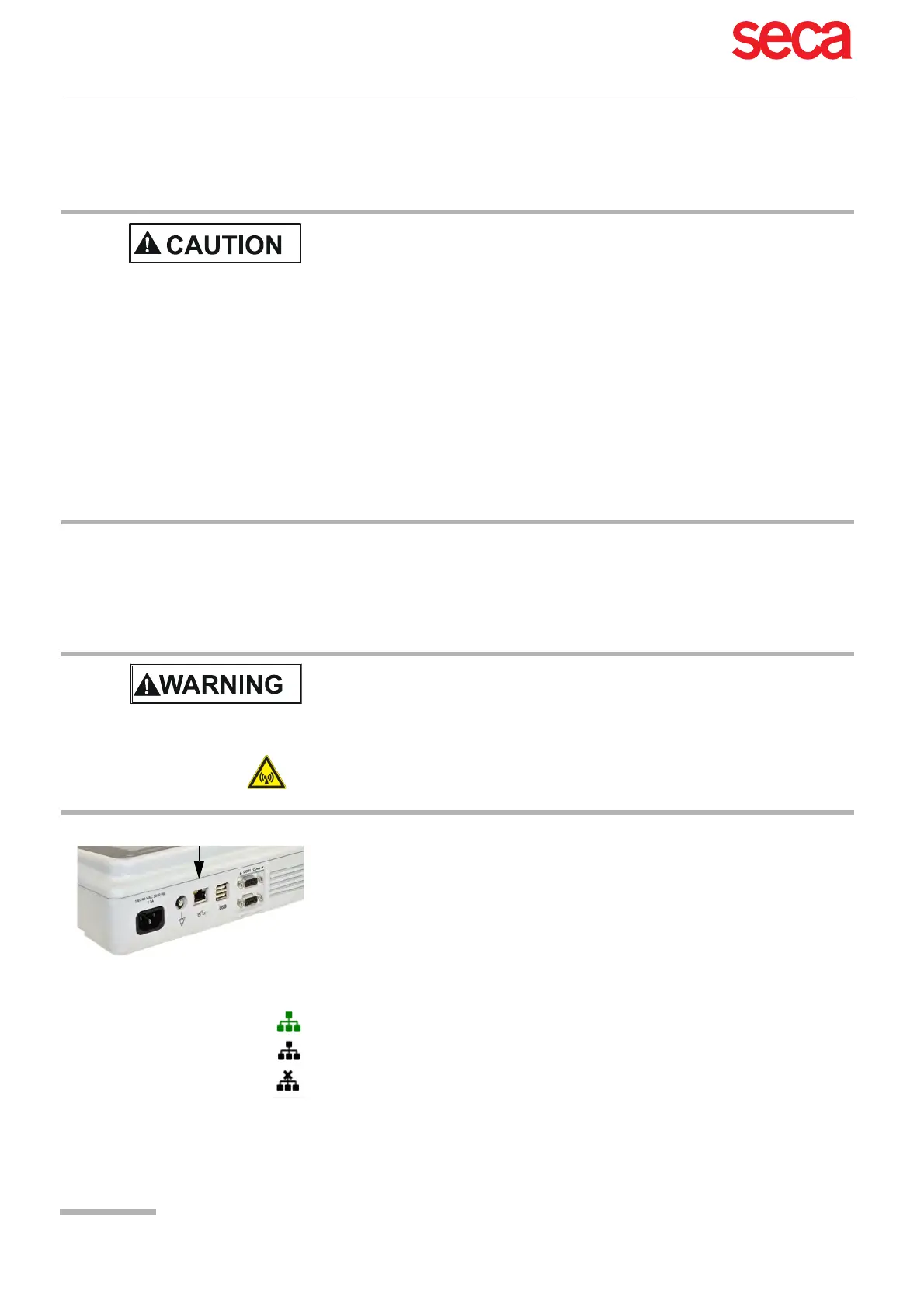
LAN CT8000P-2 data transmission via local LAN network (Ethernet) to the EMR system.
For an Ethernet (network) connection, connect the cable assembly to the RJ-45
connector.
The network symbol has three states as follows:
Security of the network is the sole responsibility of the network operator.
seca takes no responsibility for the configuration of Windows.
In order to guarantee the security of the network, seca recommends the following:
– isolating the CARDIOVIT AT-102 G2 network from other networks
– defining access authorisation for the configuration of the host system, incl. CAR-
DIOVIT AT-102 G2, so that no unauthorised alterations of the system are pos-
sible
– limiting the data transmission between the host and other systems/networks to
a minimum
– installing the latest antivirus/firewall programs on the host in order to prevent
malware from affecting the system
– regularly installing security updates on the host
– installing software updates that increase the CARDIOVIT AT-102 G2 's security
– taking the appropriate measures to check the system's security and ensure safe
operation when changing the network configuration, installing security updates
and adding/removing devices.
When a non-medical device is connected to the interface, ensure that both units
are securely connected to the same earth potential.
An external device must only be connected using the original interface cable as-
sembly.
The transmission of ECG data via WLAN can disturb other devices, including
pacemakers. Therefore, keep a distance of at least 20 cm from the patient while
an ECG is transmitted.
The network symbol in the status bar at the top right, indicates the connection status
of WLAN or LAN
• Symbol Green - Connected to network and SCHILLER Server
• Symbol Black - Connected to network but no connection with SCHILLER Server
• Symbol black and a cross in the symbol - no network connection



 To Next Page