8Memory
8.2 Editing the memory
Page 64
CT8000P-2
Art. no.: 2.511407 Rev.: a
8.2.2 Transmitting and deleting stored recordings
Depending on the settings in Menu > Settings > General > Workflow (see Page 85),
the recording is transmitted and deleted automatically as soon as the recording has
been finished. If automatic transmission is not activated, recordings can be
transmitted as follows.
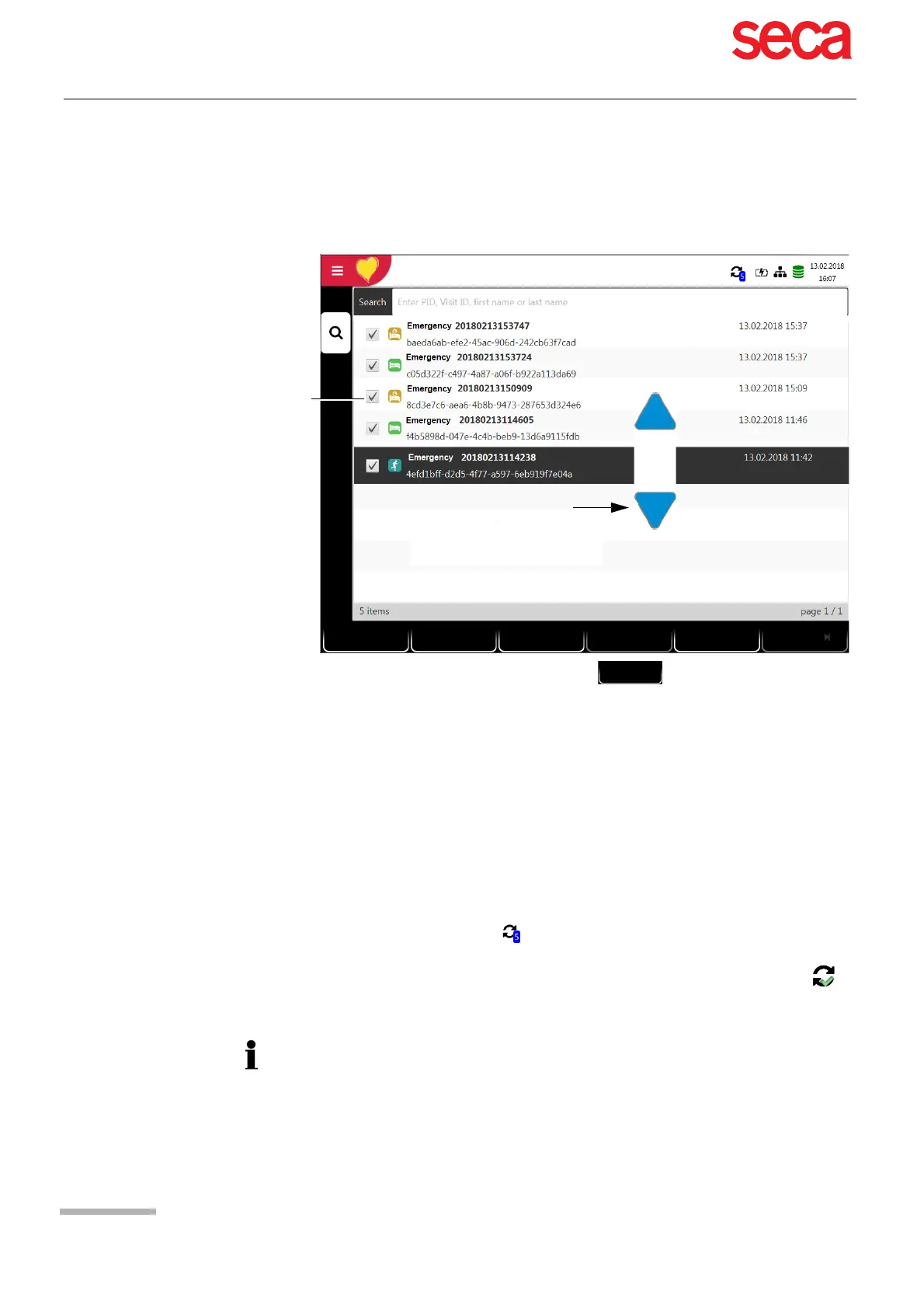
To select all recordings, press the function key Select all (1).
To select a recording, use the navigation keys (3) to highlight the recording, and
press the function key Select (2).
To deselect a recording, highlight the selected recording with the navigation keys
(3) and press the function key Deselect (2).
To upload or delete recordings, select the desired function:
– Upload for an export to the server (4).
– Delete (5) (automatic deletion after transmission can be set in Main menu >
Settings > General > Workflow, see Page 85).
Should the network not be available, recordings that have not been transmitted are
displayed with the symbol (see Page 94).
If the network is available and recordings have been transmitted, the symbol is
displayed.
Selected recordings
View
Clear
Upload
Select all
Deselect
Clear
selection
Select
1
2
Select individual
recordings
3
4
5
The transmitting options are detailed in the section System settings (see Page 90).



 To Next Page