Page 27
Art. no.: 2.511407 Rev.: a
Operation 3
User guide Patient / recording data 3.6
CT8000P-2
3.6.1 Patient data query (PDQ)
When the unit is connected to SEMA or another hospital patient database (via
network or WLAN), patient data can be filled in automatically when the Patient ID or
Visit ID is entered. This is called Patient Data Query or PDQ.
The PDQ settings are defined in Menu > Settings > General > Workflow - the
following options are available:
• Patient data query (PDQ mode) - select one of the following:
– Patient ID
– Visit ID
• These settings along with other transmission settings are detailed in the system
settings (see Page 70).
Patient data query with key
Enter the patient ID or visit ID and press the PDQ key or OK to confirm the patient
data query.
PDQ with barcode reader
Scan the barcode to enter the Patient ID / Visit ID. Patient data is filled in
automatically when the Patient ID/Visit ID is read with a barcode reader.
3.6.2 PDQ in the worklist/memory
• Connect the barcode reader (see next page)
• Barcode scanner configuration: see document 2.510721.
If you use the "Worklist" workflow, you can search/retrieve patient data in the same
way in the worklist (see Page 65)
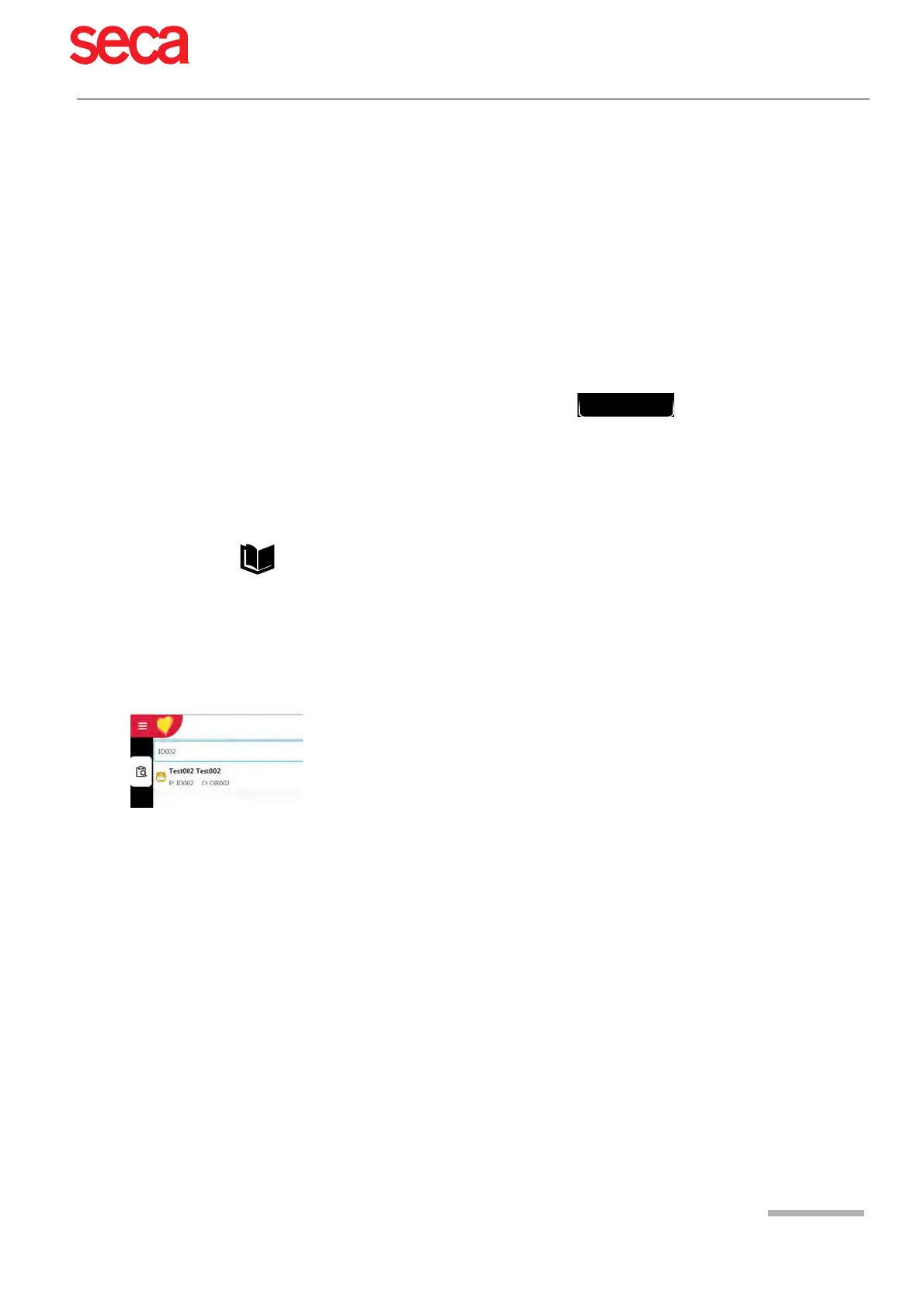
Select the Search field by pressing OK and read the Patient ID or Visit ID using the
barcode reader. The corresponding work item is shown in the worklist.
The same applies for searching recordings in the memory.



 To Next Page