Page 63
Art. no.: 2.511407 Rev.: a
Memory 8
User guide Editing the memory 8.2
CT8000P-2
8.2.1 Opening the print preview from the memory and printing a
recording
Depending on the settings in Menu > Settings > General > Workflow, the recording
is printed automatically as soon as it has been saved.
The following procedure shows how recordings can be selected from the memory and
printed or exported to a USB stick.
Example: resting ECG
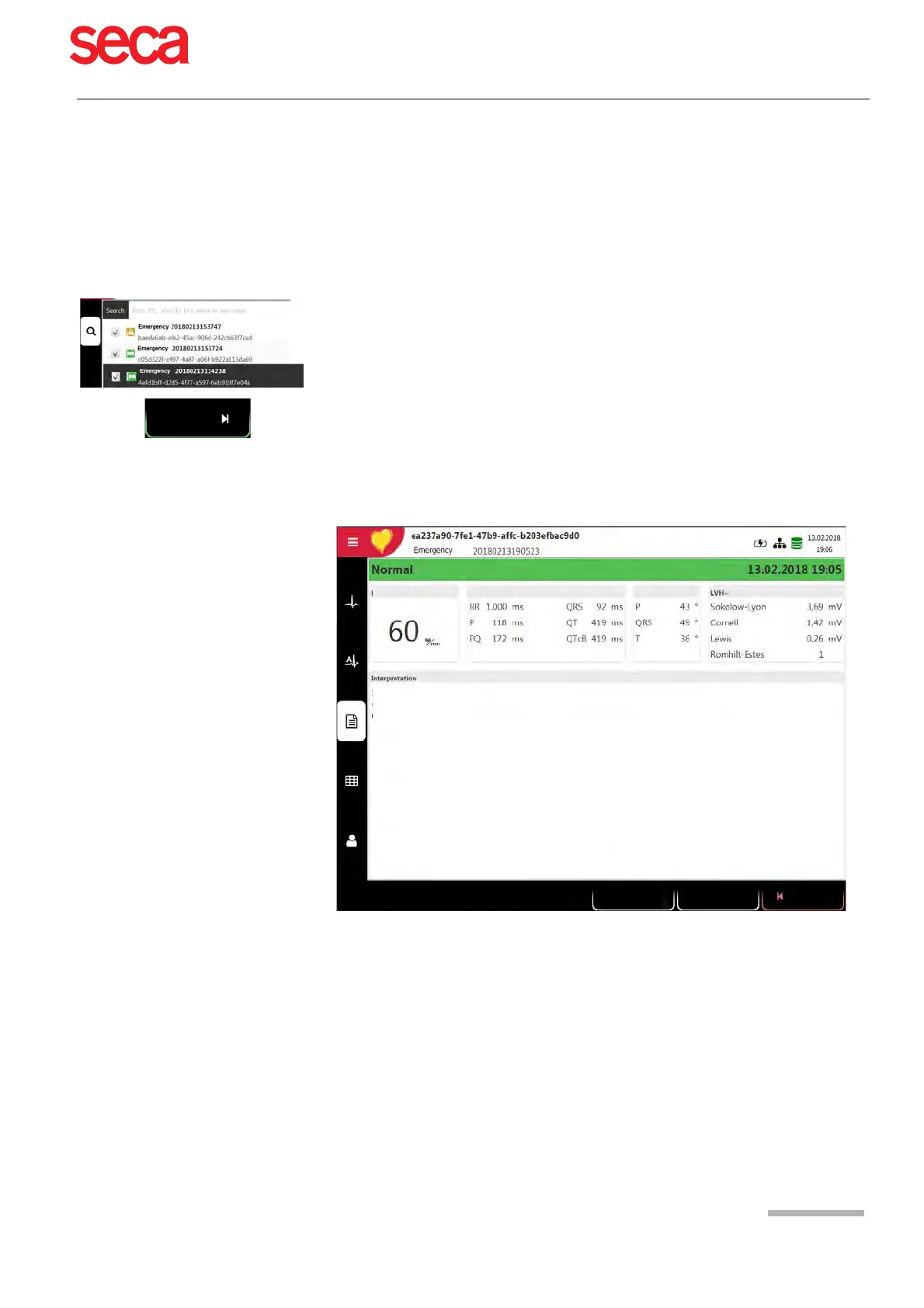
1. Select the recording.
2. Press the function key "View".
The recording is displayed according to the settings in Menu > Settings >
Resting ECG > Resting ECG review, and the layout can be changed for the
displayed recording at any time.
3. Press the function key Print to print the recording in the selected format, see
section 10.3 Menu Reports, page 75.
4. Press the function key PDF to save the recording in the set format as PDF to a
USB stick, see section 10.3.1 General, page 75
Print
PDF
Close
Averages
Rhythm
Results
Measurements
Patient data



 To Next Page