3Operation
3.2 Switching on / off
Page 20
CT8000P-2
Art. no.: 2.511407 Rev.: a
3.2 Switching on / off
3.2.1 Logging In / Out / Emergency ECG
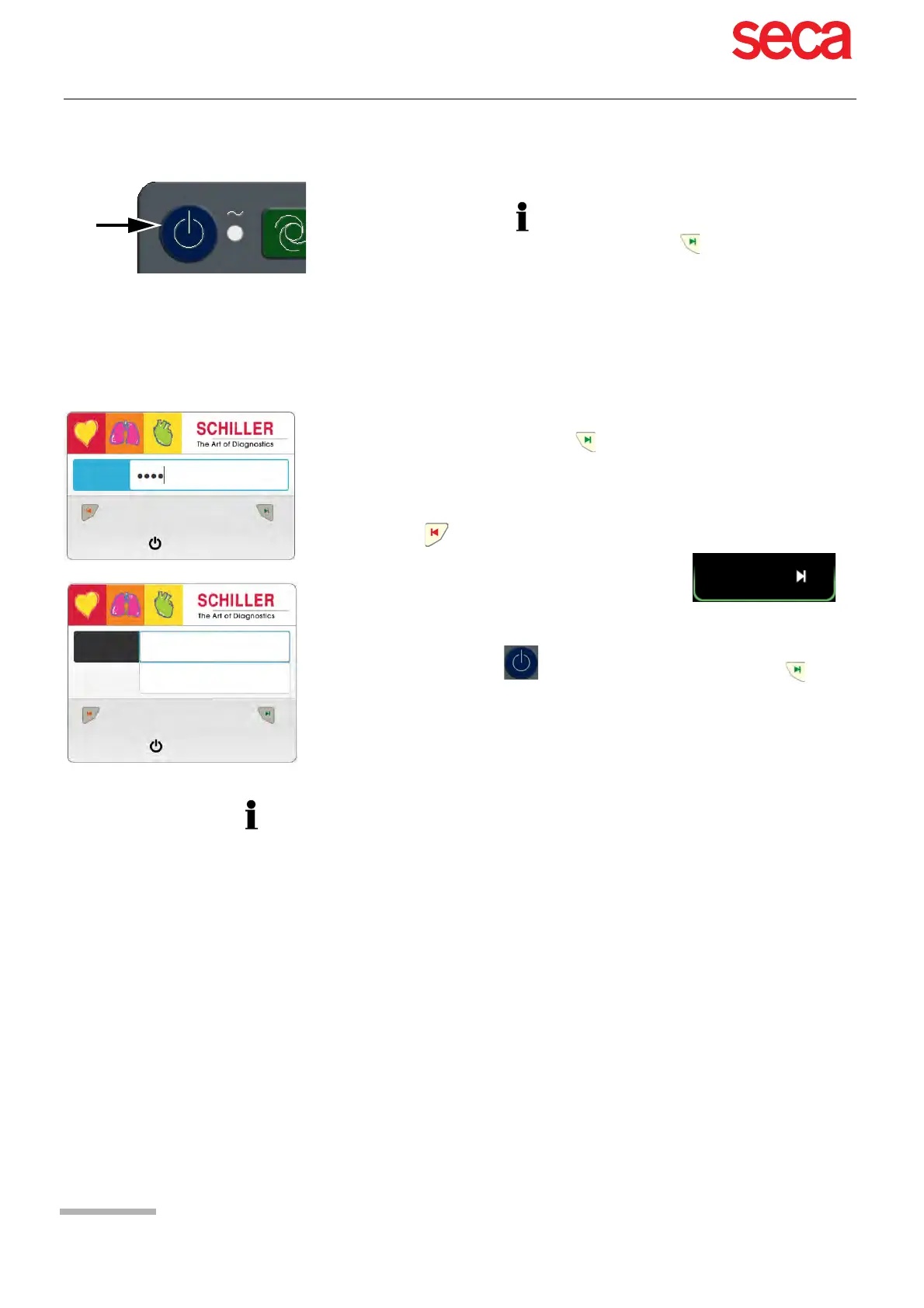
If access control is activated, the following dialogues are displayed:
The unit is switched on and off with the On / Off key.
• The switching off must be confirmed by pressing the key.
• If access control is activated, the ON-OFF key must be pressed twice.
Login
Enter the password and press the key to log in.
For the access control “Local” or “Schiller Server” an additional user name is required.
Emergency ECG
Press the key to bypass the login and perform an emergency ECG.
Automatic Logout when accepting the ECG recording
Logout
Press the ON-OFF key and in the following dialogue press the key to
log off (Cancel or Switch Off)
• User login is a system setting (section Access control, page 86) and user login can
be
set as follows:
– None - no user or password required and the program is entered directly on
switch-on.
– Basic - two access levels to access device (recording) and/or settings with a
separate password.
– Local - user and password defined locally in settings and can be defined with
3 different privileges.
– SCHILLER Server - user, password and access rights defined by SCHILLER
server.
• User roles and privileges are assigned to individual users and that can affect ac-
cess to a workflow area and the functions that can be carried out. If a function is
not available, it means that the user logged in does not have the privileges re-
quired. Individual users, and the user groups and privileges defined for individual
users are defined by the SCHILLER Server or locally if not networked.
• If Emergency ECG is selected, the login is bypassed for one acquisition. The
Login screen appears again after accepting the emergency ECG recording. No
other workflow is accessible.
Password:
Emergency ECG
Login
Shutdown
Password:
Emergency ECG
Login
Shutdown
User name:



 To Next Page