Page 53
Art. no.: 2.511407 Rev.: a
Culprit Coronary Artery Algorithm 6
User guide Introduction 6.1
CT8000P-2
6.1.2 Starting the CCAA analysis
Procedure
The data is shown in the print preview. The recording can be checked, accepted and
further printouts obtained in different formats.
When CCAA analysis is set, the following applies:
• The lead setting is automatically set to Right Precordial (V4r). Ensure that the C4
electrode is placed in the C4r (precordial) position.
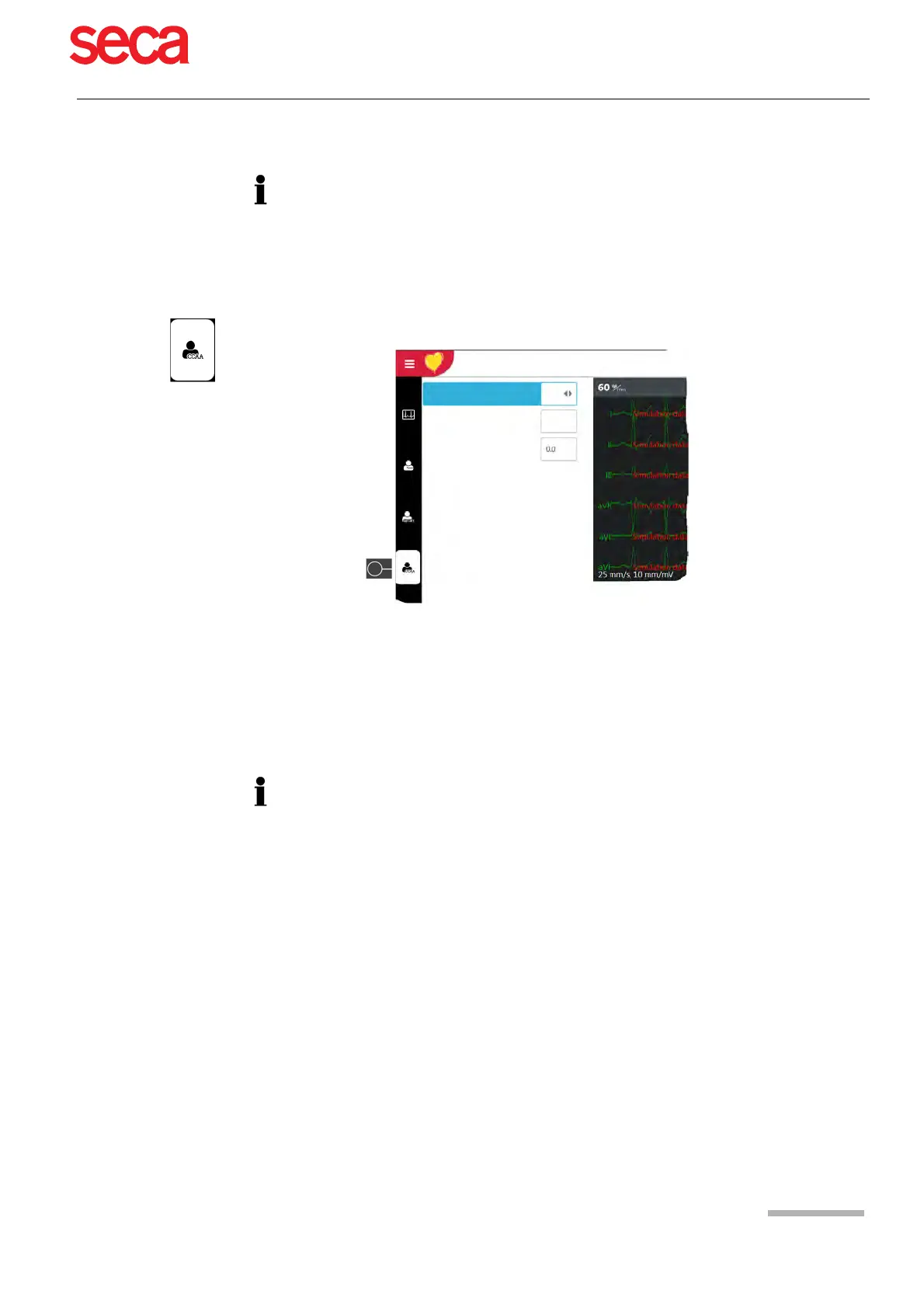
1. To take an automatic ECG recording including CCAA analysis, press CCAA.
2. Activate the CCAA analysis: parameter Chest pain “Yes”.
3. Enter the additional parameters Bypass/stenting and time since chest pain
started.
4. Check the electrode placement (V4r).
5. Press the key "Auto" to start the ECG recording.
Chest pain activate CCAA
Prior bypass, stenting?
Time since chest pain started
[h]
Yes
No
All other settings and features (saving, printing etc.) are the same as described in
section 5.2 Automatic resting ECG recording, page 44.



 To Next Page