Page 91
Art. no.: 2.511407 Rev.: a
Transmission - Overview 11
User guide Transmission Options 11.1
CT8000P-2
Wifi
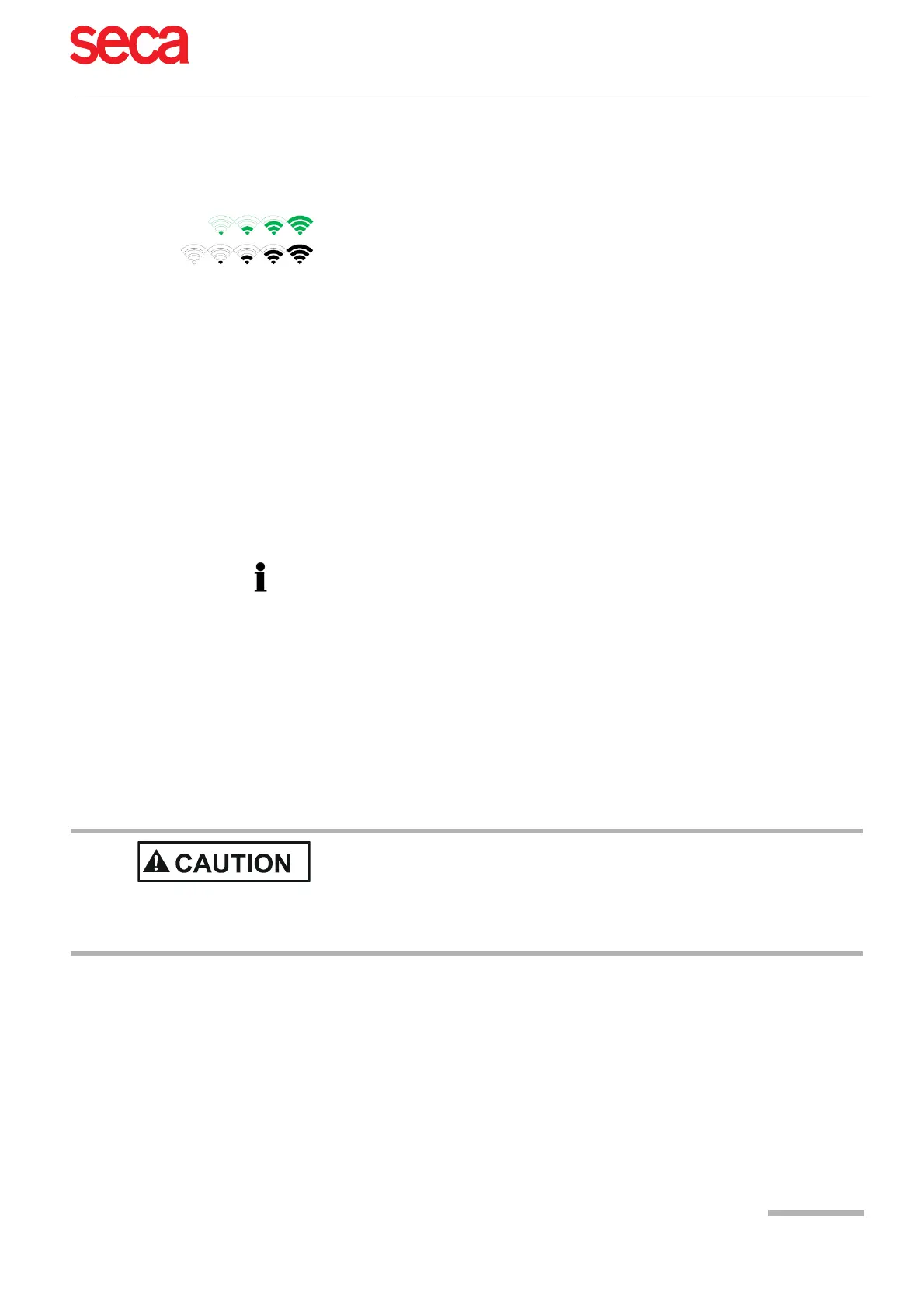
When Wifi is set, the symbols are as follows:
Schiller Link Schiller Link offers easy communication with an EMR system within the same net-
work. This communication comprises the following: import (GDT) of examination re-
quests including patient data and recording type from an EMR system, export of re-
cordings to an EMR system in the formats GDT, Sema2 or PDF. To activate this
communication, set Schiller Link in the menu Connectivity > EMR integration (see
page 81).
Schiller Server For patient data queries from the EMR system, the SCHILLER Server is required. A
more detailed description of the transmission settings are given in the SCHILLER
Communication Handbook 2.520036.
PDF export Export of a recording in PDF format to a USB stick
11.1.1 Automatic transmission
When auto transmission is defined, a recording is transmitted automatically after it
has been saved.
11.1.2 Manual transmission
To transmit a recording, select the recording in the Memory and press Export (see
Page 64)
11.1.3 PDF export
Data integrity
• Symbol Green - Connected to Wifi network and SCHILLER Server.
• Symbol Black - Connected to network but no connection with SCHILLER Server
• The strength of the signal is indicated with the number of bars.
The automatic transmission setting is defined in Settings:
Menu > Settings > General - Workflow- Transmit after acquisition (Yes/No - see
Page 85).
When exporting patient data to a USB stick, the operator needs to take
appropriate security measures to protect the data:
– Make sure that only authorised persons have access to the USB stick.
– After data transmission from the USB stick to a secure system, delete all data
from the USB stick.
– Deactivate the PDF export function if it is not used.



 To Next Page