11 Transmission - Overview
11.1 Transmission Options
Page 92
CT8000P-2
Art. no.: 2.511407 Rev.: a
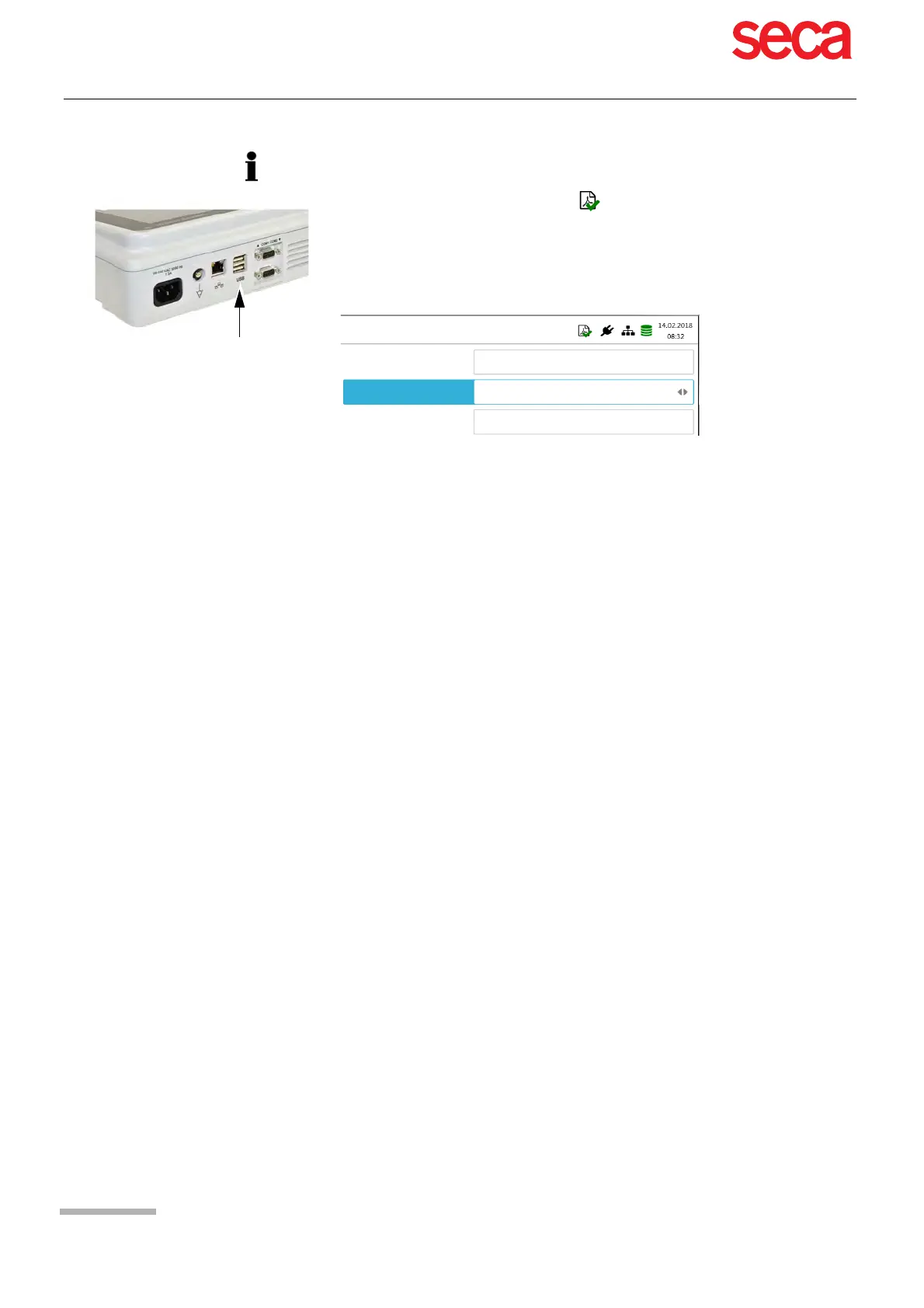
Activate PDF export in the Menu > Settings > Workflow > PDF to USB after save.
If PDF export is active, the recordings from the memory are transmitted as soon as
a USB stick is connected. The symbol PDF export is displayed when data has
successfully been transferred to the memory stick.
Caution
If “Delete after export” is activated in the same menu, the recordings are deleted
from the memory.
Transmit after save
PDF to USB after save
Delete after export
No
Yes
No



 To Next Page