Page 69
Art. no.: 2.511407 Rev.: a
Worklist (Option) 9
User guide Receiving a worklist 9.2
CT8000P-2
9.2.3 Sending worklist recordings to the HIS
• It is possible to automatically send performed worklist recordings. This is defined
in system settings (Menu > > Settings > General > Workflow > Transmit after
acquisition Page 85).
• Recordings can also be transmitted manually in the memory.
In order to update the worklist, press Sync. worklist. Wait until the
synchronisation is completed, i.e. until the recordings are no longer displayed in
the worklist (this can last a few minutes).
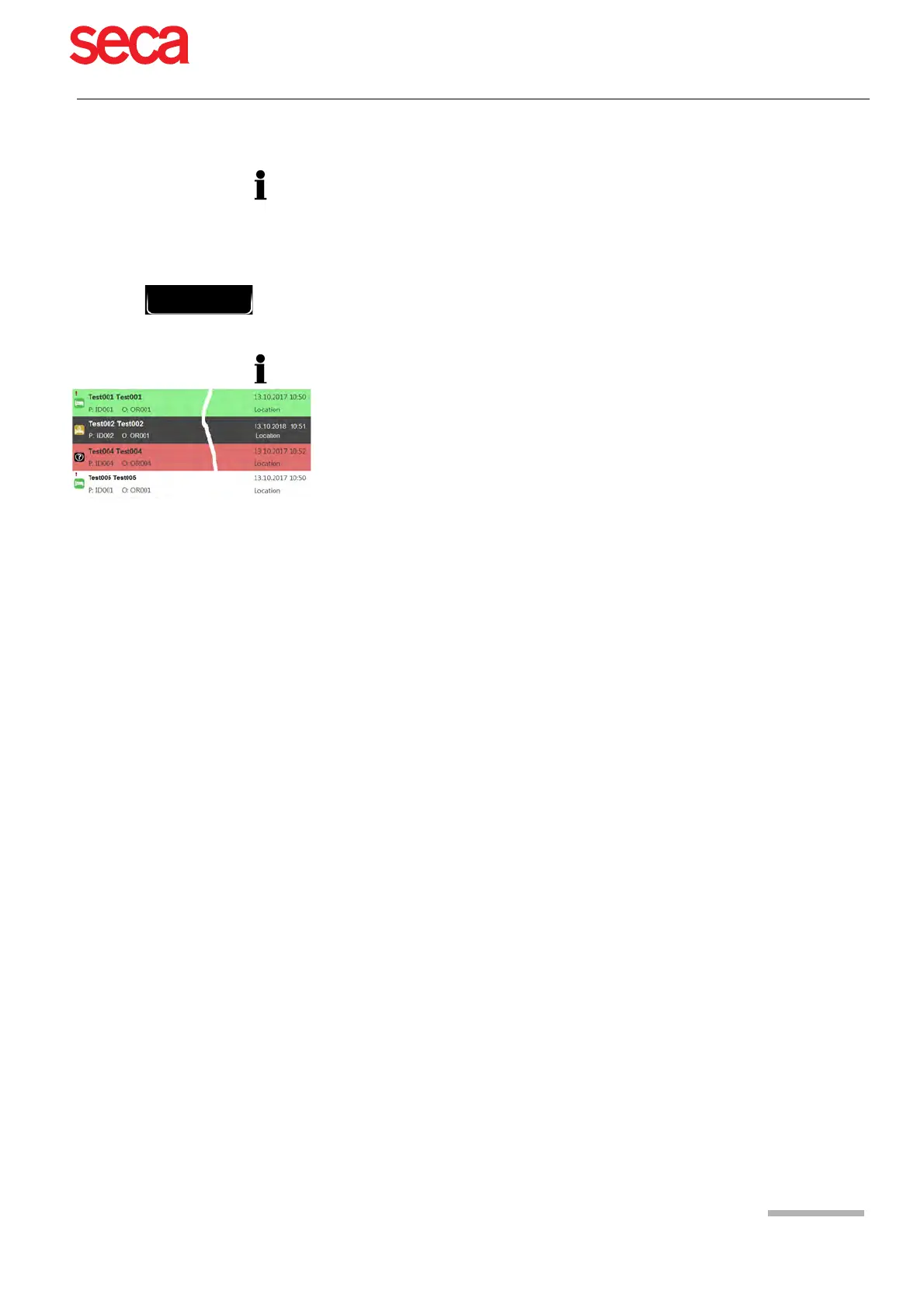
Pending work items are indicated by a white background and selected work items by
a grey background.
Completed work items (green) or those that have been cancelled (red) are deleted
from the worklist during the next synchronisation.



 To Next Page