56
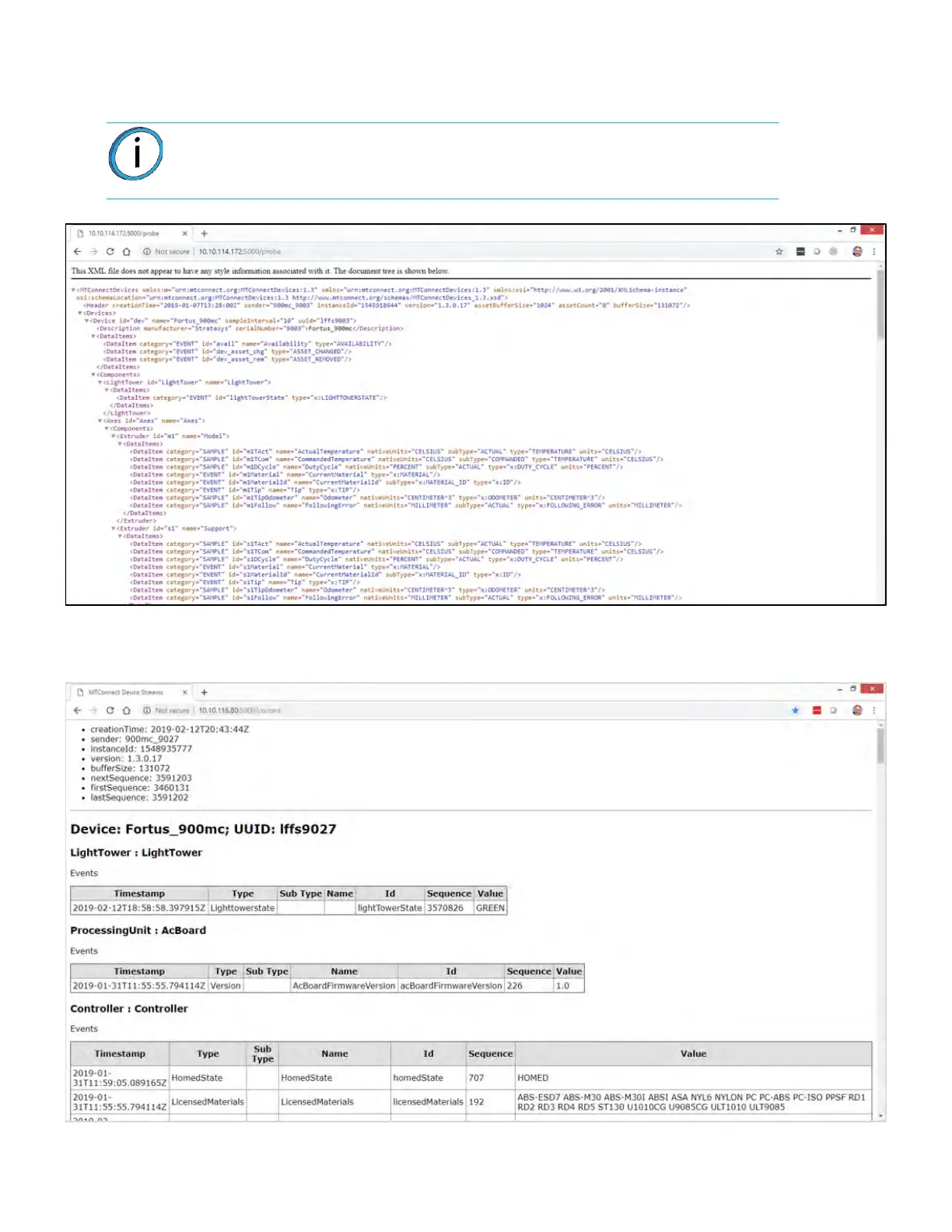
6. To verify the system is on the network, open a web browser and type http://xxx.xxx.xxx.xxx:5000/
probe replacing the “xxx.xxx.xxx.xxx” with the obtained IP address. The device information is
returned.
7. Change “probe” to “current” (http://xxx.xxx.xxx.xxx:5000/current) will return the current
MTConnect data for the system.
Note: The IP address need not be in 3 digit segments. Do not use leading zeros.
For Example: IP Address = 10.40.202.149, use http://10.40.202.149:5000/
probe, NOT http://010.040.202.149:5000/probe














 To Next Page