CHAPTER 7 Quality control
7-8 Sysmex XE-5000 Instructions for Use
Revised April 2007
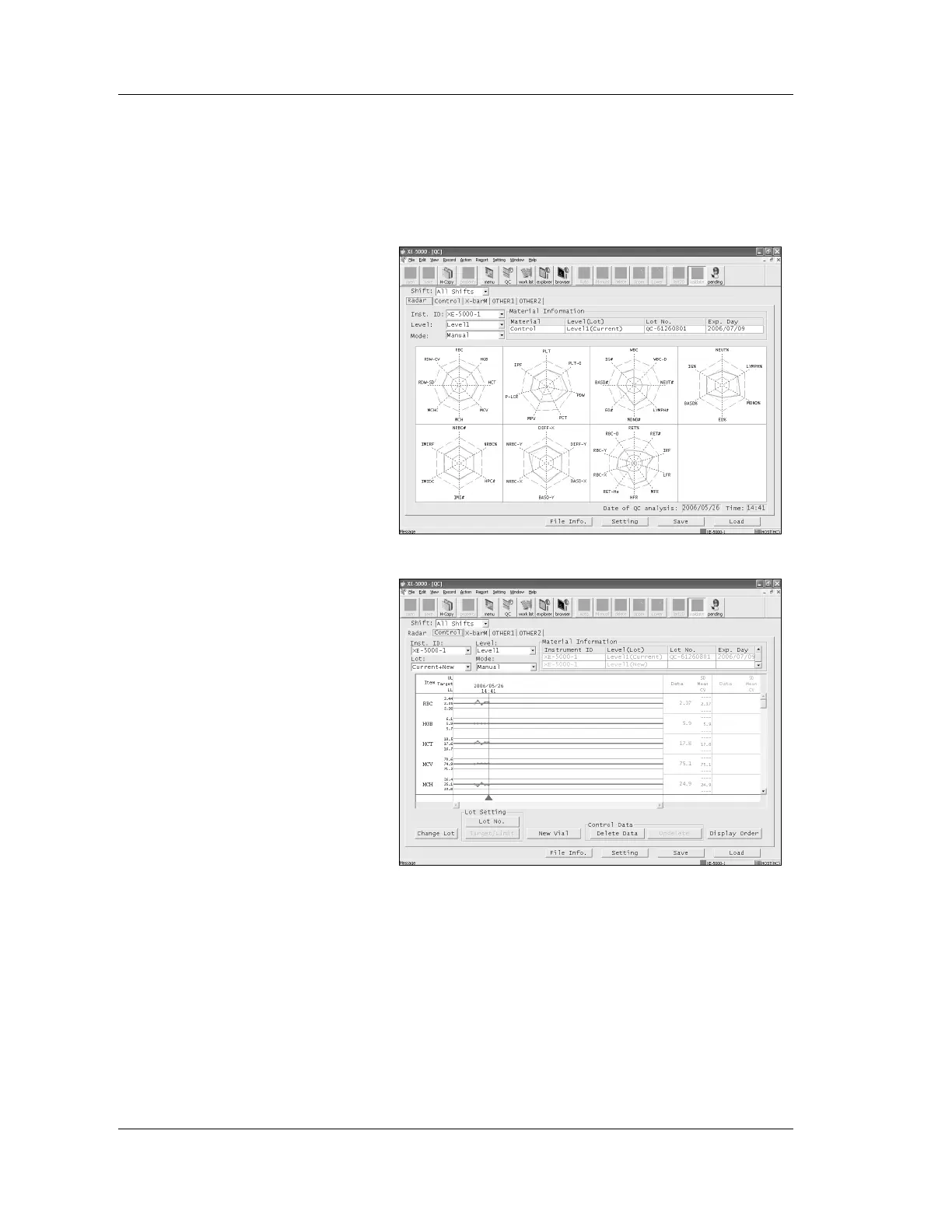
QC assessment
Detailed information on quality control can be displayed on
the Information Processing Unit (IPU).
1. Start quality control from the Information Processing Unit
(IPU).
The QC Rader chart screen will appear.
2. Click the “Control” tab.
3. If multiple Main Units are connected, select the Main Unit
which performed the quality control.
4. Select the level of the control blood displayed in the radar
chart.
5. Select the lot of the control blood displayed in the radar
chart.
6. Select the analysis mode of the control blood.



 To Next Page