CHAPTER 9 Cleaning and Maintenance
9-46 Sysmex XE-5000 Instructions for Use
Revised April 2007 EU
9.21 Adjusting pressure and vacuum
Pressure and vacuum from the Pneumatic Unit are adjusted
to 0.25 MPa, 0.16 MPa, 0.07 MPa, 0.03 MPa, and -0.04 MPa
by the XE-5000 Main Unit. The pressure and vacuum are
monitored by pressure sensors. When an error occurs, an
error message is displayed.
If a pressure or vacuum error message is displayed, check the
tubing connections for any leakage. When no abnormality is
found, display the monitored value on the LCD and adjust the
pressure or vacuum as described below.
Displaying the pressure or vacuum
1. Select “TEST” on the function menu of the main menu
screen of the Main Unit.
The Test menu screen will appear.
2. Select “Status” on the Test function menu.
The Status screen will appear .
3. From the Status menu screen, select “Sensor 1” on the
function menu.
The Sensor 1 screen will appear.
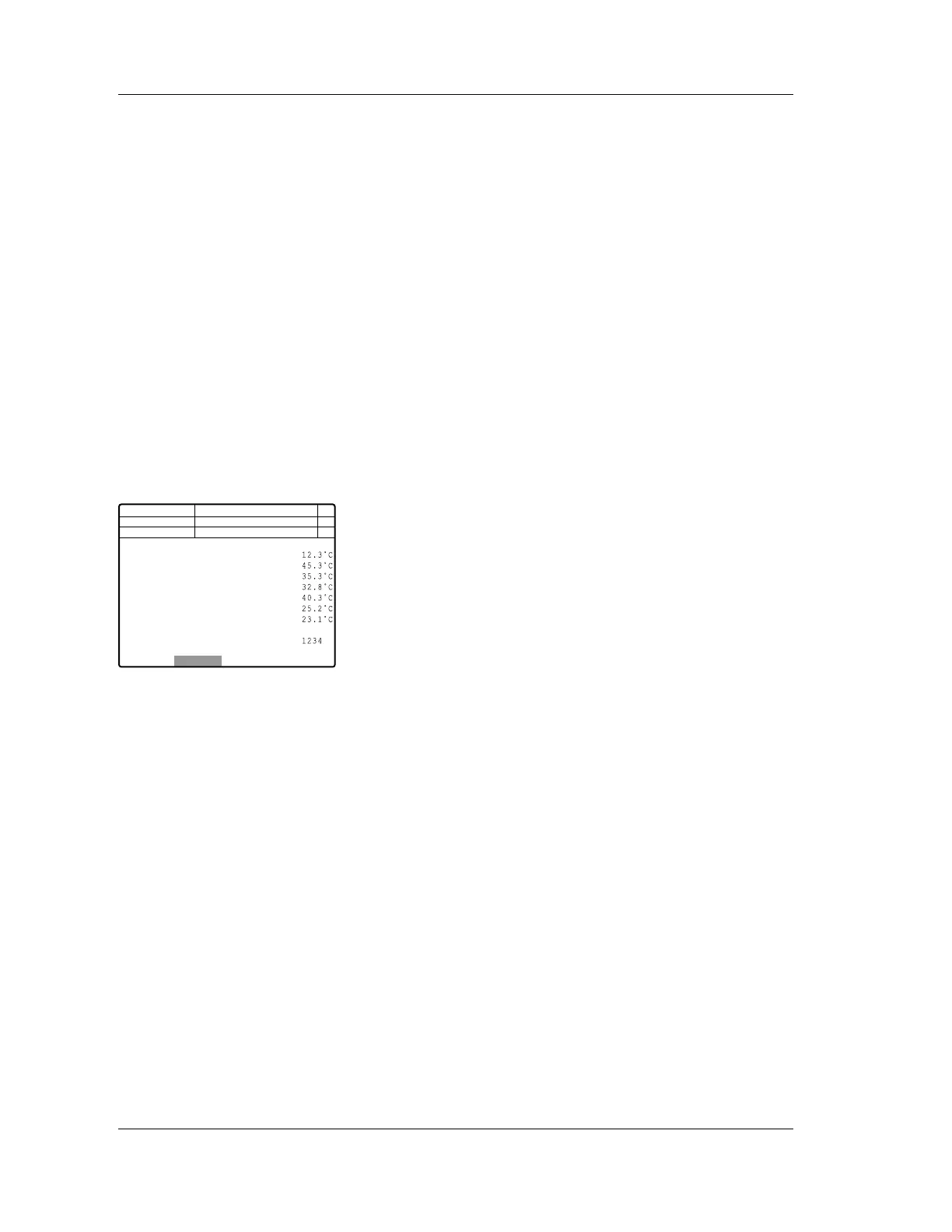
The Sensor 1 screen displays pressure, temperature,
HGB convert, PMT voltage and laser driving voltage.
Next No.123456789012346
DP No. 123456789012345
0.2464
0.1570
0.0687
0.0295
-0.0733
-0.0399
C D N R
Manual
0.25MPa
0.16MPa
0.07MPa
0.03MPa
-0.07MPa
-0.04MPa
REACT CMB
REAG40
REAG33
IMI DTCT
OPT DTCT
RBC DTCT
ENVIRONMENT
PMT(SSC) -234 V
PMT(SFL) -256 V HGB
LASER PWR 65.3mA
Cancel
<Pressure> <Temparature>
Not Ready
Num
DP
Xm



 To Next Page