CHAPTER 3 Design and Function
Sysmex XE-5000 Instructions for Use 3-11
Revised April 2007
7 Displays the input status by numeric keys.
Alphabet and hyphen in addition to numerals can be used for sample ID No.
By pressing the NUM./ALPH. key on the panel keypad, you can change the input mode
in this order: “Numeric” → “Uppercase Alphabet” → “Lowercase Alphabet”. The display
contents are as follows:
Num: Numeric mode
ALP: Uppercase Alphabet
alp: Lowercase Alphabet
8 Displays the status of the DP.
DP: DP is connected and no error has occurred.
No indication: DP is not connected.
DP (reversing display): DP is set to be connected, but an error has occurred.
9 Displays the implementation status of X
M QC.
Xm: X
M QC is ON.
No indication: X
M QC is OFF.
10 Displays the function menu.
The contents of the function menu differ with each other.
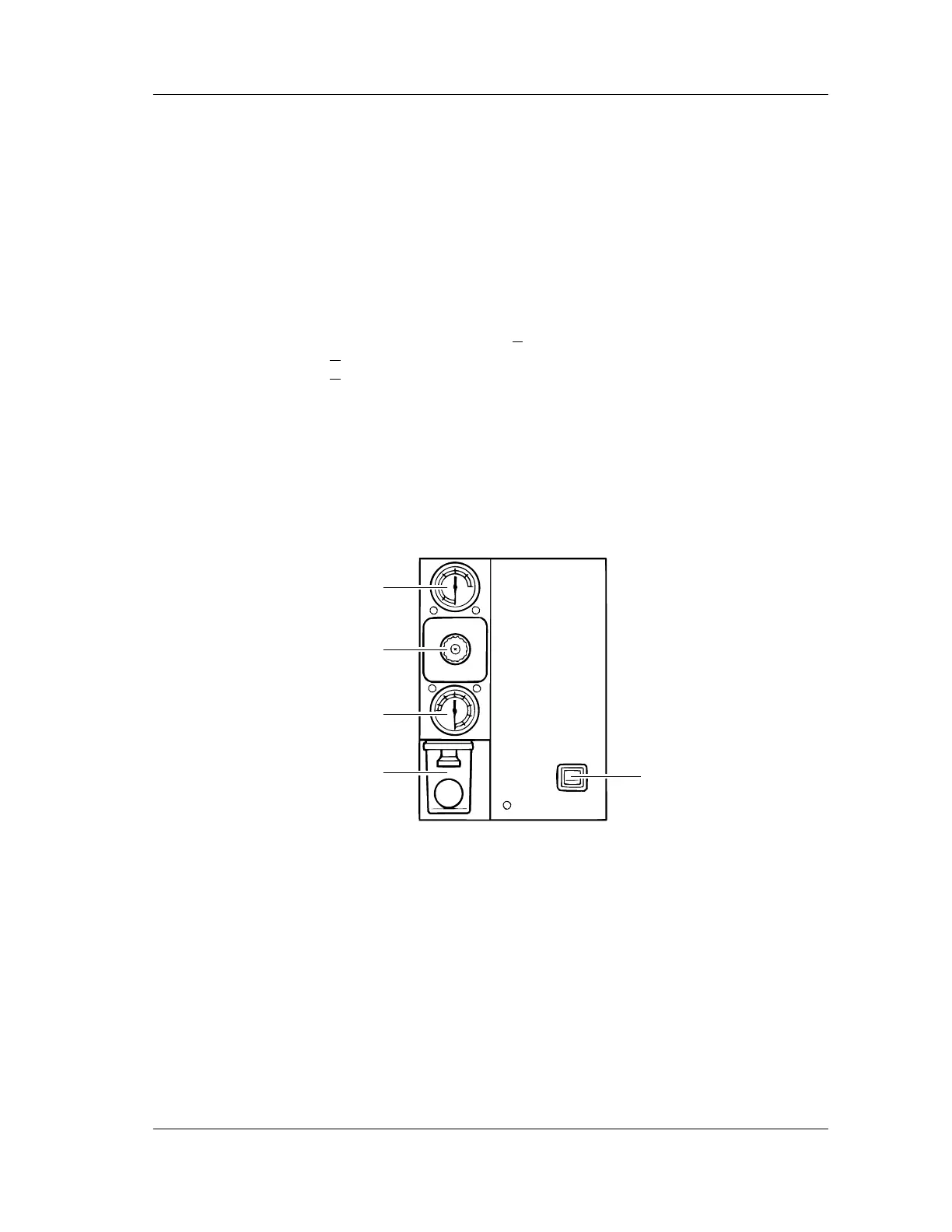
3.3 Pneumatic Unit
Front View
1 Pressure Indicator 1 (0.25 MPa)
Indicates pressure to be supplied to the Main Unit. The normal range is 0.25 ±
0.03 MPa. If pressure comes out of the normal range, the instrument may not operate
properly.
2 0.25 MPa regulator
Regulates the 0.25 MPa pressure to be supplied to the Main Unit.
3 Vacuum Indicator 2
Indicates vacuum to be supplied to the Main Unit. The normal range is -0.05 MPa or
over. If vacuum is less than -0.05 MPa, the instrument may not operate properly.
4 Pneumatic unit trap chamber
Prevents reagent, etc. from flowing into the compressor when an abnormality has
occurred in the instrument.
1
2
3
4
5



 To Next Page