CHAPTER 6 Operation
6-26 Sysmex XE-5000 Instructions for Use
Revised April 2007
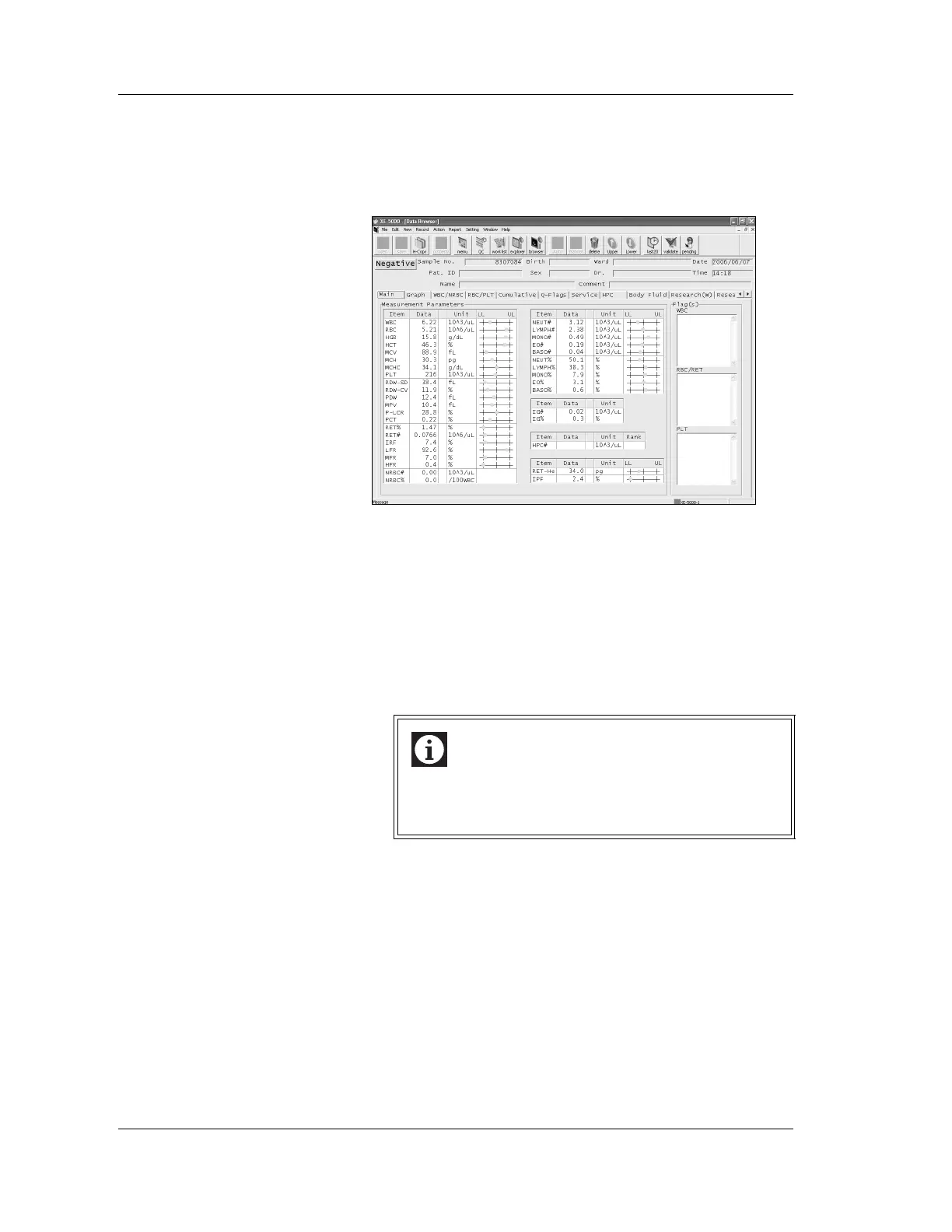
The Data Browser screen on the IPU displays details of
analysis results.
For the display selection method and the display content, see
“Chapter 3: Stored Samples (Explorer)” and “Chapter 4: Data
Browser” in the Software Guide.
6.22 Analysis result output
If automatic output has been set up, the analysis results will
be sent to the Graphic Printer, Data Printer and/or Host
Computer.
If automatic output has not been set up, the operator must
select the data and destination for output. See “Chapter 3:
Stored Samples (Explorer)” in the Software Guide.
Information
Analysis results in body fluid analysis mode cannot be
validated automatically, so they are not subject to
automatic output, regardless of the setting.



 To Next Page