CHAPTER 7 Quality control
Sysmex XE-5000 Instructions for Use 7-21
Revised April 2007
7.10 Display order
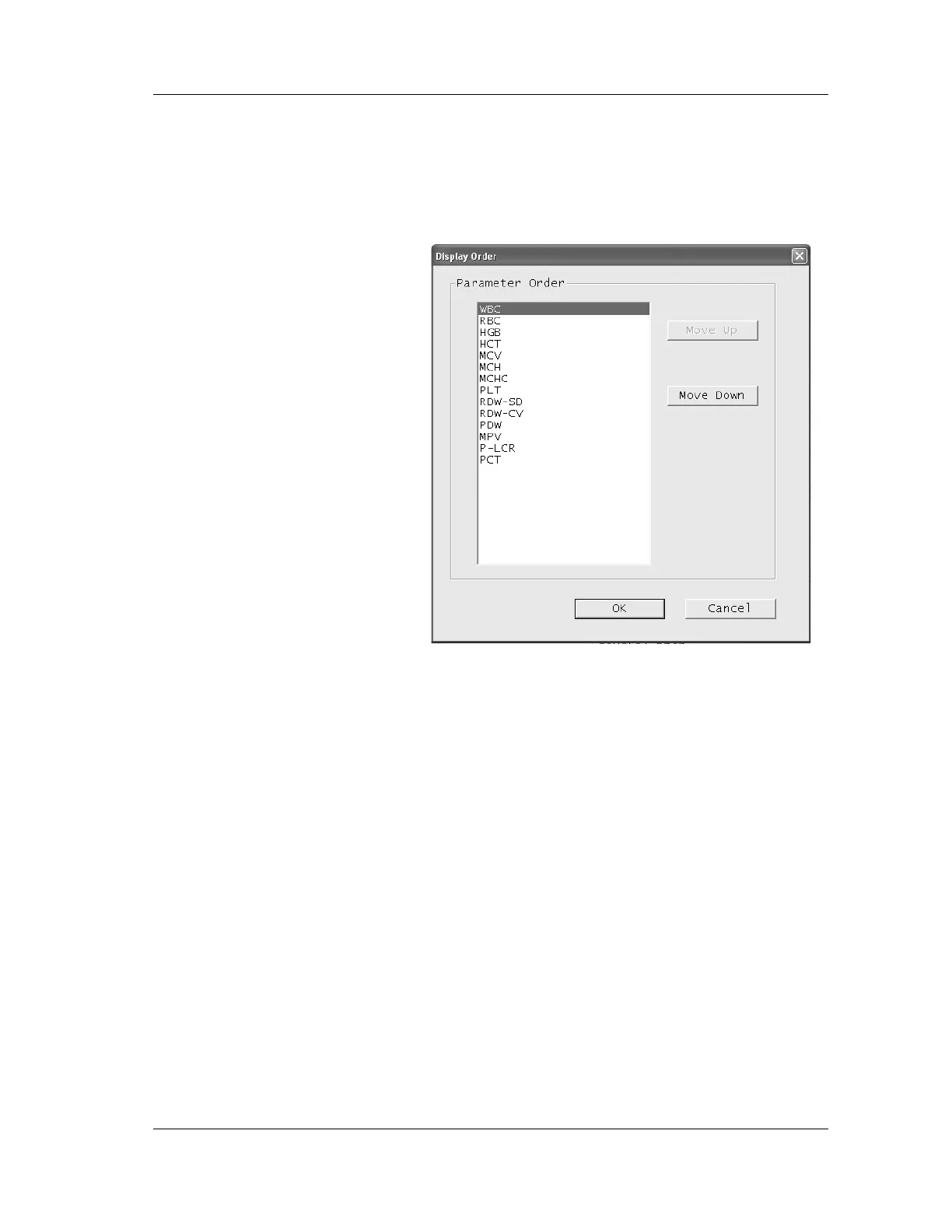
The display order of items on the QC screen can be altered.
1. Click the Display Order button on the Control, OTHER1/
OTHER2 or X-barM chart screen.
The Display Order dialog box will be displayed.
2. The list will be displayed in the present order.
Select the parameter to be changed (reordered).
3. Click the “Move Up” or “Move Down” button to change
the order of the selected parameter.
Move Up: The selected parameter scrolls up by one
line.
Move Down:The selected parameter scrolls down by one
line.
4. Click “OK” to close the Display Order dialog box and
display the chart with the altered order.
Click “Cancel” to cancel the display order and close the
Display Order dialog box.



 To Next Page