CHAPTER 7 Quality control
7-16 Sysmex XE-5000 Instructions for Use
Revised April 2007
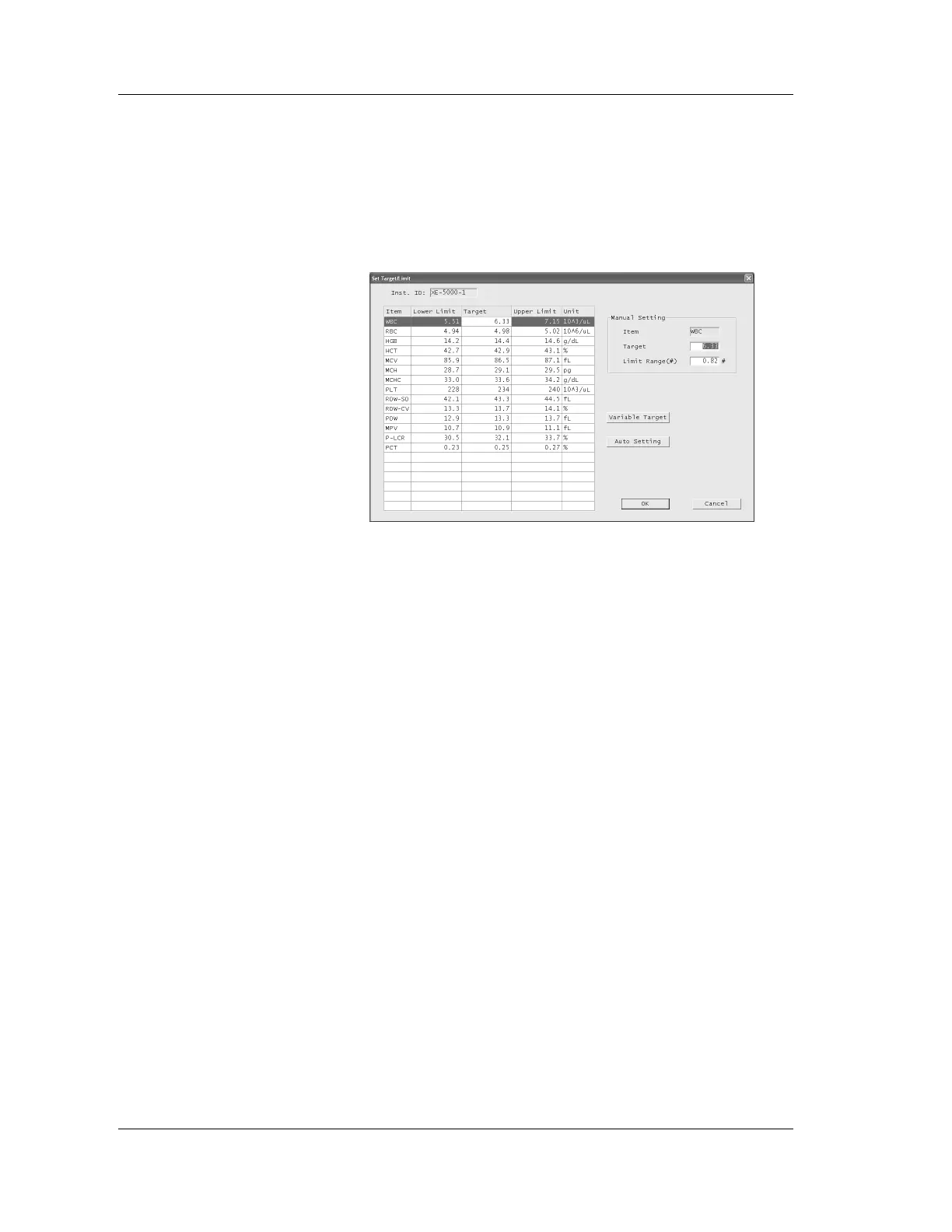
7.9 Target/Limit
Set targets and limits for the file displayed.
Click the “Target/Limit” button on the Control, OTHER1/
OTHER2 or X-barM chart screen to display the Set Target/
Limit dialog box.
Instrument ID and file information will be displayed in the
upper section of the dialog box.
Manual setting
1. Click a parameter you wish to set in the list.
The selected parameter will be displayed in the Manual
Setting column at the upper right of the dialog box.
2. Input the setting values under “Target, Limit range”.
If (%) is displayed in the limit range column, it means that
the percentage form is currently used. If (#) is displayed, it
means that the numerical value form is currently used.
See “Chapter 7: 7.3: Limit setting”.



 To Next Page