CHAPTER 6 Operation
Sysmex XE-5000 Instructions for Use 6-9
Revised April 2007 EU
6.8 Logging on to the Information Processing Unit (IPU)
1. Apply the power of the IPU.
2. The Windows system starts up, and the user is
automatically logged on to the Windows system as
“XE-5000”.
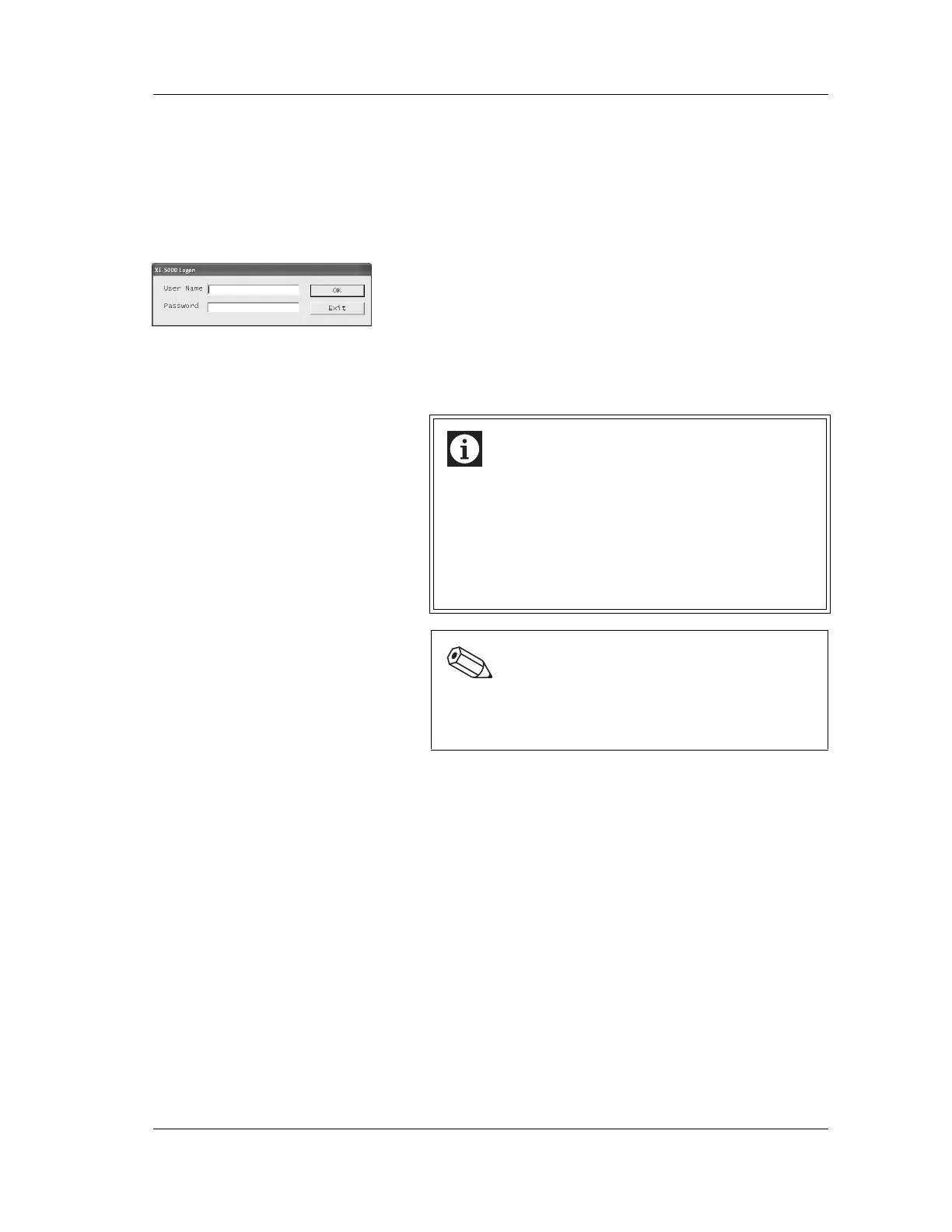
3. The logon dialog box for the XE-5000 application program
is displayed.
4. Input a User Name and Password, and click OK.
Logon will be performed with the input User Name and
Password. Operation will be possible within the
permission set for that User Name.
To discontinue Logon, click Exit.
User Name and Password are very important for proper
system management and should be correctly managed.
If you forget the User Name or Password, contact your
Sysmex technical representative.
6.9 Self-checks
The instrument performs a self-check operation automatically
after the power of the Main Unit is turned ON. The following
checks are performed in order: microprocessor check,
temperature check, mechanical parts check and background
check.
If a failure occurs during a self-check, see “Chapter 10:
Troubleshooting”.
Information
• Logon can be performed with “Admin” in the
condition set at the shipment from the factory.
• “m107m” is the password for the “Admin” user on
shipment from the factory.
• Before using the unit, set a user name, password,
and permission.
Also, change the password for “Admin”.
Note:
See “Chapter 5: Instrument Setup” in the Software
Guide for the setting and changing procedures of the
password and permission.



 To Next Page