CHAPTER 10 Troubleshooting
Sysmex XE-5000 Instructions for Use 10-1
Revised April 2007
10.Troubleshooting
10.1 HELP screen
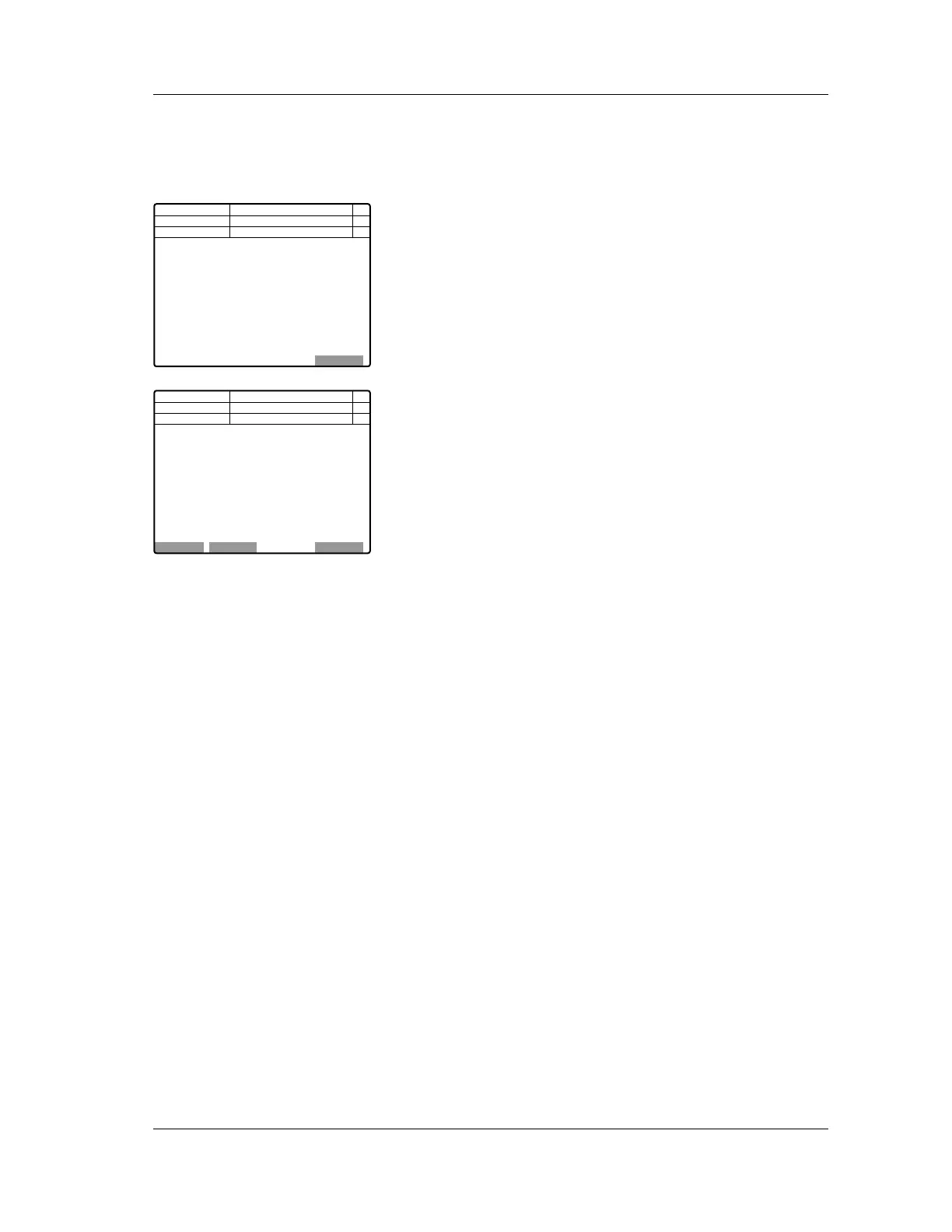
When an error occurs, an error message is displayed in the
center of the LCD screen of the Main Unit panel keypad.
The LCD screen displays the content of the highest-priority
error currently occurring.
If several errors occur, press the HELP key on the panel
keypad, then select “Error List” on the function menu to
display the Error List Display Screen.
To return to the Help Screen, select “BACK” on the function
menu.
When an error occurs, press the HELP key on the panel
keypad.
The error content and reset method will be displayed.
Follow the indicated recovery procedure and the content of
“Chapter 10: 10.4 Troubleshooting guide”.
If the recovery procedure does not restore the system to
normal condition, contact your Sysmex technical
representative.
10.2 Error log
The error log displays a maximum of 100 errors in order of
their occurrence.
Older errors will automatically be deleted if the total number of
errors exceeds 100.
The error log consists of the error messages and the error
parameters.
1. Double-click the “Controller” icon on the Information
Processing Unit (IPU) menu screen.
The controller menu will be displayed.
Next No.1
DP No.
C D N R
Num
DP
Xm
Manual
BACK
Tube Clamp Error
Execute Shutdown
Tube Clamp Error
Not Ready
<Error List>
Next No.1
DP No.
C D N R
Num
DP
Xm
Manual
ERR ListOK Cancel
Execute CP Mech.menu.
Reset both the tube and rack.
and press the[OK]key.
Tube Clamp Error
Not Ready
<HELP>



 To Next Page