CHAPTER 5 Before Using
Sysmex XE-5000 Instructions for Use 5-3
Revised April 2007
Uninterruptible power supply (UPS) (option)
A backup power supply which allows the IPU to operate for a
maximum of 5 minutes in the event of power failure. In case of
momentary power interruption caused by a thunder storm, the
UPS protects the IPU hard disk.
5.5 Basic equipment settings
Date and Time
Set the date and time accurately, using the Windows date and
time adjustment function on the Information Processing Unit
(IPU).
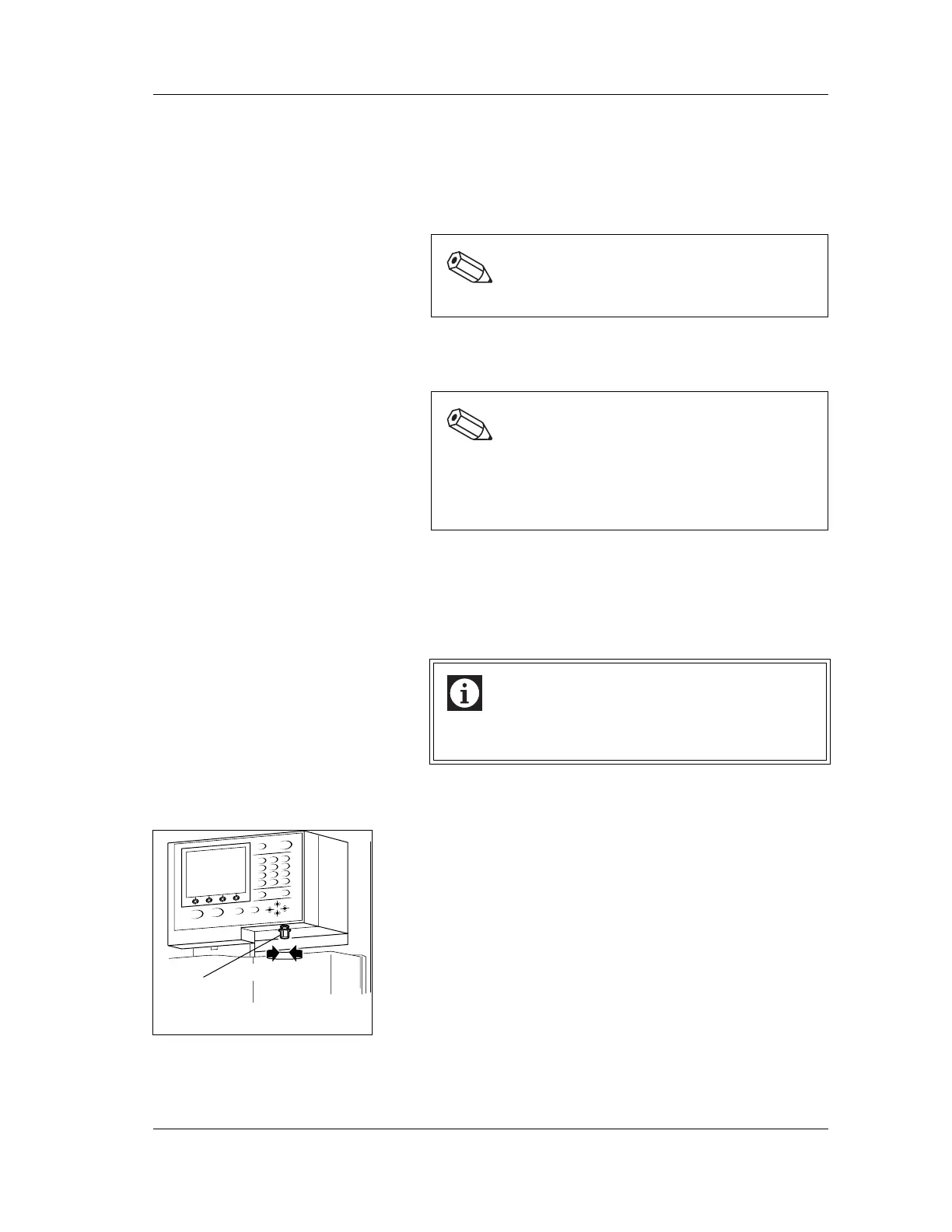
Brightness adjustment of panel keypad LCD screen
1. Open the front cover of the Main Unit.
2. The LCD brightness can be adjusted using the brightness
adjustment volume under the panel keypad.
Turn to the right: Darker
Turn to the left: Lighter
3. Close the front cover of the Main Unit.
Note:
The uninterruptible power supply (UPS) is optional.
Note:
This chapter only explains the settings related to the
initial operations. For more detailed information about
other settings, see “Chapter 5: Instrument Setup” in
the Software Guide.
Information
The date and time cannot be set from the XE-5000
setup program.
0%
C
1
23
4
5
6
7
89
Darker Lighter
Brightness
adjustment
volume



 To Next Page