CHAPTER 6 Operation
6-4 Sysmex XE-5000 Instructions for Use
Revised April 2007
6.3 Summary of Information Processing Unit (IPU) operation
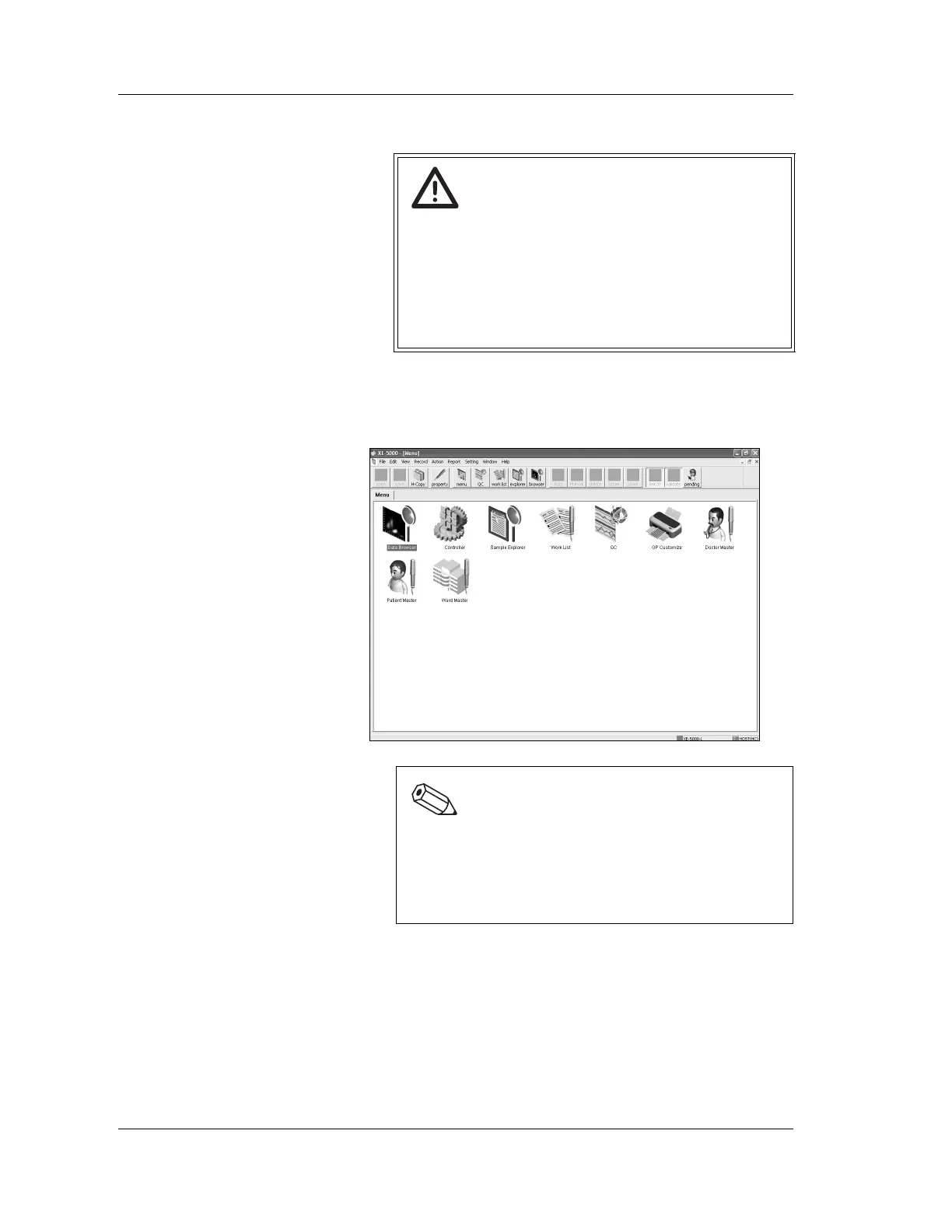
Menu screen
The menu screen appears after the Information Processing
Unit (IPU) is turned on and the user logs in to the application
program.
Menu selection
The following three methods may be used to select an item on
the menu.
• Double-click the icon on the tool bar.
• Click on the menu, then select the submenu item from the
pull down.
• Double-click the icon on the menu screen.
Caution!
• The Information Processing Unit (IPU) is to be used
exclusively with the XE-5000 and can not be used as
a regular computer.
• Operation not covered in this manual or use of
programs not specified by Sysmex renders the
warranty invalid and may cause the Information
Processing Unit (IPU) to perform incorrectly.
Note:
The menu screen is customizable. Therefore, the
screen displays presented in this manual may differ
from the actual screen displays on the instrument.
For details of screen customization, see “Chapter 5:
Instrument Setup” in the Software Guide.



 To Next Page