CHAPTER 9 Cleaning and Maintenance
Sysmex XE-5000 Instructions for Use 9-1
Revised April 2007
9. Cleaning and Maintenance
To ensure that the instrument can function in its best state, it
is necessary to give scheduled maintenance.
Perform maintenance according to the schedule below and
record the result in the maintenance checklist.
Daily maintenance
• Execute shutdown (detector chamber and dilution line are
cleaned automatically).
• Remove fluid from the Pneumatic Unit trap chamber.
Periodical SRV maintenance
• Clean the sample rotor valve when the message “Clean the
SRV” is displayed:
Depending on the service contract, your Sysmex technical
engineer will perform the cleaning of the SRV.
As-needed maintenance
• Clean the manual rinse cup.
• Clean the sample rotor valve tray.
• Clean the piercer tray.
• Removing Clogs. (Clog Removal Sequence)
• Clean the IMI detector aperture.
• Clean the RBC detector aperture.
• Remove flow cell air bubbles in the optical detector block.
• Clean the flow cell in the optical detector block.
• Replace the waste container. (option)
Supplies replacements
• Replace reagents.
• Replace piercer.
• Replace hand clipper.
• Replace the rubber plate No. 39.
• Replace the HEPA filter.
• Replace fuses.
Adjustment of pressure and vacuum
• Adjust the pressure to 0.25 MPa.
• Adjust the pressure to 0.16 MPa.
• Adjust the pressure to 0.07 MPa.
• Adjust the pressure to 0.03 MPa.
• Pneumatic Unit vacuum
• Vacuum: Adjust the vacuum to -0.04 MPa.
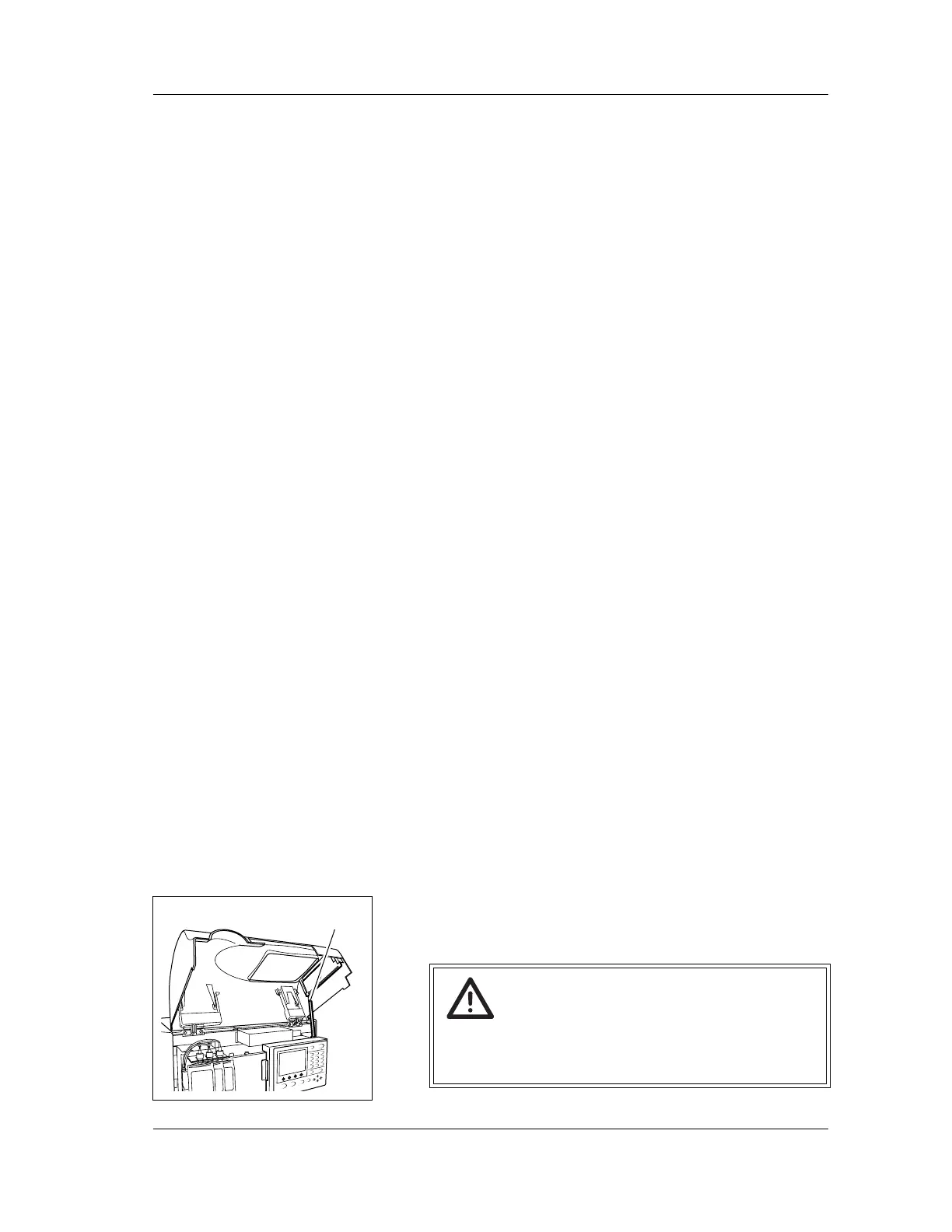
Warning!
Before operating with the front cover open, be sure to
set the stop bar. Otherwise, the cover can drop down
and injure your head.
Stop Bar



 To Next Page