CHAPTER 8 Calibration
Sysmex XE-5000 Instructions for Use 8-9
Revised April 2007
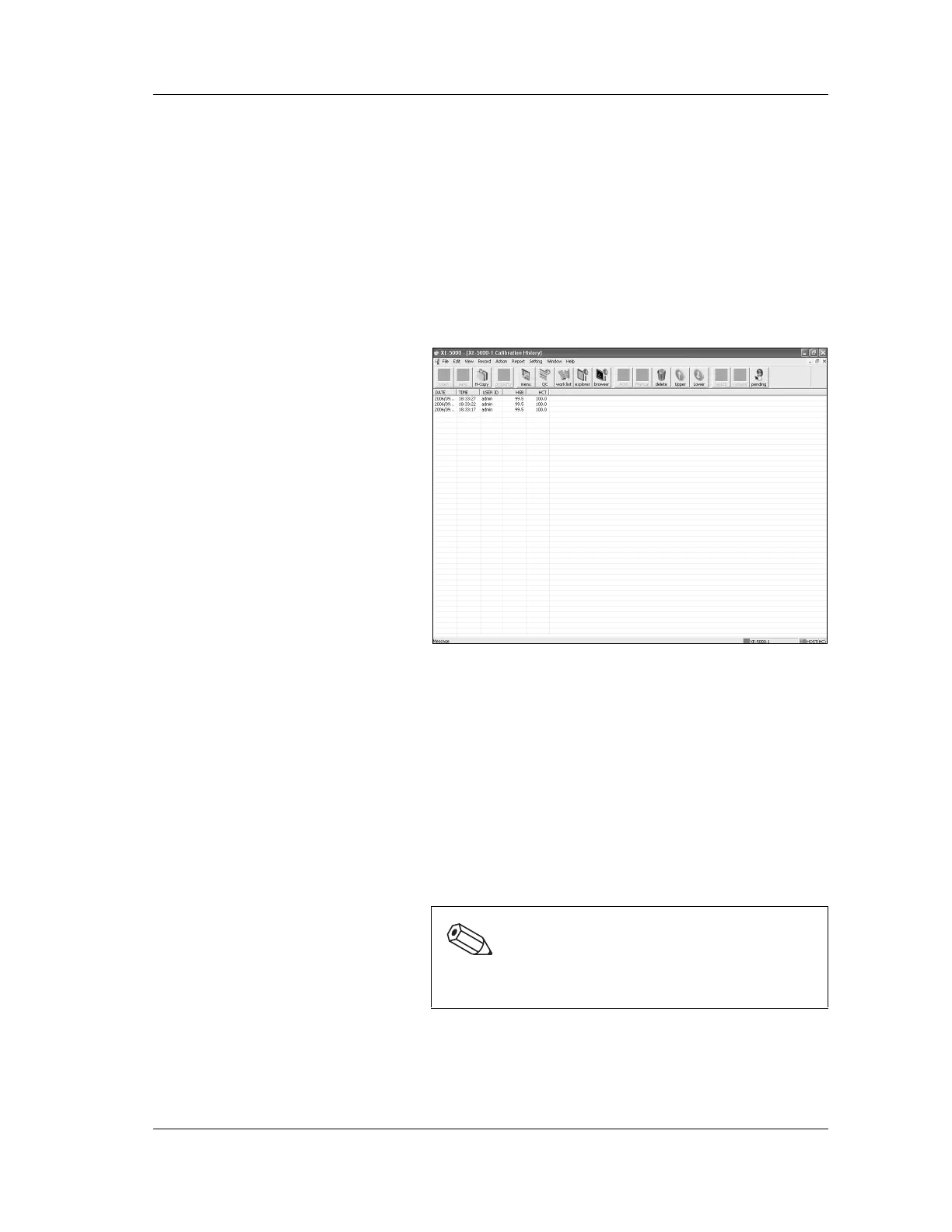
8.7 Calibration history
The Calibration History display screen shows a maximum of
10 calibrations in order of occurrence.
Older calibrations will automatically be deleted if the total
number of calibrations exceeds 10.
1. Double-click the “Controller” icon on the Information
Processing Unit (IPU) menu screen.
The controller menu will be displayed.
2. Double-click the “Calibration History” icon on the
controller menu. The Calibration History screen appears.
Deleting calibration history
Calibration history can be deleted.
1. From the Calibration History screen, select a record to
delete by clicking on it.
2. From “Record (R)” on the menu bar, select “Delete (D)”,
or double-click the “Delete” icon on the tool bar.
3. The Confirm Delete dialog box will be displayed.
4. Click “OK” to delete the selected record and close the
dialog box.
Click “Cancel” to cancel deletion.
Note:
Multiple calibration histories cannot be selected nor
deleted at a time.



 To Next Page