CHAPTER 8 Calibration
8-2 Sysmex XE-5000 Instructions for Use
Revised April 2007
8.4 Automatic calibration
In the XE-5000, five fresh, normal blood samples are used for
automatic calibration of HGB and HCT values.
Executing the automatic calibration program
1. From the Main Menu screen on the Main Unit, select
“Calibration” on the function menu.
The Calibration Menu screen will appear.
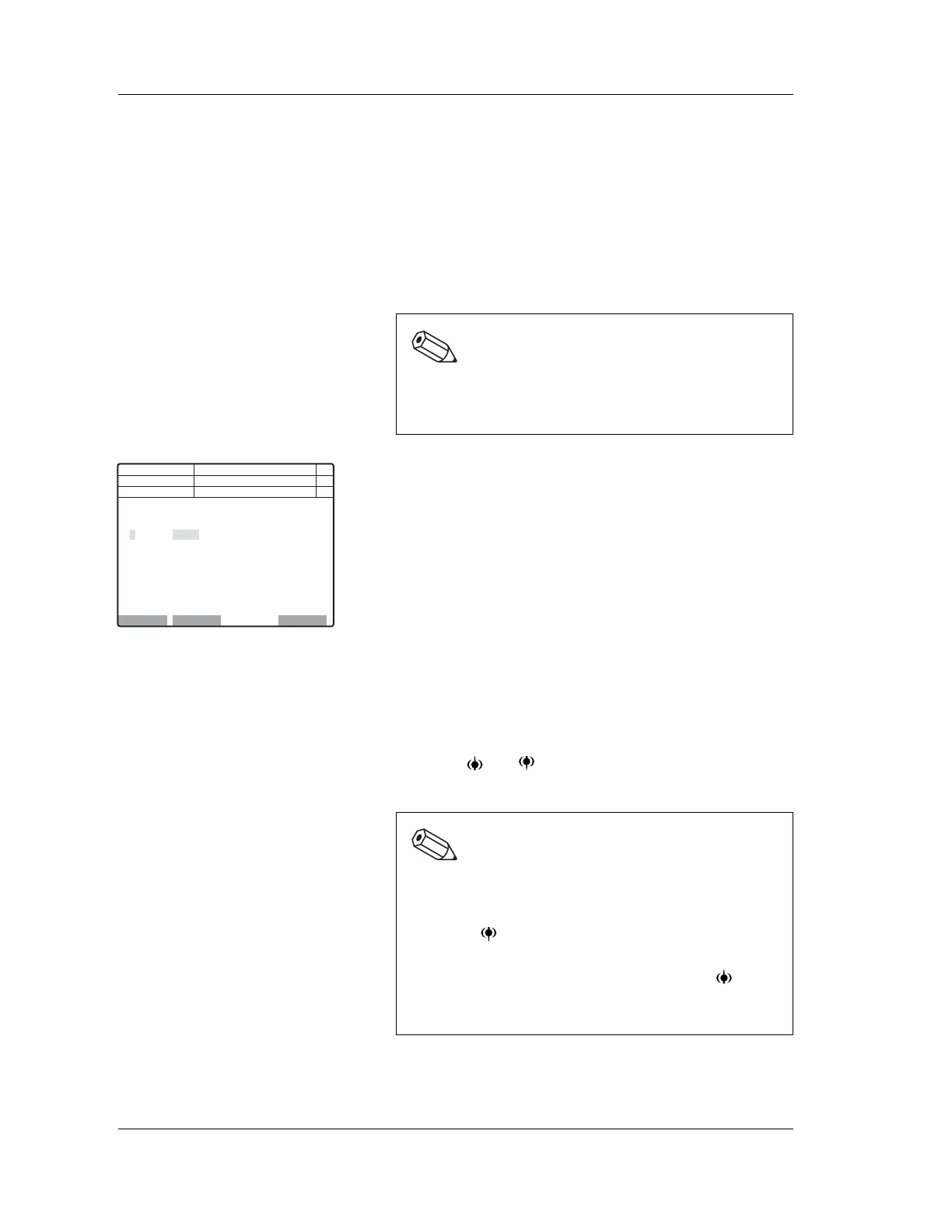
2. Select “Auto Calibration” on the function menu of the
Calibration Menu screen.
The Automatic Calibration screen (P1) will appear.
To cancel the automatic calibration, press the RETURN
key. The Calibration Interruption screen will appear.
Select “OK” or “Cancel” on the function menu.
OK: Ends the automatic calibration and returns
the system to the Main Menu screen.
Cancel: Returns the system to the Automatic
Calibration screen. And the operation can be
continued.
Entering reference values
1. Using the and keys, move the cursor to select the
line in which you wish to enter the value.
Note:
When the “Calibration” on the function menu is not
displayed on the Main Menu screen, press the MORE
key to change over the function menu.
Execute Exclude Last Data
Next No.123456789012346
DP No. 123456789012345
Manual
1
2
3
4
5
6
7
15.8
C
Ready
<Auto Calibration>
Reference
HGB HCT HGB HCT HGB HCT
Analyze Comp.[%]
Num
DP
Xm
Note:
The Automatic Calibration screen consists of two
pages.
To display the Automatic Calibration screen (P2),
press the key on the lowermost line (7) of the
Automatic Calibration screen (P1). To display the
Automatic Calibration screen (P1), press the key on
the uppermost line (8) of the Automatic Calibration
screen (P2).



 To Next Page