CHAPTER 6 Operation
Sysmex XE-5000 Instructions for Use 6-1
Revised April 2007
6. Operation
6.1 Summary of Main Unit operation
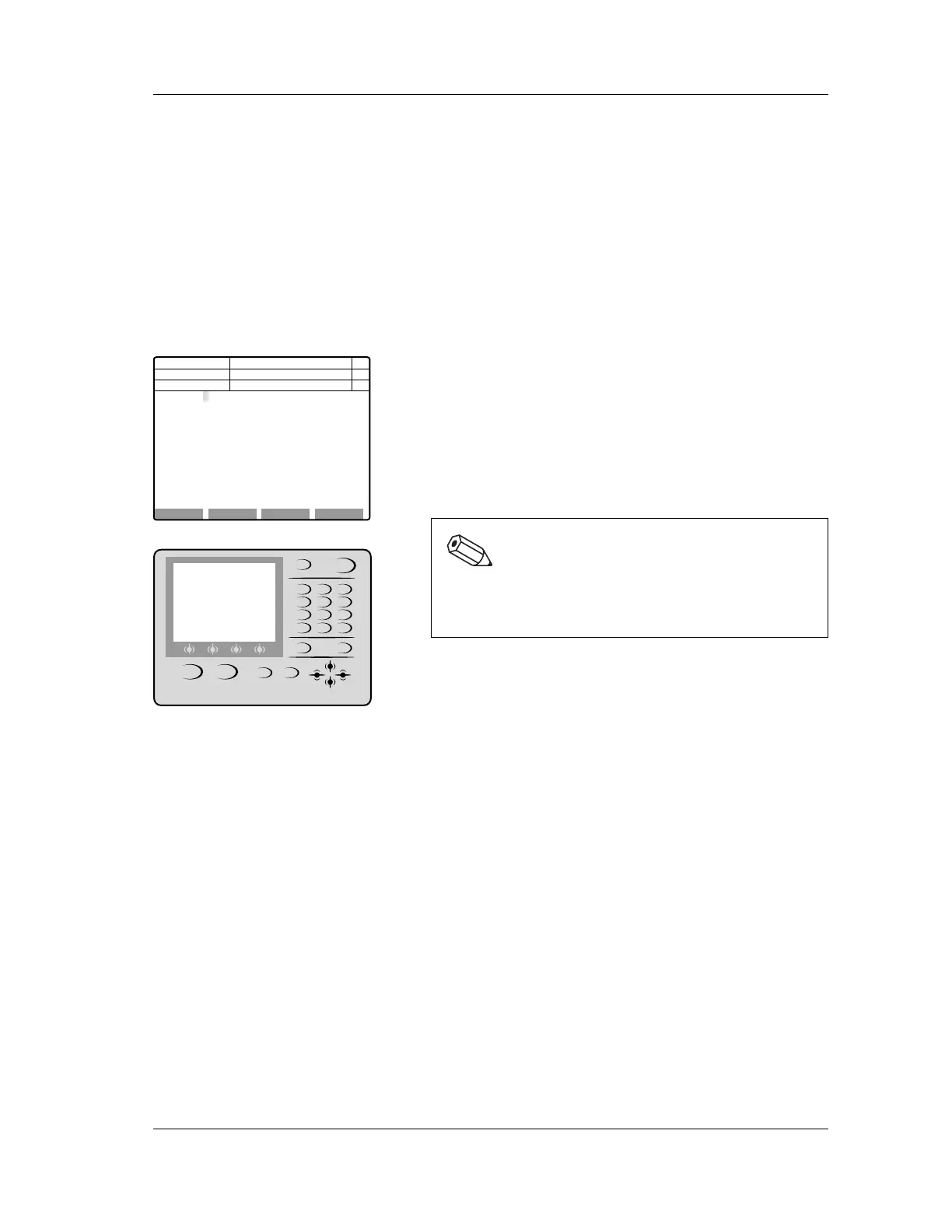
Various functions can be activated by selecting them from
menus on the panel keypad of the Main Unit.
On the LCD screen, the functions that are usable from each
menu are displayed on submenu. Information such as the
status of the instrument and the setting status of the next
sample to be analyzed is displayed at the top of the screen.
Main Menu
The function menu of the main menu is displayed on the
bottom of the main menu screen.
• If there are five or more function menus, press the MORE
key to display the remaining function menus.
• To select a function menu, press the corresponding
selection key below the LCD screen.
• To return to the main menu screen from another screen,
press the RETURN key.
Submenu selection
When an item on the main menu is selected, the submenu
available for that item is displayed.
The following methods can be selected, depending on the
submenu.
• When using a submenu of the function menu, press the
corresponding selection key below the LCD screen.
• If there is a submenu with a menu number, press the
number key for that menu number, or use the cursor keys to
select the menu.
Note:
To return to the main menu screen, depending on the
currently displayed screen, it may be necessary to
press the RETURN key several times.
Next No.123456789012346
DP No. 123456789012345
RBC 3.41 x10^6/uL
HGB 9.9 g/dL
HCT 31.3 %
MCV 91.8 fL
MCH 29.0 pg
MCHC 31.6 g/dL
PLT 191 x10^3/uL
RET% 38.7 %
RET# 0.1320 x10^6/uL
NRBC 1.29 x10^3/uL
WBC & 14.08 x10^3/uL
NEUT 10.37 73.6 %
LYMPH 2.19 15.6 %
MONO 1.38 9.8 %
EO 0.03 0.2 %
BASO 0.11 0.8 %
IG 0.05 0.6 %
HPC x10^3/uL
C D N R
POS ERR
PNo. 123456789012345 123456-01
Num
DP
Xm
Manual
Ready
QC AutoRinse Maint Reagent
SHUTDOWN HELP
SAMPLER
RETURN MORE
NUM./ALPH. ENTER
MANUAL
QZ
0 -/. C
PRS
1
TUV
2
WXY
3
GHI
4
JKL
5
MNO
6
7
ABC
8
DEF
9



 To Next Page