CHAPTER 6 Operation
6-10 Sysmex XE-5000 Instructions for Use
Revised July 2007
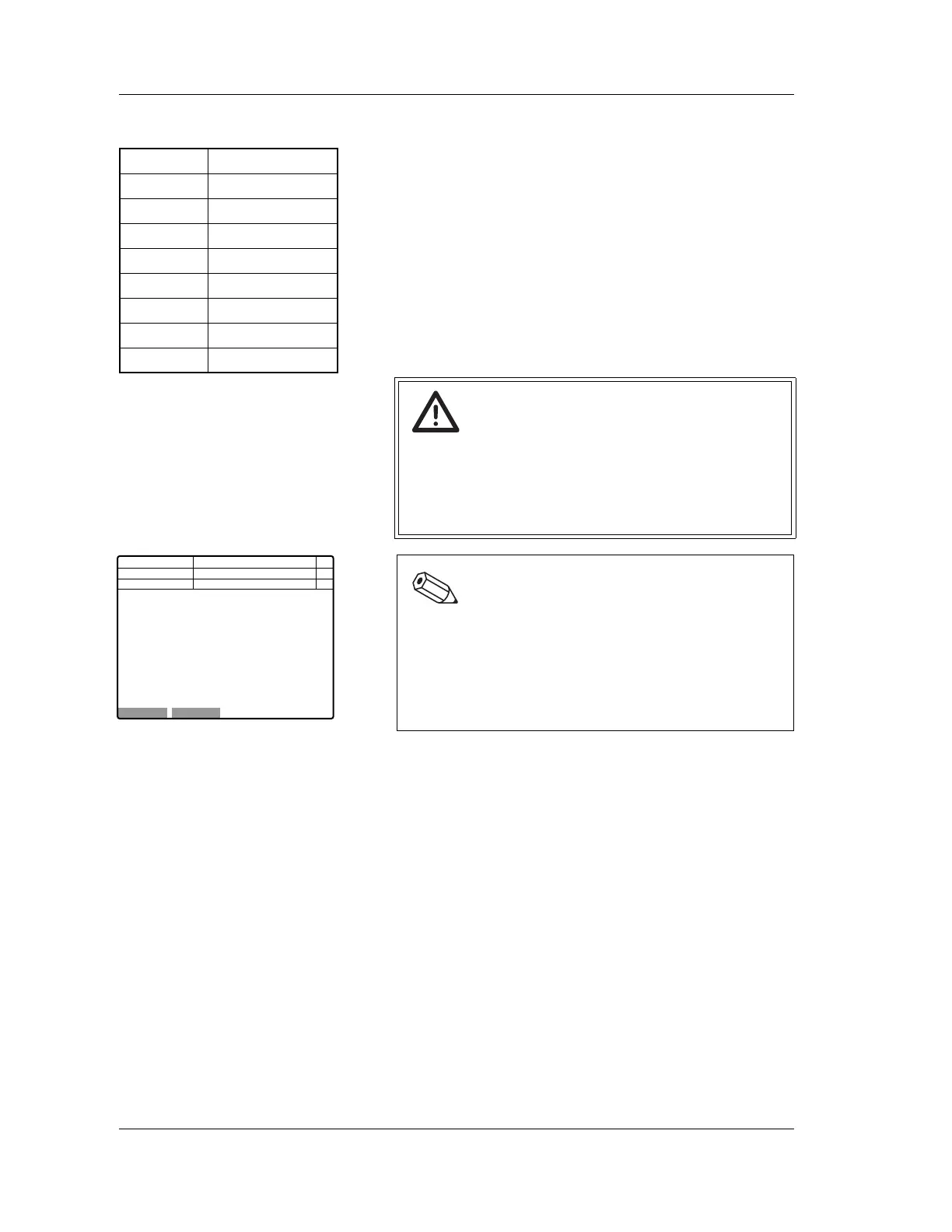
Background check
For the background check, the background check screen will
appear. Then, the background value is checked by repeating
the background check for up to 3 times. If the background
value is less than or equal to that shown in the table, the
background check is completed.
If the background value does not become lower than the
specified value, the message “Background Error” will be
displayed on completion of the background check.
The “+” mark will indicate on the background check screen for
the parameter which did not become lower than the specified
value.
In the case of a background error, select “Retry” on the
function menu of the Background Check screen to perform a
background check again. If the value is not lower than the
acceptable background value, “+” is displayed to the right of
the value. To resolve background error, see “Chapter 10:
Troubleshooting”.
Caution!
In the case of a background error, the analysis can be
performed by selecting “OK” on the function menu.
However, the measured values tend to be higher and
correct results may not be obtained for some analysis
parameters.
Note:
• When a background error occurs, the error
parameter will be displayed on the screen.
• The progress status of background check is
indicated with an asterisk.
• During the background check, “Background Check”
is displayed in the sample No. column.
WBC 0.10 [×10
3
/µL]
DIFF-WBC 0.20 [×10
3
/µL]
IMI-TOTAL 300
IMI# 5
NRBC-WBC 0.20 [×10
3
/µL]
RBC 0.02 [×10
6
/µL]
HGB 0.1 [g/dL]
PLT 5 [×10
3
/µL]
PLT-O 10 [×10
3
/µL]
OK
Retry
Not Ready
Maint
<Background Check>
Next No.123456789012346
DP No. 123456789012345
RBC 0 x10^6/uL
HGB 0 g/dL
PLT 0 x10^3/uL
PLT-O 0 x10^3/uL
WBC 0 x10^3/uL
DIFF-WBC 0 x10^3/uL
NRBC-WBC 0 x10^3/uL
IMI-Total 0
IMI# 0
C D N R
Num
DP
Xm



 To Next Page