CHAPTER 7 Quality control
Sysmex XE-5000 Instructions for Use 7-11
Revised April 2007
3. Input the name of the file that you wish to save.
4. Click “Save (S
)” to save all recorded lot information and
QC data under the input file name.
Click “Cancel” to cancel the save.
Load
Load QC data for review of previous stored QC-files.
1. Place the USB memory stick with the QC-files (*qcf into
the USB slot).
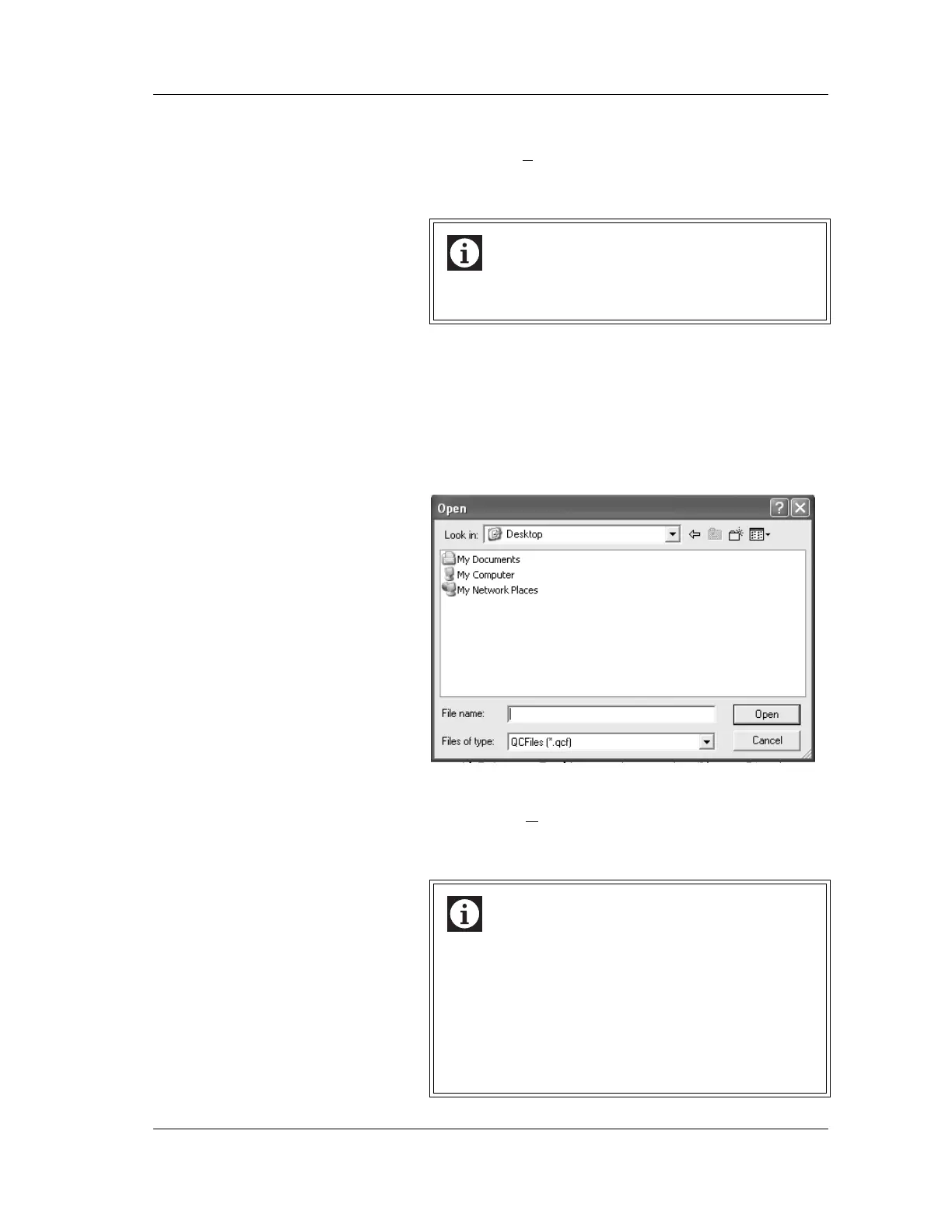
2. Click the “Load” button.
The Load dialog box will be displayed.
3. Select the name of the file that you wish to load.
4. Click “Open (O
)” to display the saved lot information and
QC data.
Click “Cancel” to cancel the load.
Information
The C drive is used for system programs. Use a drive
other than C for saving data.
Information
• When load is executed, previously stored QC data
are imported from memory stick and displayed
temporarily. When the QC chart screen is closed
then opened again, the current lot information and
QC data will reappear.
• When the load is executed, “Data loaded from a
saved file is being displayed” message will be
displayed on the QC chart screen.



 To Next Page