CHAPTER 7 Quality control
7-14 Sysmex XE-5000 Instructions for Use
Revised April 2007
Manual entry
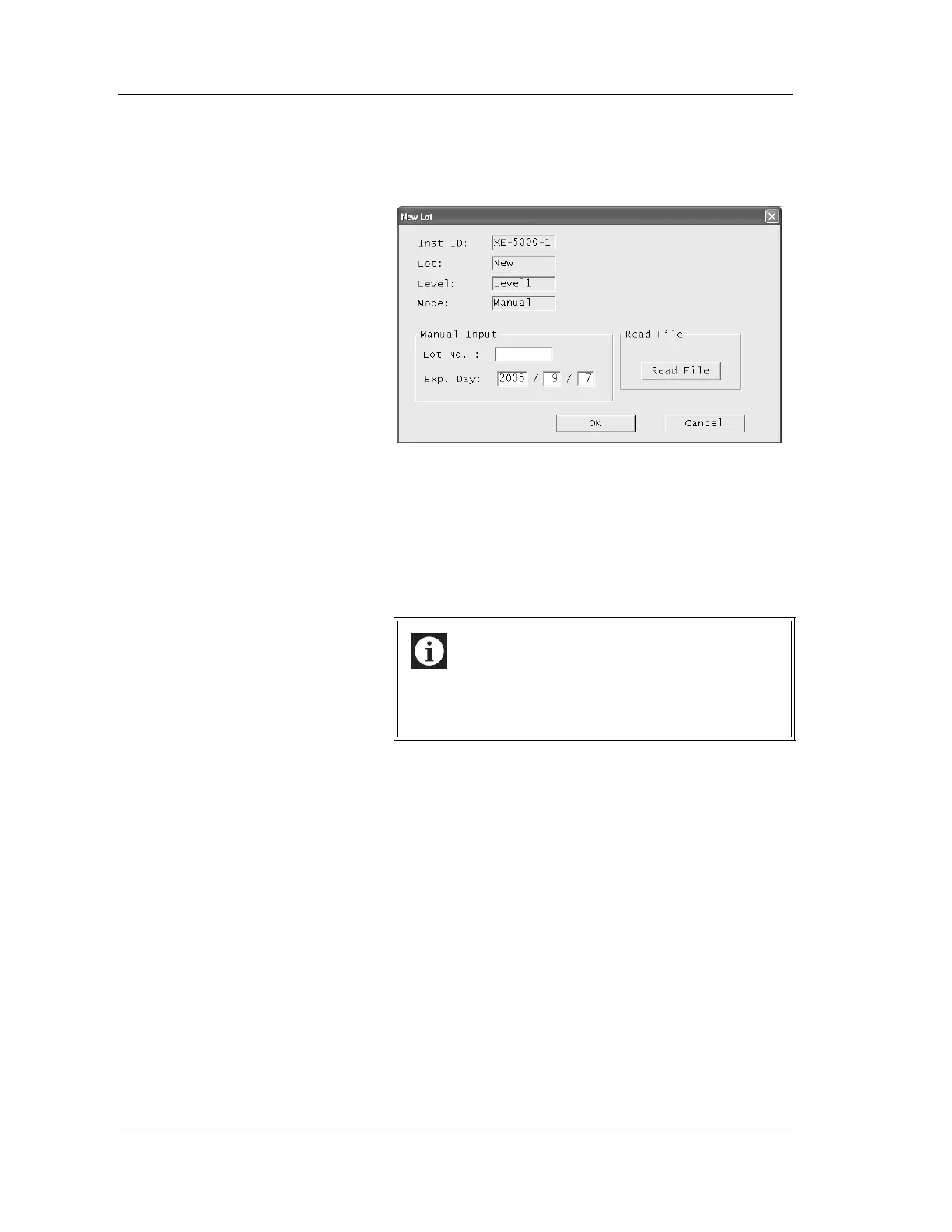
1. Click the “Lot No.” button.
The New Lot dialog box will be
displayed.
2. Input lot information.
Lot No.: Inputs the control blood lot number.
Exp. Day: Inputs the control blood expiry date.
3. Click “OK” to register the input lot information and close
the new lot dialog box.
Click “Cancel” to cancel the register and close the new
lot dialog box.
Read file
1. Insert the CD-ROM provided with the control blood into
the CD-ROM drive in the Information Processing Unit
(IPU).
2. Click the “Lot No.” button.
The new lot dialog box will be displayed.
Information
Do not register a same lot No. to multiple lots.
If a same lot No. is registered to multiple lots, data
may not be plotted to the target lot.



 To Next Page