CHAPTER 8 Calibration
Sysmex XE-5000 Instructions for Use 8-7
Revised April 2007
Executing the manual calibration program
1. From the Main Menu screen on the Main Unit, select
“Calibration” on the function menu.
The Calibration Menu screen will appear.
2. Select “Manual Cal.” on the function menu of the
Calibration Menu screen.
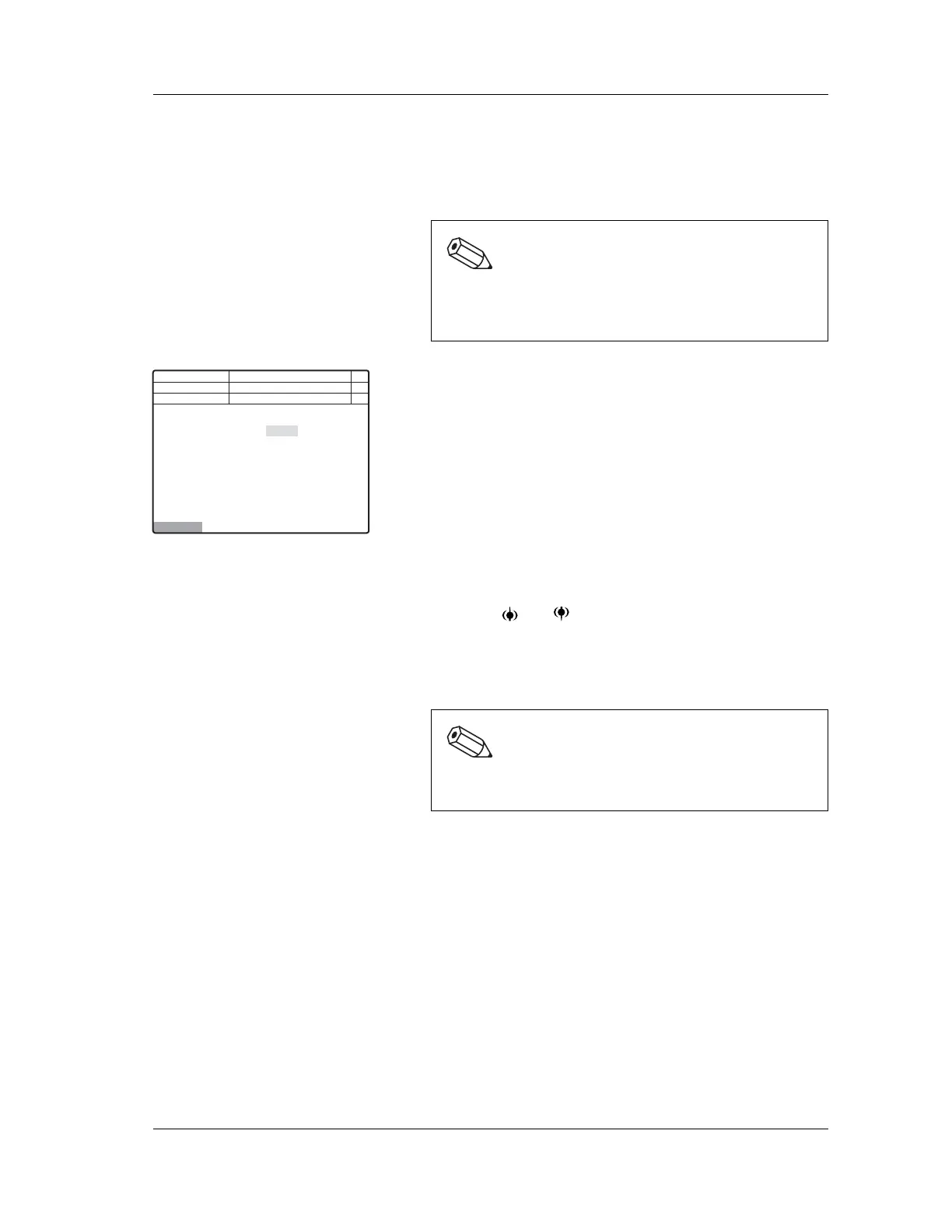
The Manual Calibration screen will appear.
Entering the calibration values
1. Using the and keys, move the cursor to select HGB
or HCT.
2. Using the numeric keys, enter the calibration value
obtained by calculation.
3. Press the ENTER key.
The entered value is set and the cursor will move to the
next parameter.
Note:
When the “Calibration” on the function menu is not
displayed on the Main Menu screen, press the MORE
key to change over the function menu.
Execute
Next No.123456789012346
DP No. 123456789012345
Manual
HGB
HCT
100.7%
100.0%
C
Not Ready
<Manual Cal.>
Num
DP
Xm
Note:
Input calibration values in the range 80.0 – 120.0 to
the first decimal place.



 To Next Page