CHAPTER 9 Cleaning and Maintenance
Sysmex XE-5000 Instructions for Use 9-37
Revised April 2007 EU
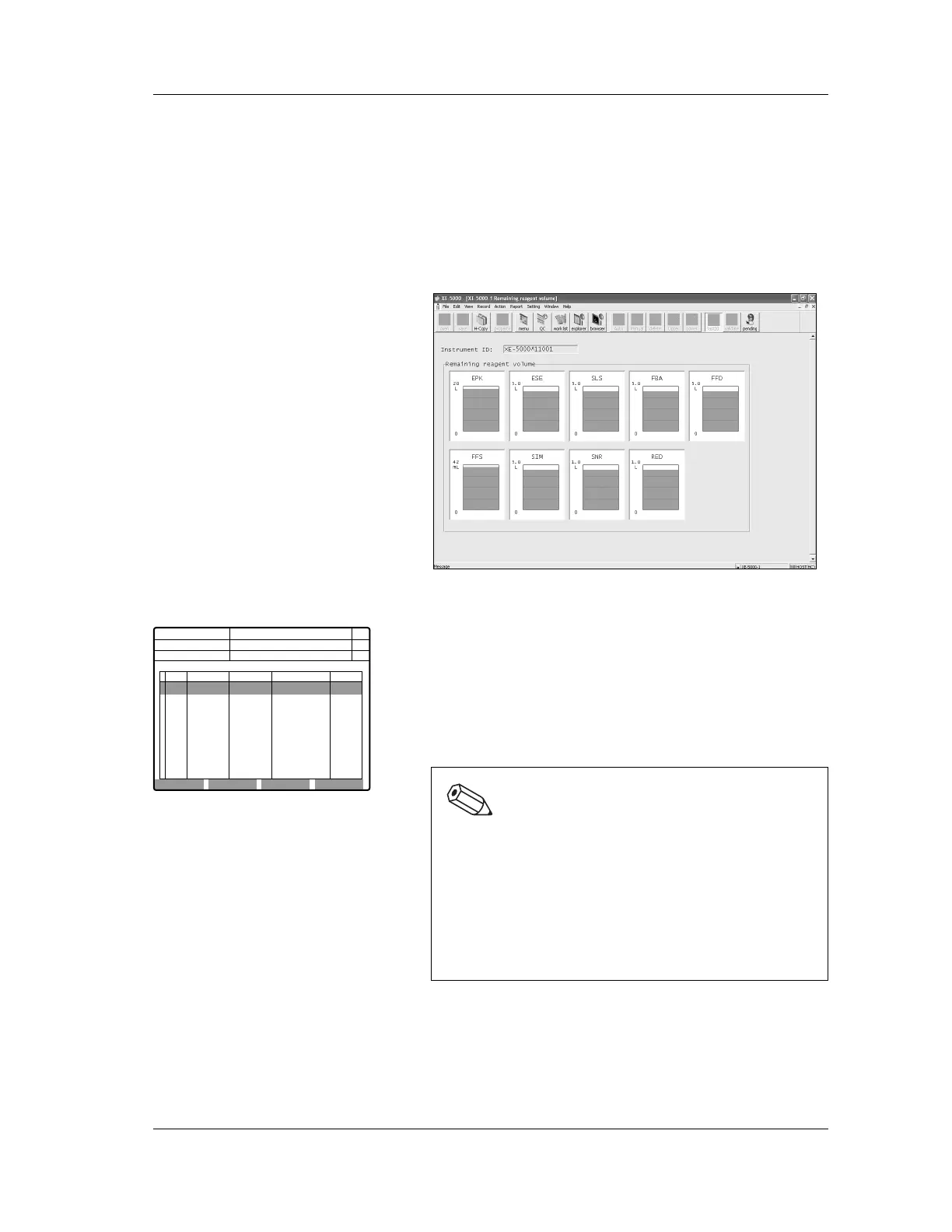
IPU remaining reagent volume function
The remaining reagent volume can be checked with the
Remaining reagent volume screen at the IPU.
1. Double-click the “Controller” icon on the menu screen.
The Controller menu appears.
2. Double-click the “Remaining reagent volume” icon on
the Controller menu.
The Remaining reagent volume screen appears.
Main Unit remaining reagent volume function
The remaining reagent volume can be checked with the
Remaining reagent volume screen at the Main Unit.
The display of remaining reagent volume appears on the
screen with the units shown below. The values are rounded
down to the nearest unit.
If a reagent has been used and the remaining reagent volume
is reduced, the display is reduced in the units shown below.
Note:
“0” (zero) is not displayed for the reagent
amounts.When the amount is reduced to less than the
smallest display unit, “<” is displayed.
No error occurs, even if the reagent amount becomes
0.
[Example of remaining reagent display]
For ESE
4.6→4.5→4.0→... →1.5→1.0→0.5→ <0.5
Next No.1
Replace EPK
DP No.
Num
DP
Xm
C D N R
Manual Replace
<Reagent setting>
Reag Replace Lot No. Exp.Date Amount
1
2
3
4
5
6
7
8
9
EPK
ESE
SLS
FBA
FFD
FFS
SIM
SNR
RED
A0029
ZA0005
ZA0006
ZA0007
ZA0008
ZA0009
ZA0011
ZA0015
ZA0016
2001/10/06
2001/11/10
2001/12/10
2001/11/15
2001/11/09
2001/12/23
2001/11/11
2001/11/01
2001/11/20
18L
4.6L
5.0L
5.0L
5.0L
42mL
5.0L
3.6L
1.0L
Replace
Manual
Not Ready
Execute Cancel



 To Next Page