CHAPTER 6 Operation
6-20 Sysmex XE-5000 Instructions for Use
Revised April 2007 EU
1. Rinse a diluent dispensing container (mayer, beaker, etc.)
with CELLPACK to remove dust, etc.
2. Dispense CELLPACK into the diluent dispensing
container.
3. Use a pipette (160 µL) to dispense 160 µL of CELLPACK
into a microtube.
4. Use a pipette (40 µL) to dispense 40 µL of blood into a
microtube.
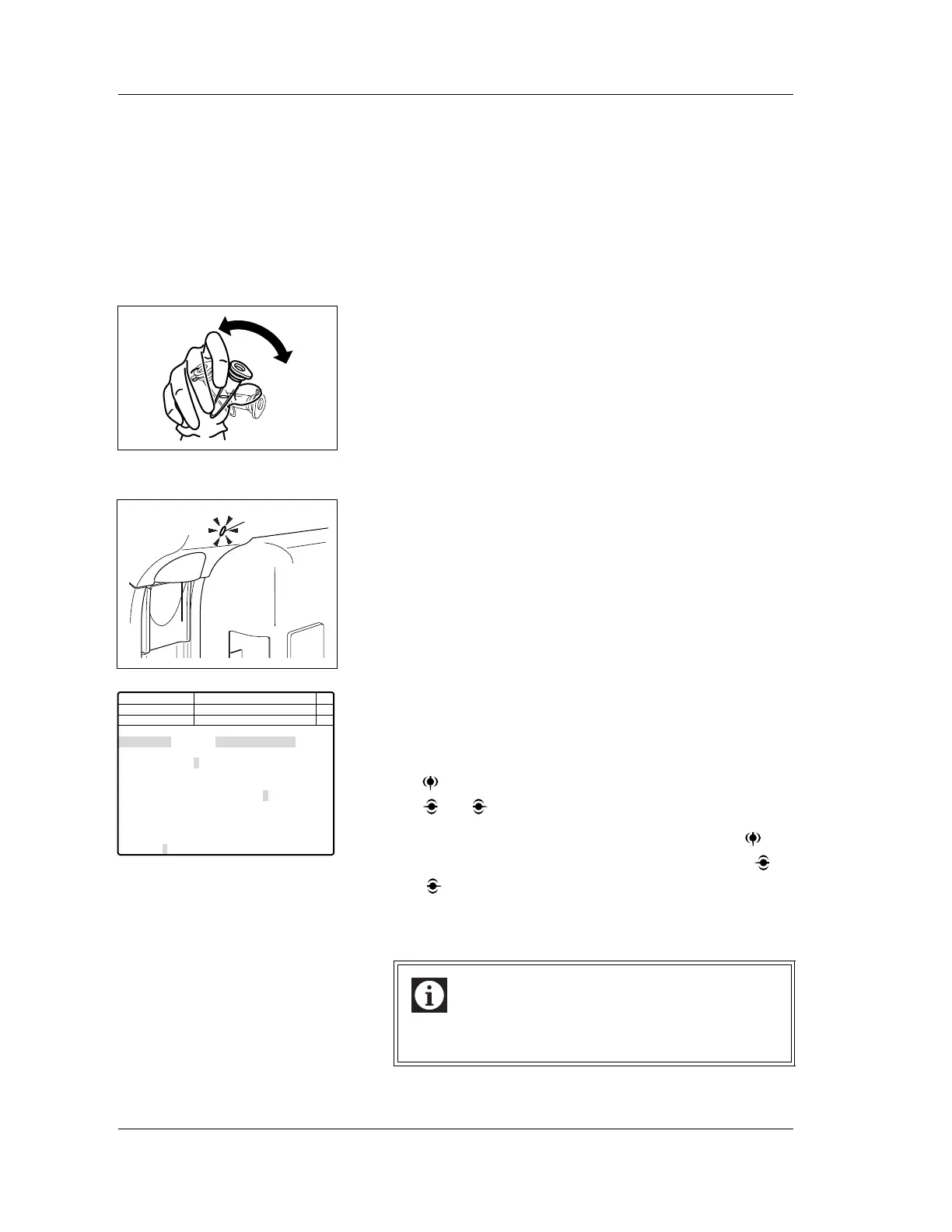
5. Cap and mix the microtube well.
Sample analysis
1. Make sure that the instrument is in READY status.
The READY LED should be lit.
2. Press the MANUAL key on the Main Unit panel keypad.
The Sample No. Setting screen will appear on the LCD.
3. Using the numeric keys, input the sample ID number. Or,
read the barcode using a handheld barcode scanner
(option).
4. When analysis mode is not set in capillary mode, press
the key and change the set item to “Mode”. Then using
the and keys to set the capillary mode.
5. Check the discrete setting, and if necessary, press key
to change the set item to “Discrete”. Then using the
and keys, set the discrete.
6. After all the settings are completed, press the ENTER key
to confirm.
Information
HPC analysis and body fluid analysis are not possible
in capillary mode.
READY LED
Next No.123456789012346
123456789012345
1 2 3 4 5
CBC CBC CBC CBC CBC
DIFF DIFF
NRBC NRBC NRBC
RET RET
Sample 1:Normal 2:HPC 3:Body Fluid
DP No. 123456789012345
C D N R
Num
DP
Xm
Capillary
Not Ready
<Select Mode and No.>
Sample No.
Mode
Discrete
Manual Capillary Closed
1 2 3



 To Next Page