CHAPTER 6 Operation
6-34 Sysmex XE-5000 Instructions for Use
Revised April 2007 EU
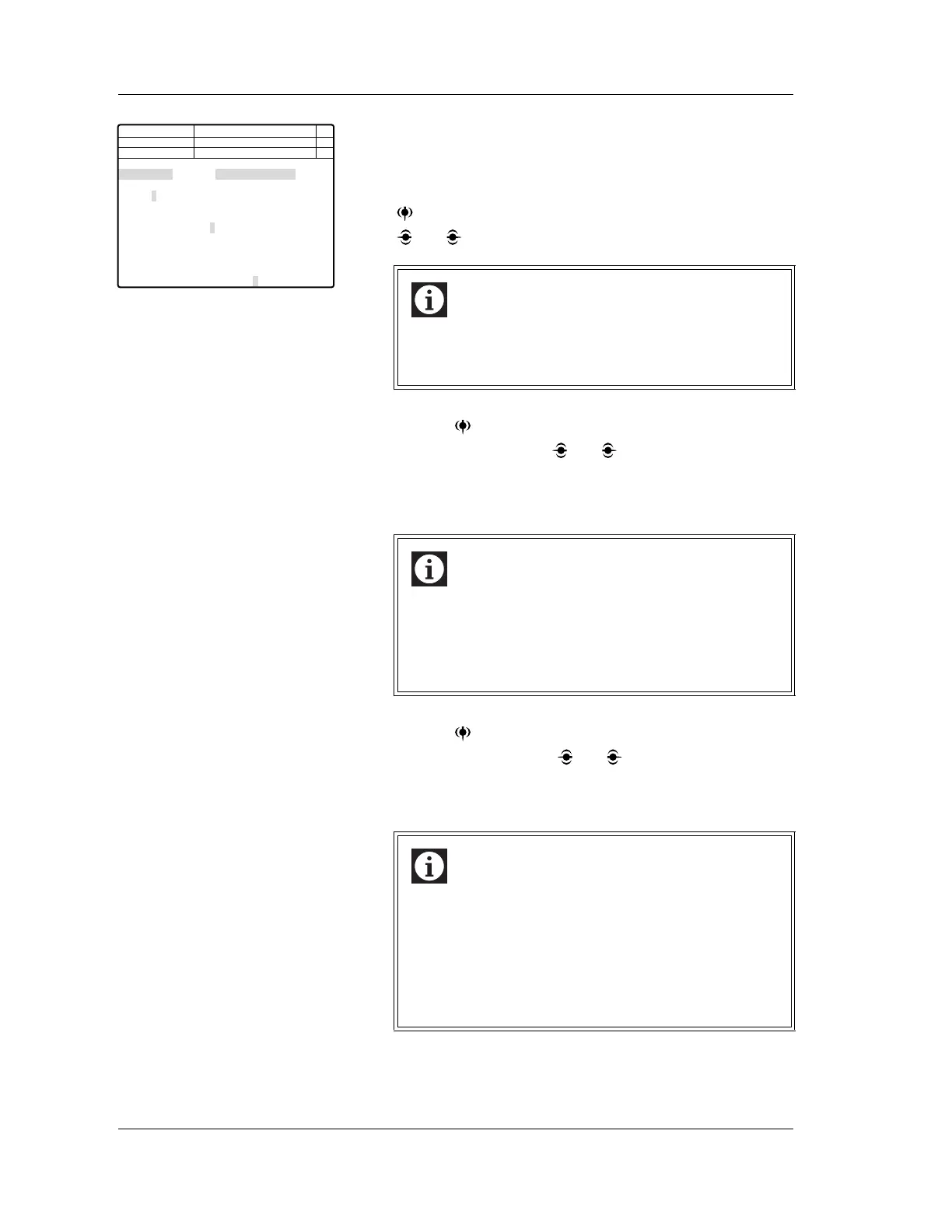
3. Using the numeric keys, input the sample ID number. Or,
read the barcode using a handheld barcode scanner
(option).
4. When analysis mode is not set in manual mode, press the
key and change the set item to “Mode.” Then using the
and keys, set the manual mode.
5. Use the key to change the setting parameter to
Discrete, then use the and keys to set to any of the
following.
4 CBC+DIFF+NRBC
5 CBC+DIFF+NRBC+RET
6. Use the key to change the setting parameter to
“Sample”, then use the and keys to set to Body fluid.
7. After all the settings are completed, press the ENTER key
to confirm.
Information
Body fluid analysis is only performed in manual mode.
It cannot be performed in sampler, capillary or manual
closed modes.
Information
• In body fluid analysis, the discrete setting must
include DIFF analysis.
• Whichever of the above discrete settings is chosen, it
will change to CBC+DIFF when the ENTER key is
pressed to confirm the input.
Information
When the ENTER key is pressed, the input sample
number is used as the order key to query the analysis
information from the work list, or from the host
computer. Patient information and sample comments
are acquired at that stage, but only the six parameters
of WBC-BF, RBC-BF, MN#, MN%, PMN# and PMN%
are analyzed, without reference to the analysis order.
Next No.123456789012346
123456789012345
1 2 3 4 5
CBC CBC CBC CBC CBC
DIFF DIFF
NRBC NRBC NRBC
RET RET
Sample 1:Normal 2:HPC 3:Body Fluid
DP No. 123456789012345
C D N R
Num
DP
Xm
Manual
Not Ready
<Select Mode and No.>
Mode
Discrete
Manual Capillary Closed
1 2 3
Sample No.



 To Next Page