Basic Features
90 The Phone System Tab
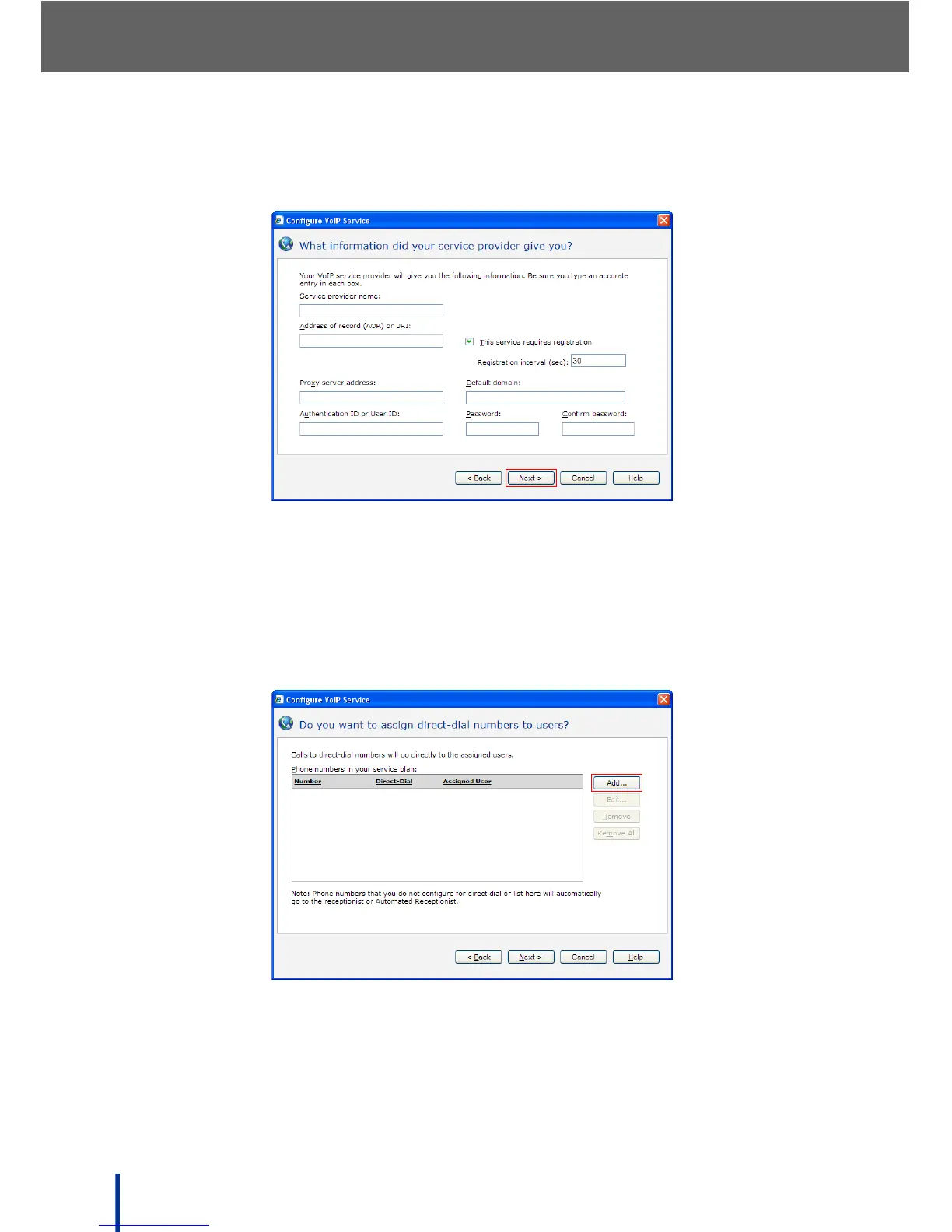
The What information did your service provider give you screen dis-
plays.
6. Enter the required information supplied by the service provider in the fields
provided and click Next.
N
OTE: Contact your service provider for more information.
The Do you want to assign direct-dial numbers to users screen dis-
plays.
Direct-Inward-Dial (DID) routes specific numbers directly to an internal
user, in a similar way to the Bypass Receptionist feature.



 To Next Page