Basic Features
The Phone System Tab 93
Dialing external numbers requires that a prefix is added to the number to
determine which voice service is used for the call.
12. Select the prefix to associate with VoIP service.
N
OTE: Selecting the prefix 9 for VoIP causes the default analog voice service to
change to prefix 8.
13. Click Finish.
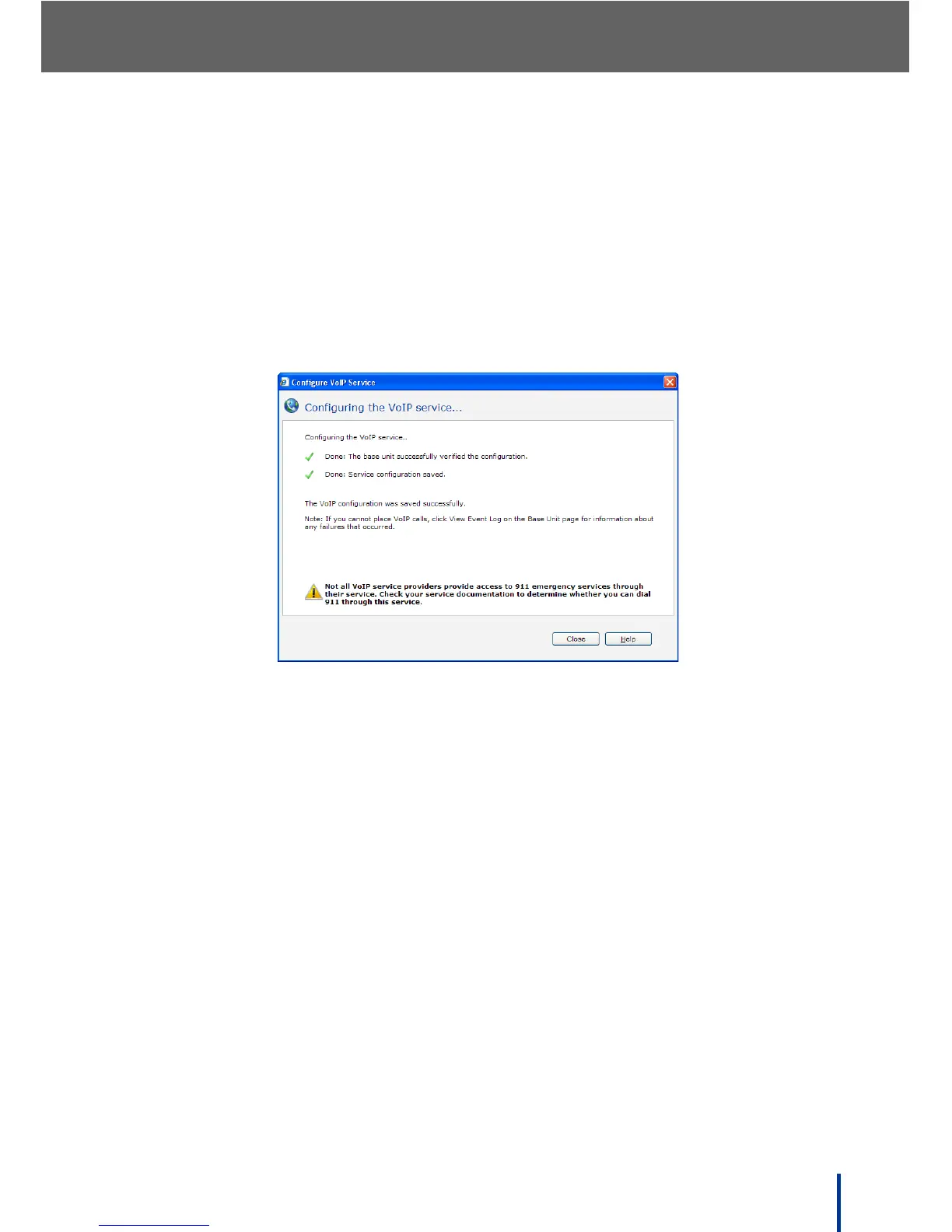
The Configuring the VoIP service screen displays.
14. Ensure all the green check marks appear as shown and click Close to
complete the VoIP voice service configuration.



 To Next Page