Basic Features
92 The Phone System Tab
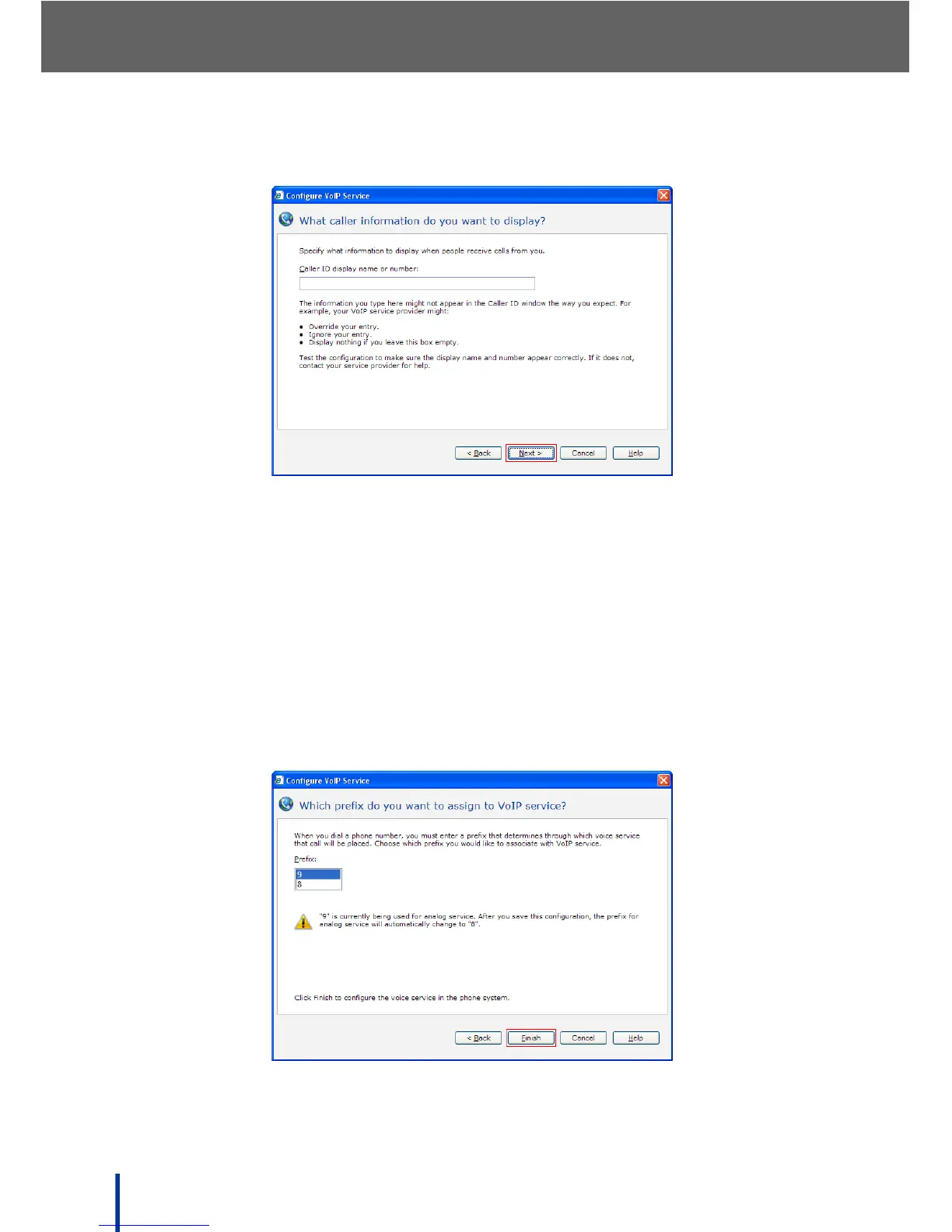
The What caller information do you want to display screen displays.
Enter the information displayed when people receive a call from the VoIP
voice service in the Caller ID display name or number field.
N
OTE: The information supplied may not appear as entered depending on your
VoIP service provider. Test the configuration to make sure the display
name and number appear correctly. Contact your service provider for
more information.
11. Click Next.
The Which prefix do you want to assign to VoIP service screen dis-
plays.



 To Next Page